Captions and subtitles · 7 min read · Updated April 28, 2026
AI Captions vs Subtitles: What Creators Should Use for Shorts, Recaps, and Long-Form Repurposing
If you have ever cleaned up auto-caption text at midnight, you already know the annoying truth: the difference between AI captions vs subtitles is not just a dictionary problem.
By Noah Patel (Captions, Subtitles & Readability Research). Target length: 1,420 words imported draft.
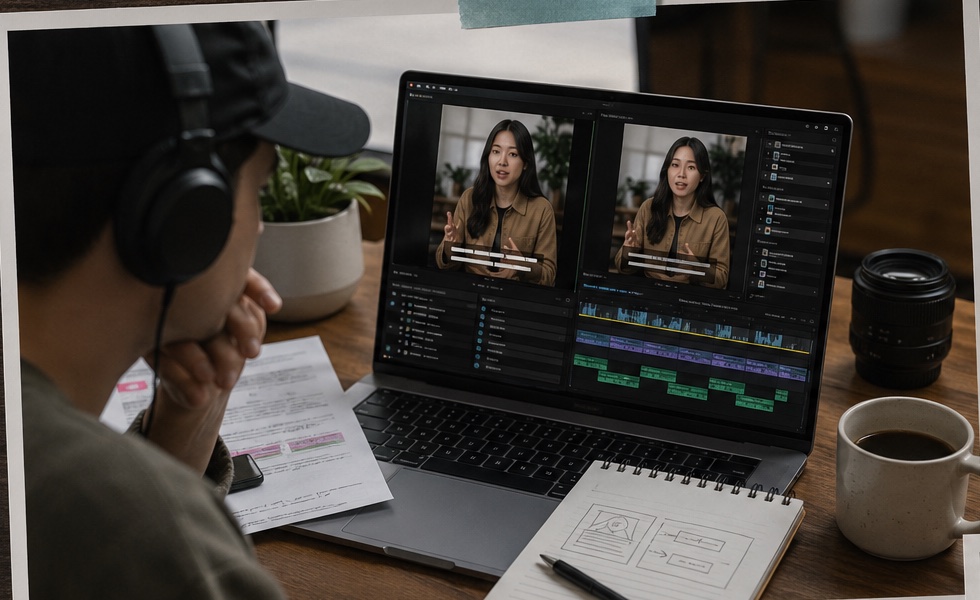
Key takeaways
- Primary keyword: ai captions vs subtitles.
- Best for creators and teams repurposing long videos into short-form assets.
- Next step: Generate captions with Recapo.
AI captions vs subtitles: the real production difference
| Format | What it usually includes | Best use case | Where it can go wrong | | --- | --- | --- | --- | | Captions | Dialogue, speaker context, and sound cues such as music, laughter, applause, or effects | Accessibility, silent-feed viewing, Shorts, Reels, TikTok, webinars, recaps | Can feel cluttered if every sound cue is shown | | Subtitles | Spoken words, often translated or localized | Language support, clean dialogue reading, international publishing | Usually misses non-verbal context | | AI video captions | Automatically generated timed text from speech and scene cues | Faster short-form production and batch repurposing | Timing, line breaks, and story context still need review | The industry distinction matters because accessibility standards treat captions as more than transcription. Captions are supposed to carry meaningful audio information for viewers who cannot hear the source clearly. Subtitles are usually about language comprehension. > Source note to add before publishing: cite an official accessibility reference such as W3C WAI media accessibility guidance, FCC closed caption quality guidance, or WebVTT documentation for timed text terminology.
Why generic AI captions often disappoint creators
Most **AI video captions** tools are good at the easy part: turning clear speech into words. The harder part is making those words useful inside a short video. In actual production, the weak spots tend to repeat: That last one is the trap. A caption can be correct and still feel wrong. For example, a podcast guest might say, "That is when the whole launch went sideways." A generic tool may caption it cleanly, but if the clip begins three seconds too late, the viewer never learns what "that" refers to. The caption did its job. The edit did not.
- Lines break in the wrong place, so the joke or payoff lands early.
- Captions cover a face, product demo, or key visual.
- Speaker labels disappear in multi-person clips.
- A clip starts mid-thought because the tool found a transcript highlight but missed the setup.
- The text is technically accurate but too stiff for the creator's voice.
When subtitles are enough
Use an **AI subtitle generator** when the job is narrow and clean: This is common for training videos, product walkthroughs, interviews, and educational clips. A lightweight subtitle workflow can be faster and cheaper than a full AI editing system. There is no need to overbuy software for a simple job. If the video already works and only needs readable dialogue, subtitles may be the right answer.
- You already have the final edit.
- The source audio is clear.
- You only need spoken words on screen.
- Translation or localization is the main goal.
- The visual layout is simple enough that subtitles will not cover important details.
When captions are the better fit
Captions make more sense when the viewer needs context beyond speech. Think sound-off social feeds, chaotic livestream clips, sports moments, reaction videos, or movie recaps where sound cues and speaker shifts change the meaning. As practitioners, we pay close attention to three details: Subsection: Readability before decoration Caption style matters, but readability matters more. Big fonts, high contrast, clean line breaks, and enough screen time beat flashy animation. A beautiful caption that disappears too quickly is not helpful. Subsection: Context before exact wording Short-form viewers do not have the full source video in their head. Captions should support the hook, the setup, and the payoff. Sometimes that means tightening filler words instead of dumping the raw transcript onto the screen. Subsection: Review before scale AI captions can speed up a batch workflow, but publishing without human review is risky. Names, technical terms, slang, and background noise still trip systems up.
Where Recapo fits in the captions vs subtitles decision
Recapo is not positioned as a basic subtitle overlay tool. It is stronger when the source is a long video that needs to become a structured short, recap, commentary cut, or batch of social clips. The workflow can start with uploaded footage, analyze scenes and narrative beats, generate a script draft, build synced subtitles or captions, support voiceover, and export short-form versions. That is a different job from "transcribe this file." The practical difference is this: That does not make Recapo the best answer for every creator. It is not the tool I would reach for if I wanted hand-made kinetic typography, meme edits, or frame-by-frame motion design. It is better when narrative understanding and repeatable output matter more than tiny visual flourishes.
- A subtitle tool adds text to an edit.
- A caption tool improves comprehension inside an edit.
- Recapo helps reshape long-form footage into a publishable short where text, script, pacing, and export stay connected.
A creator-friendly decision guide
Use **subtitles** when the video is already finished and your main need is dialogue clarity. Use **captions** when silent viewing, accessibility, speaker context, or sound cues matter. Use a broader workflow like **Recapo** when the real task is long-video repurposing: finding the right moment, rewriting the clip for short-form viewing, syncing text, adding voiceover, and exporting multiple versions. This is the point many teams miss. They search for **ai captions vs subtitles**, but the bottleneck is often not captions at all. It is clip selection and story compression.
Recapo vs common tool categories
| Tool category | Strongest job | Limitation to keep in mind | | --- | --- | --- | | Manual editors such as CapCut | Hands-on polish, effects, creator-style finishing | Slower when you need to rebuild many long videos | | Transcript-first editors such as Descript | Text-based editing and podcast cleanup | Less focused on visual story restructuring | | AI clipping tools such as OpusClip | Quick talking-head highlights | Can miss narrative context in recaps, sports, gaming, or commentary | | Recapo | Long-video understanding, script, captions, voiceover, batch outputs | Still benefits from human review for tone, facts, and final pacing |
So, which one should you use?
If you only need words synced to speech, a focused **AI subtitle generator** can do the job. If you need viewers to understand a clip with the sound off, use captions and review the line breaks carefully. If your actual problem is bigger - turning long footage into short videos that feel complete - captions are only one part of the system. That is where Recapo is a stronger fit: not because it magically removes human judgment, but because it reduces the slow handoff between script, edit, captions, voiceover, and export. Creators do not lose time because subtitles exist. They lose time because every small fix lives in a different tool.
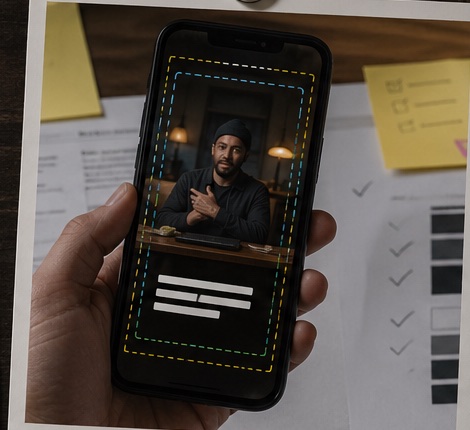
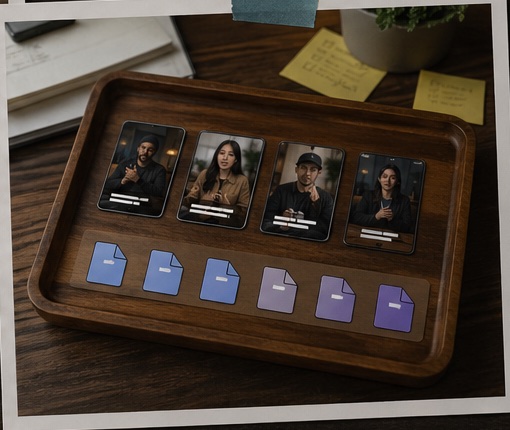
Workflow visuals
FAQ
Frequently asked questions.
Quick answers that connect this guide back to Recapo workflows, exports, and creator use cases.
Are AI captions and subtitles the same thing?
No. Captions usually include dialogue plus meaningful sound cues. Subtitles usually focus on spoken language or translation.
Are captions better for YouTube Shorts?
Often, yes. Shorts are frequently watched in fast, distracted sessions, and captions can help viewers understand the clip without relying on audio. Always check YouTube's current Shorts and caption guidance before publishing. > Source note to add: YouTube Help documentation on Shorts creation and caption/subtitle settings.
Can Recapo generate AI video captions automatically?
Yes. Recapo can generate subtitle-ready text and synced captions as part of a broader long-video-to-short-form workflow.
What should creators still check manually?
Names, technical terms, translations, line breaks, speaker changes, and any caption that covers an important visual. AI helps, but it should not be the final proofreader.
When is Recapo not the right fit?
If the project is mostly meme editing, heavy VFX, or frame-level subtitle animation, a manual editor will usually feel better. Recapo is strongest when the source video is long and the output needs structure.
Related Recapo workflows
- AI Video Caption Generator for Shorts, Reels, and TikTok
- Generate Video Subtitles with AI
- Turn Long Videos into Short Videos with AI
- Movie Recap Generator for Commentary-Style Videos
- Webinar to Short Clips with AI: A Practical Repurposing Workflow for Marketing Teams
- Podcast to YouTube Shorts: An AI Workflow That Keeps the Story Intact
- AI Clip Selection for Long-Form Video Highlights: How to Find Moments Worth Publishing