Faceless video workflow · 8 min read · Updated April 28, 2026
Faceless Short Videos from Existing Content: A Workflow That Does Not Start from Zero
A grounded faceless video workflow for creators who already have webinars, livestreams, courses, interviews, or commentary footage to repurpose.
By Grace Turner (AI Voiceover & Narration Workflow Research). Target length: 1,555 words imported draft.

Key takeaways
- Primary keyword: faceless short videos.
- Best for creators and teams repurposing long videos into short-form assets.
- Next step: Create faceless clips with Recapo.
What are faceless short videos?
**Faceless short videos** are short-form clips published without the creator appearing on camera. They often use existing footage, commentary, captions, AI voiceover, key visuals, screen recordings, highlights, or recap structure to deliver a point quickly. Common sources include: - podcasts and interviews; - webinars and courses; - livestreams and VODs; - sports or gaming footage; - commentary material; - licensed or owned long-form video; - product demos and tutorial recordings. Faceless does not mean low-effort. In many formats, it demands tighter structure because the viewer has less human presence to hold onto.
Quick answer: which tool fits a faceless video workflow?
Use Recapo when your faceless workflow starts with existing long-form content and needs script, clip structure, subtitles, voiceover, and export in one path. Use a manual editor when your video depends on trend timing, visual jokes, effects, or very specific brand polish. | Tool | Best for | Where Recapo differs | | --- | --- | --- | | Recapo | Faceless short videos from existing content, recap workflows, batch outputs | Rebuilds story structure and prepares script, clips, subtitles, TTS, and exports | | CapCut | Manual polish, trend edits, template-based short videos | Better for hands-on finishing, less focused on long-source reconstruction | | Opus Clip | Podcast and talking-head highlight extraction | Useful for highlights, less focused on full narrative rebuilds | | Descript | Transcript-based editing and spoken-word cleanup | Strong when text is the main editing surface | Speaking plainly: if you want a polished meme edit, Recapo is not the first pick. If you want a repeatable **faceless video workflow** from existing content, it is much closer to the job.
Why faceless videos need more than clipping
The weak version of faceless content is easy to recognize: random footage, stiff narration, crowded captions, and a hook that explains nothing. It may be technically vertical and technically short. It still feels empty. The stronger version solves three problems: - **Context:** the viewer knows what is happening quickly. - **Continuity:** each scene leads to the next without feeling stitched together. - **Voice:** the narration or captions sound like a real channel, not a generic script. This is where Recapo's workflow can help. It is designed to move from source analysis to clip plan, draft script, subtitle sync, TTS voiceover, and export. The point is not to remove human taste. The point is to stop rebuilding the same structure by hand every time.
How Recapo works for AI faceless video clips
### Upload existing content Start with a long video, webinar, livestream, episode, match, course, or owned source file. The better the source, the better the draft. If the original audio is messy or the rights are unclear, fix that before you scale production. ### Let AI identify structure and key moments Recapo is designed around narrative understanding. For **AI faceless video clips**, this matters because a clip needs to survive without a host on screen. The tool helps find moments with setup, tension, useful visuals, or payoff. In practice, I would still review the chosen moments before export. AI may choose a scene that looks important but needs one extra sentence of setup. That extra sentence can be the difference between a confusing clip and a publishable one. ### Generate script, subtitles, and voiceover Faceless clips often depend on narration. Recapo can generate a draft script, subtitles, and TTS voiceover so the team reviews a complete draft instead of separate pieces. The pitfall is tone. AI narration can sound polished but bland. Read the first two lines aloud. If you would not say them to a viewer, rewrite them. ### Export versions for testing For faceless YouTube Shorts, Reels, TikToks, and other vertical formats, variants matter. You may want one version focused on suspense, another on explanation, and another on a fast payoff. Recapo can help prepare that batch, depending on the workflow and plan. Do not publish every variant just because it exists. Keep the one with the clearest viewer promise.
Workflow example: webinar to faceless YouTube Shorts
**Input:** a 42-minute webinar recording. **Recapo flow:** identify the strongest teaching moments, draft a tighter script, extract useful visual anchors, generate subtitles, and add TTS voiceover. **Human review:** check whether the takeaway is clear without watching the full webinar, rewrite formal narration, remove cluttered captions, and confirm the first three seconds carry the hook. **Output:** several **faceless YouTube Shorts** built from the same source, each focused on a different lesson or hook. YouTube currently allows Shorts uploaded from desktop to be square or vertical and up to three minutes, according to YouTube Help. That does not mean every Short should be three minutes. For faceless content, shorter often forces better setup.
Workflow example: livestream replay to faceless clips
**Input:** a long livestream, commentary session, or VOD. **Recapo flow:** find high-retention moments, compress the narrative, select relevant frames, sync captions, and prepare alternate versions. **Human review:** confirm the clip does not misrepresent the speaker, clean up pacing, check audio peaks, and make sure the captions do not hide important UI or faces. **Output:** short recap clips for YouTube Shorts, TikTok, Reels, or channel testing. TikTok's in-feed ad specs recommend vertical 9:16 creative for Non-Spark ads. Even for organic posts, that is a useful production habit because most faceless clips are consumed full-screen on mobile.
Where Recapo is strongest
Recapo is a strong fit for: - movie recap and commentary formats; - long-video-to-short-video repurposing; - educational clips from webinars or courses; - sports, gaming, vlog, and livestream highlights; - short-drama promo cuts; - batch short-form production from existing content libraries. It also helps when one person is doing the work of a small production team.
The honest limitations
Faceless content has two trust risks. The first is rights. Existing content still needs permission, licensing, or fair-use analysis where applicable. AI cannot solve that for you. The second is voice. If every script sounds generic, viewers feel it. Recapo can create the structure, script, subtitles, voiceover, and first cut, but many channels should still rewrite the narration to match their personality. Accessibility is worth mentioning too. W3C's caption guidance treats captions as synchronized alternatives for speech and important non-speech audio. For faceless videos, captions often carry the entire viewing experience, so they should be accurate and not block important visuals.
The practical next move
If your current faceless workflow involves too many tools, too much rewriting, and too much manual rearranging, start by testing one long source. Generate a few drafts, rewrite only the opening lines, and compare how much time the team spends getting to a reviewable cut. That test will tell you more than any feature list.
References and standards checked
- [YouTube Help: Upload YouTube Shorts from a computer](https://support.google.com/youtube/answer/12779649?co=GENIE.Platform%3DDesktop&hl=en-EN) - [TikTok Ads Manager: Auction In-Feed Ads specifications](https://ads.tiktok.com/help/article/tiktok-auction-in-feed-ads?lang=en) - [W3C WAI: Understanding WCAG 2.2 Success Criterion 1.2.2 Captions](https://www.w3.org/WAI/WCAG22/Understanding/captions-prerecorded.html) - [Google Search Central: Creating helpful, reliable, people-first content](https://developers.google.com/search/docs/fundamentals/creating-helpful-content)
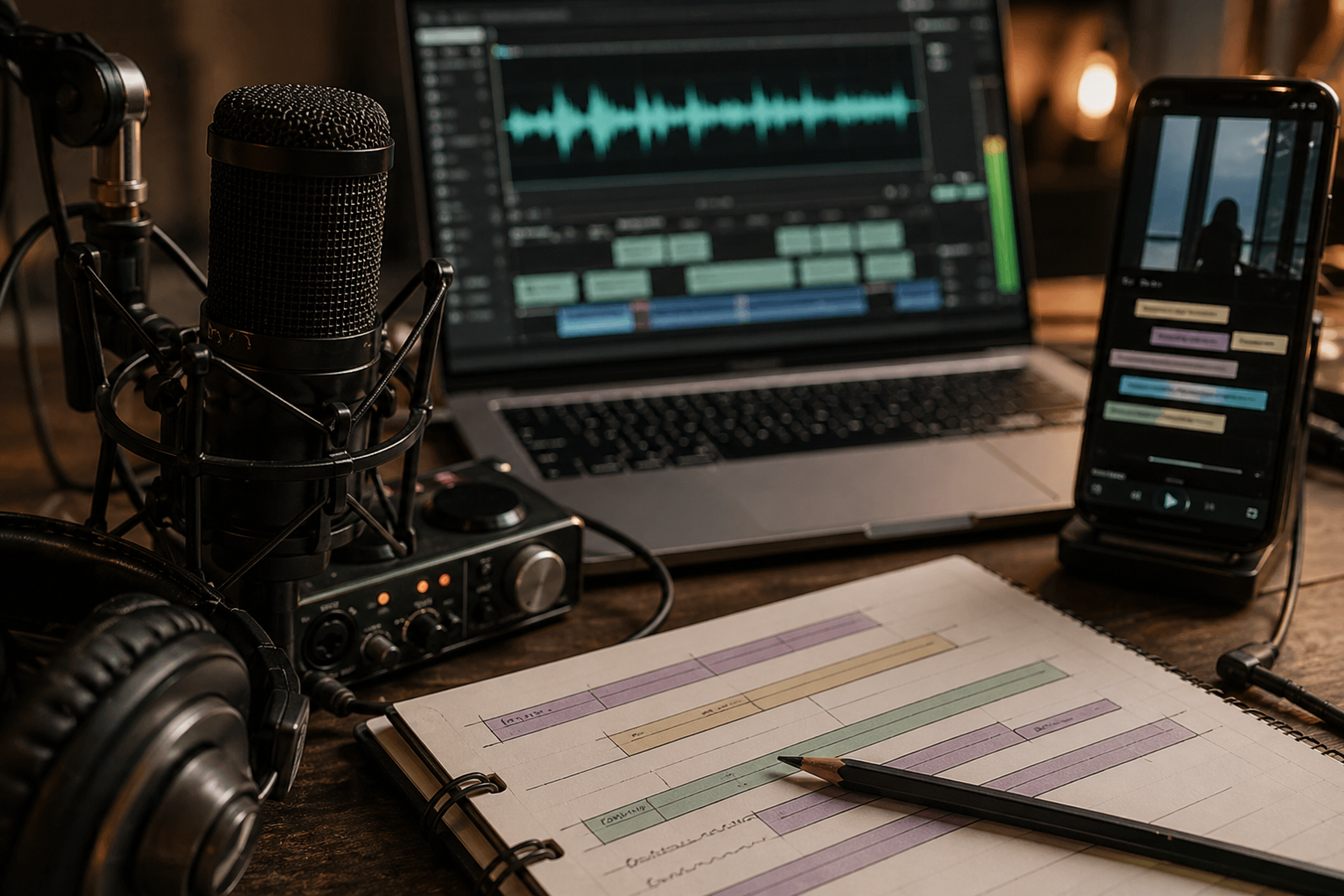
Workflow visuals

FAQ
Frequently asked questions.
Quick answers that connect this guide back to Recapo workflows, exports, and creator use cases.
Can Recapo make faceless short videos from my existing content?
Yes. That is one of its clearest use cases: turning long-form material into short outputs with script, clip assembly, captions, voiceover, and export in one workflow.
Is this good for faceless YouTube Shorts?
Yes, especially when you are repurposing webinars, interviews, livestreams, commentary, or other longer assets into concise vertical shorts.
Is Recapo better than a manual editor for every use case?
No. CapCut or another manual editor is better for fine-tuning, trend edits, effects, and hands-on creative control. Recapo is better when the problem is workflow compression and story-led restructuring.
What makes Recapo different from generic clipping tools?
Recapo focuses on narrative structure. It is not just trimming moments that look active. It helps rebuild the content so the short clip still has context and payoff.
Do I need strong hardware to use it?
No. Recapo uses cloud rendering, so the workflow runs in the browser without requiring a heavy local editing setup.
Related Recapo workflows
- Create Faceless Videos with AI for Shorts, Reels, and TikTok
- Generate Video Voiceovers with AI
- Generate Video Subtitles with AI
- Turn Long Videos into Short Videos with AI
- AI Captions vs Subtitles: What Creators Should Use for Shorts, Recaps, and Long-Form Repurposing
- Webinar to Short Clips with AI: A Practical Repurposing Workflow for Marketing Teams
- Podcast to YouTube Shorts: An AI Workflow That Keeps the Story Intact