AI video tool comparison · 7 min read · Updated April 28, 2026
Opus Clip vs Manual Editing: Which Workflow Is Better for Long Videos?
A practical comparison of Opus Clip, manual editing, and Recapo for teams turning long videos into short-form clips without losing context.
By Ryan Cooper (AI Video Tool Comparison & Alternatives Research). Target length: 1,330 words imported draft.
Key takeaways
- Primary keyword: Opus Clip vs manual editing.
- Best for creators and teams repurposing long videos into short-form assets.
- Next step: Compare Recapo for long-video editing.
Quick verdict: Opus Clip, manual editing, or Recapo?
For talking-head highlights and podcast snippets, Opus Clip is often a sensible starting point. For frame-level craft, manual editing still wins. For long-form narrative material where the job includes script structure, subtitles, voiceover, and multi-version output, **Recapo is the stronger workflow fit**. | Workflow | Best fit | Watch out for | | --- | --- | --- | | Opus Clip | Podcast clips, interviews, talking-head highlights, fast social repurposing | Less suitable when the source needs story restructuring rather than moment extraction | | Manual editing | High-polish brand videos, meme timing, motion graphics, frame-level control | Slow when every clip needs a fresh script, captions, voiceover, and export setup | | Recapo | Long-video-to-short-video workflows, movie recaps, commentary, sports highlights, batch short-form output | Still needs human review for tone, legal clearance, and final taste | The honest answer: none of these replaces the others completely. The right choice depends on where your bottleneck sits.
What are you really comparing?
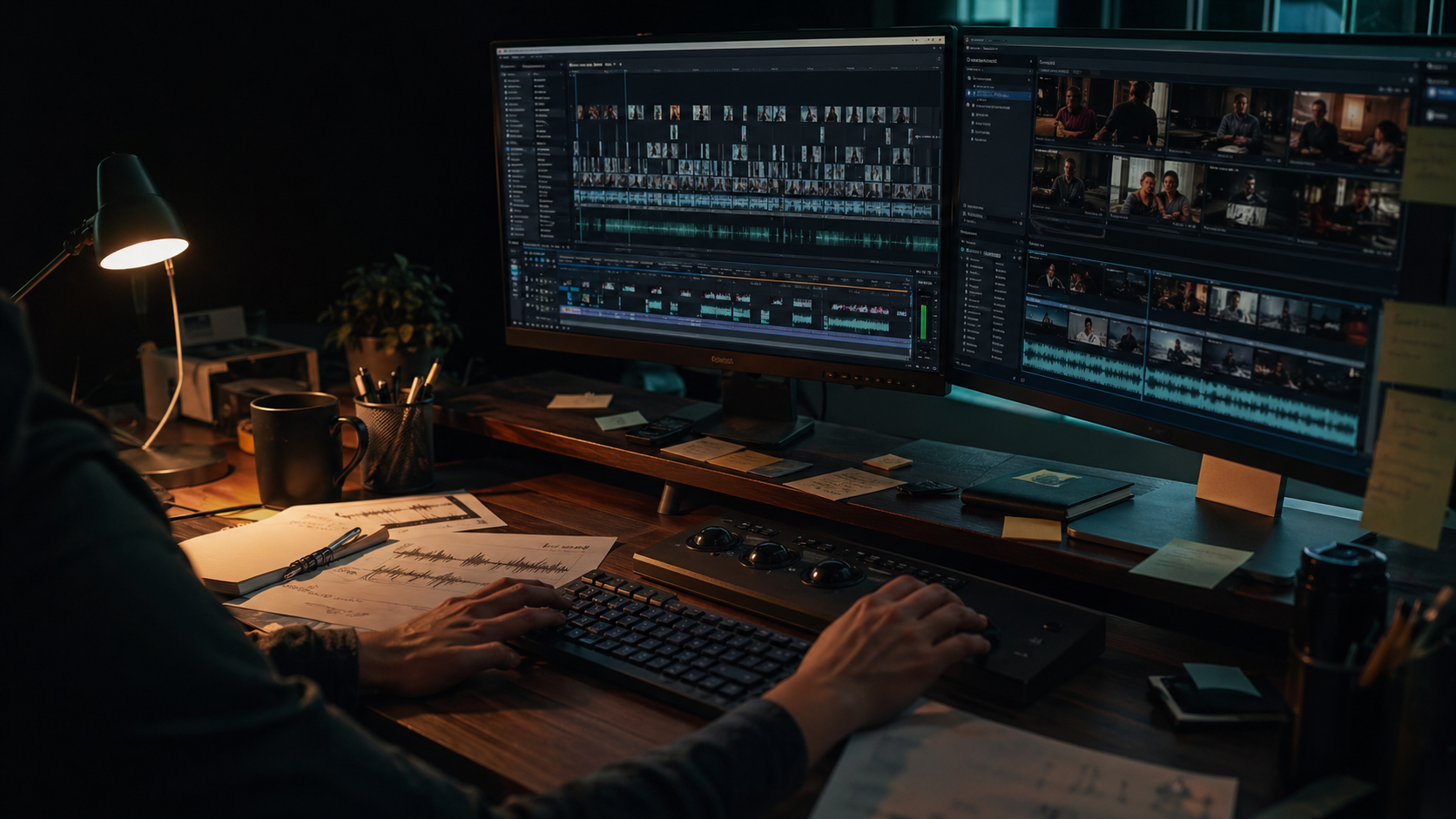
Most **manual video editing vs AI** articles treat speed as the only metric. That is too thin. In actual production, there are at least three different jobs hiding inside "editing": - Selection: finding the moments worth turning into clips. - Reconstruction: making those moments understandable without the full original. - Finishing: tightening pacing, captions, audio, branding, and export details. Opus Clip is useful when the selection problem is the main problem. Manual editing is strongest when finishing quality is the main problem. Recapo is built for the middle layer that often gets underestimated: **reconstruction**. That reconstruction layer matters for movie recap, sports highlight storytelling, drama promo cuts, commentary videos, and gaming recap formats. A loud moment is not always a good short. A quote with no setup can fall flat. A highlight without context feels random. This is where AI tools that only detect "interesting segments" can produce clips that look energetic but do not travel well.
Why Recapo can be a practical Opus Clip alternative
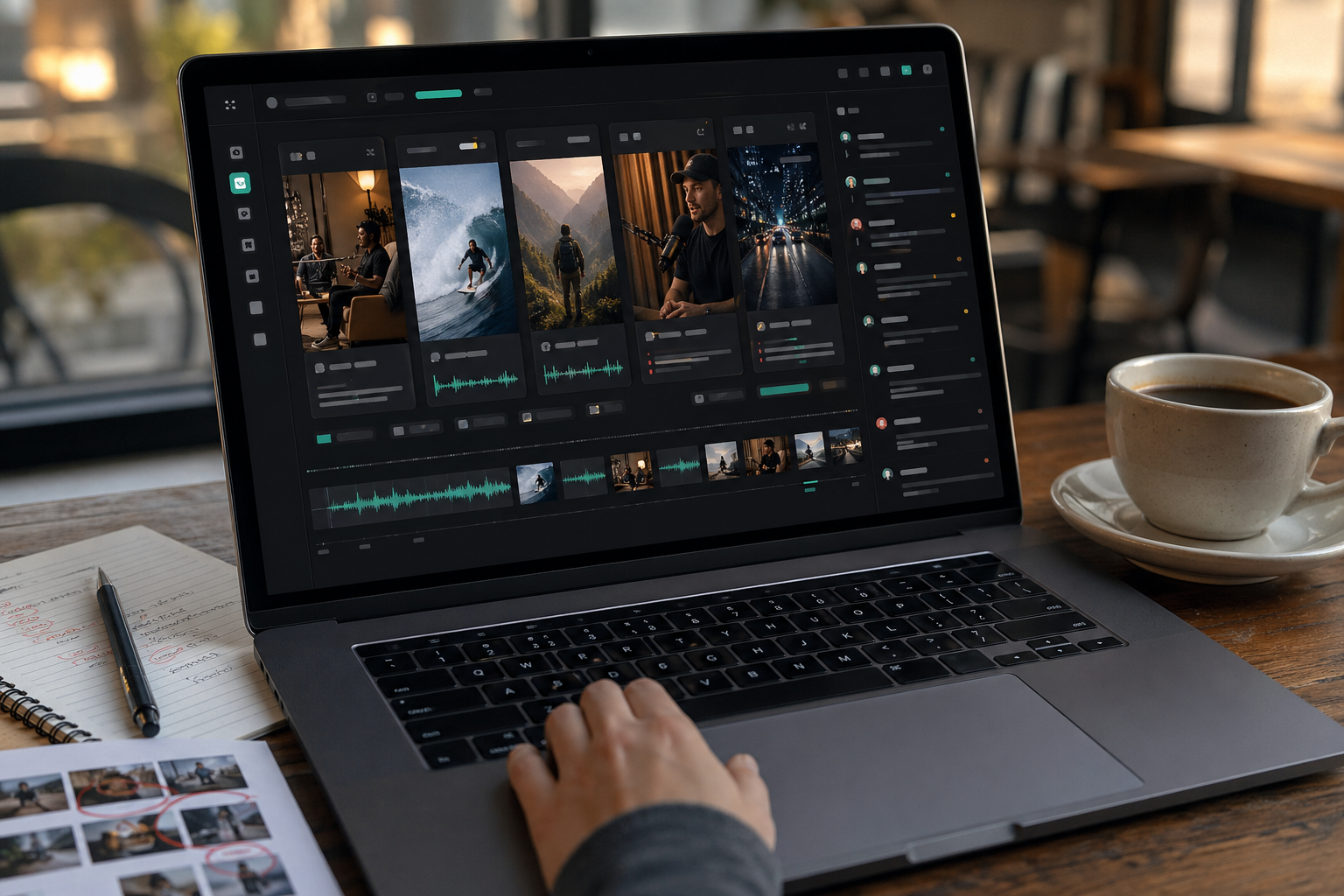
Recapo is not trying to be a general-purpose timeline editor. It is designed around a production chain: **source video -> narrative analysis -> script draft -> clip assembly -> subtitles -> voiceover -> export**. As a practitioner, the detail I care about is not whether AI can find a moment. It usually can. The harder question is whether the tool helps the moment survive after compression into 30, 45, or 60 seconds. Does the viewer know who is speaking? Do the captions carry the hook? Is the payoff visible before the scroll happens? Those are workflow questions, not button-count questions. Recapo is a better fit when: - the source video has plot, sequence, or argument structure; - the output needs a script or narration layer, not just raw clipping; - subtitles and voiceover are part of the deliverable; - the team wants several short-form variants from one source; - the editor should review a draft instead of building from zero. There is a useful SEO lesson here too. Google's helpful content guidance asks whether content demonstrates first-hand knowledge and helps readers achieve a goal, not just whether it repeats a keyword. The same principle applies to video: a clip should solve the viewer's context problem, not merely satisfy a platform format requirement. See Google's guidance on helpful, people-first content in the reference section.
Two real workflow examples
### Movie recap workflow **Input:** a long film, episode, or licensed source file. **Production flow:** Recapo analyzes narrative structure, surfaces key scenes, drafts recap narration, assembles a short sequence, syncs subtitles, and adds TTS voiceover. **Human review:** check rights, rewrite stiff lines, remove spoilers if the channel format requires it, and polish pacing around the hook and payoff. **Output:** a recap-ready short video that needs finishing, not a full manual rebuild. One pitfall I have seen: teams trust the first generated narration too much. It may be accurate but too formal. The fix is simple. Read the first 10 seconds aloud. If it sounds like a product manual, rewrite it before touching the timeline. ### Sports or livestream highlight workflow **Input:** a long match replay, livestream, or creator VOD. **Production flow:** Recapo identifies momentum swings, groups moments into a short arc, creates alternate versions, syncs subtitles, and prepares exports for social channels. **Human review:** confirm scoreboard/context, avoid misleading cuts, clean up audio spikes, and check that captions do not cover key on-screen action. **Output:** several highlight clips for Shorts, TikTok, Reels, or channel testing.
Where manual editing still wins
Manual editing wins when polish is the product. If the video depends on comedic timing, kinetic typography, memes, color work, motion graphics, VFX, or very precise music edits, a human editor in a traditional tool will still beat an automated workflow. Recapo can shorten the rough-cut stage, but it should not be treated as a magic finishing room. There are also legal and brand limits. AI can help restructure footage, but it cannot tell you whether your source rights are clean, whether a music claim will block a platform upload, or whether a joke fits your brand. YouTube's Shorts upload guidance, for example, warns creators to make sure copyright-protected material is approved before uploading. That check still belongs to the team.
How to choose without overthinking it
Use this decision rule: - Choose **Opus Clip** when your source is mostly speech and you need quick highlight candidates. - Choose **manual editing** when the final craft is the differentiator. - Choose **Recapo** when the source is long, the story needs rebuilding, and the output needs script, subtitles, voiceover, and multiple short-form exports. The practical test is brutally simple: if the editor spends more time understanding and rewriting the source than polishing the final cut, Recapo deserves a serious look.
References and standards checked
- [Google Search Central: Creating helpful, reliable, people-first content](https://developers.google.com/search/docs/fundamentals/creating-helpful-content) - [YouTube Help: Upload YouTube Shorts from a computer](https://support.google.com/youtube/answer/12779649?co=GENIE.Platform%3DDesktop&hl=en-EN) - [TikTok Ads Manager: Auction In-Feed Ads specifications](https://ads.tiktok.com/help/article/tiktok-auction-in-feed-ads?lang=en)
Workflow visuals

FAQ
Frequently asked questions.
Quick answers that connect this guide back to Recapo workflows, exports, and creator use cases.
Is Recapo an AI clip generator?
Yes, but that label is too broad. Recapo is better described as a long-video production workflow for recap, commentary, subtitle, voiceover, and narrative restructuring tasks.
Is Recapo better than Opus Clip?
For long-form narrative source material, Recapo can be the better fit. For simple podcast highlights or talking-head quote clips, Opus Clip may be faster and simpler.
Does Recapo replace manual editors?
No. It reduces repetitive production work and creates a stronger first draft, but human review still matters for taste, rights, pacing, and brand voice.
Can I use Recapo without strong hardware?
Yes. Recapo runs in the browser with cloud rendering, so teams do not need a heavy local editing machine for the core workflow.
Related Recapo workflows
- Opus Clip Alternative for AI Clips, Podcasts, and Shorts
- AI Clip Generator for Long Videos, Podcasts, and Highlights
- Turn Long Videos into Short Videos with AI
- AI Video Editor That Turns Long Videos into Shorts, Clips, and Recaps
- AI Captions vs Subtitles: What Creators Should Use for Shorts, Recaps, and Long-Form Repurposing
- Webinar to Short Clips with AI: A Practical Repurposing Workflow for Marketing Teams
- Podcast to YouTube Shorts: An AI Workflow That Keeps the Story Intact