Video repurposing workflow · 6 min read · Updated April 28, 2026
Short-Form Content Workflow for Weekly Video Repurposing: Turn One Long Video Into a Week of Clips
If you publish every week, you know the pressure. One long recording goes live, and almost immediately someone asks, "Can we get Shorts from this?
By Ava Morgan (TikTok, Reels & Multi-Platform Video Research). Target length: 1,319 words imported draft.
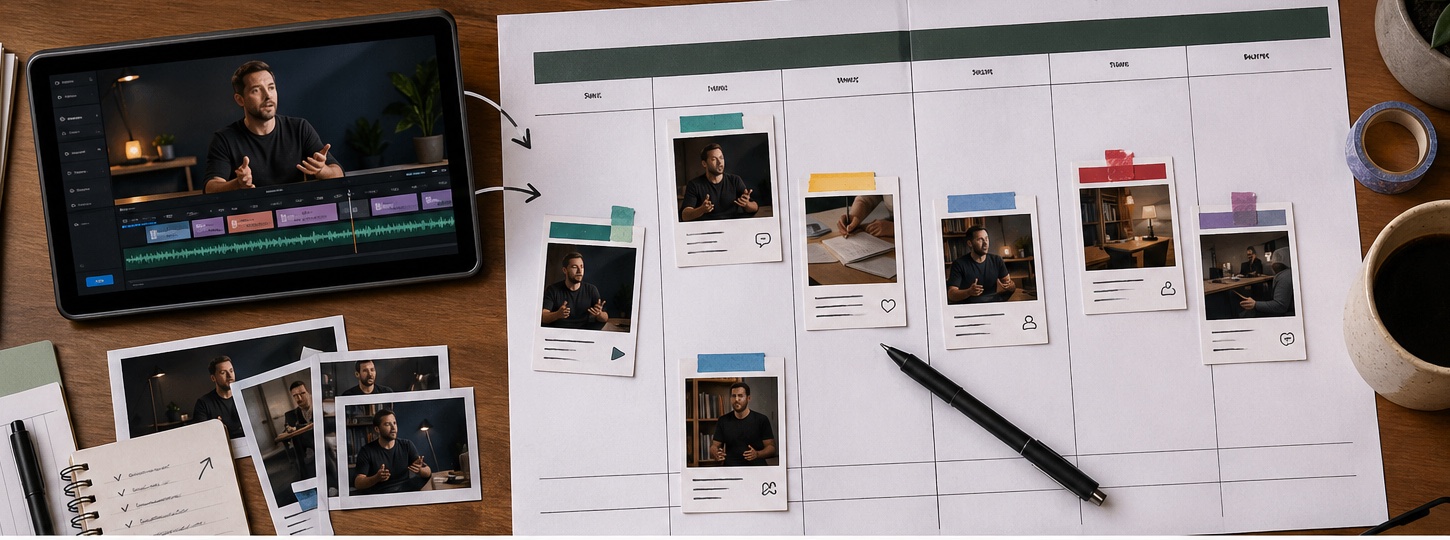
Key takeaways
- Primary keyword: short-form content workflow.
- Best for creators and teams repurposing long videos into short-form assets.
- Next step: Build your weekly workflow with Recapo.
What a short-form content workflow actually includes
A strong **video repurposing strategy** covers the whole chain: That is why a **long video repurposing workflow** should not stop at clipping. Clipping is one task. Repurposing is the system around it. > Source note to add before publication: cite official platform documentation for Shorts/Reels/TikTok format requirements and Google Search Central guidance on helpful, people-first content if the article discusses SEO value.
- choosing the right source video
- identifying short-worthy moments
- rewriting hooks
- shaping each clip into a standalone idea
- adding captions or subtitles
- preparing voiceover when needed
- exporting platform-ready versions
- reviewing performance before the next batch
Tool fit for weekly video repurposing
| Tool | Strongest use | Limitation | Where Recapo fits | | --- | --- | --- | --- | | Recapo | Long-video understanding, script generation, subtitles, voiceover, batch short-form output | Needs human review for brand voice and final polish | Strong when one source must become several structured clips | | CapCut | Manual polish, effects, creator-style finishing | Slower for reviewing and restructuring long videos | Useful after a strong draft is selected | | OpusClip | Talking-head highlight extraction | Less focused on narrative reconstruction | Good for fast podcast/interview tests | | Descript | Transcript-based editing | Less visual and story-led | Strong when text editing is the center of the workflow |
Why weekly repurposing workflows break
Most teams do not fail because they lack footage. They fail because every week creates the same pile of small decisions. Which moment should lead? How much context should stay? Does the clip need a title card? Are the captions readable on mobile? Should this be a direct educational post or a curiosity hook? Who checks the script before export? When those decisions are not built into the workflow, they become scattered Slack messages and unfinished drafts. In actual production, we see three common failure points: Subsection: The source video is too thin Not every long video deserves a week of clips. A strong source has dense ideas, clear stories, strong reactions, or visual moments. A loose recording with one useful point may only produce one good short. That is fine. Forcing five weak clips hurts the channel. Subsection: The team clips before planning angles Random clipping creates random output. A better workflow defines angles before editing: hook clip, teaching clip, proof clip, objection clip, recap clip, or platform-specific variation. Subsection: The tool only cuts, so humans rebuild everything If a tool finds a moment but leaves the editor to rewrite the intro, add captions, create voiceover, and export versions manually, the time savings shrink fast.
How Recapo supports a weekly content workflow
Recapo is designed for long-video repurposing where story understanding, script, captions, voiceover, and export need to stay connected. The workflow can help teams: This does not remove the editor. It gives the editor a better starting point.
- analyze a long source file
- identify narrative beats and short-worthy moments
- draft scripts for clips
- sync subtitles or captions
- add TTS voiceover when useful
- create multiple short-form outputs from one source
- refine drafts through prompt-based edits
Build the weekly workflow before opening the editor
Subsection: Pick one source with enough material Choose a webinar, review, podcast, livestream, sports replay, gaming session, commentary video, or explainer with enough density to support multiple clips. The practical test is simple: can you name at least three distinct viewer takeaways before editing? If not, the source may not support a full week. Subsection: Define the week's content angles A useful weekly plan might include: This gives the AI workflow a clearer target than "make clips." Subsection: Let the workflow rebuild the story Recapo can map story beats and shape cuts around them. This matters for recaps, commentary, sports, gaming, and educational content where the clip needs a beginning and payoff. Subsection: Review, tighten, and export Human review should check brand voice, factual accuracy, rights, captions, and whether each clip stands alone. Then export multiple versions and track which angles deserve repeating next week.
- one hook-led clip for reach
- one educational clip for trust
- one proof or example clip for conversion
- one recap clip for existing followers
- one alternate version for testing a different opening
Example: movie commentary to weekly clips
**Input:** a 48-minute movie commentary recording. **Process:** Recapo identifies the plot arc, extracts key frames, drafts recap scripts, syncs subtitles, adds TTS narration, and generates several short versions for different hooks. **Output:** a weekly short-form package with teaser clips, explanatory cuts, and a stronger final recap video. The editorial risk is spoilers. If the channel uses spoiler-light promotion, the review pass should flag clips that reveal too much.
Example: esports replay to daily highlights
**Input:** a 72-minute esports match replay. **Process:** Recapo detects momentum shifts and peak moments, restructures the sequence around high-tension beats, generates captions, and exports multiple highlight formats. **Output:** a daily highlight set for Shorts, Reels, or TikTok instead of one oversized recap. The pitfall here is missing score context. A flashy play is more meaningful when the viewer understands the stakes.
When Recapo is the right answer
Recapo is a strong fit if your main job is: It is not the right fit for every editing job. Meme edits, heavy VFX, dense motion graphics, and frame-by-frame manual finishing still belong in a hands-on editor. Auto-generated scripts can also sound too formal, so a short rewrite is often worth it.
- building a **weekly content workflow** from one long recording
- creating movie recap or commentary videos
- repurposing webinars, podcasts, sports, gaming, or educational videos
- generating subtitles, scripts, and voiceover in one workflow
- producing multiple versions without moving between tools all day
What a sane weekly workflow looks like
A useful **short-form content workflow** should reduce repeated decisions, not just cut faster. The real win is moving from one long source to several coherent clips with less searching, less rewriting, and fewer disconnected tools. Recapo fits that job because it treats **long video repurposing workflow** as a chain: understand the source, shape the story, add captions, support voiceover, and export usable versions. The human still chooses what deserves to go live. The workflow makes that choice less exhausting.
Workflow visuals
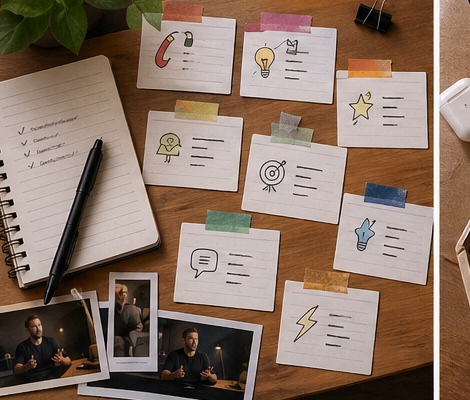
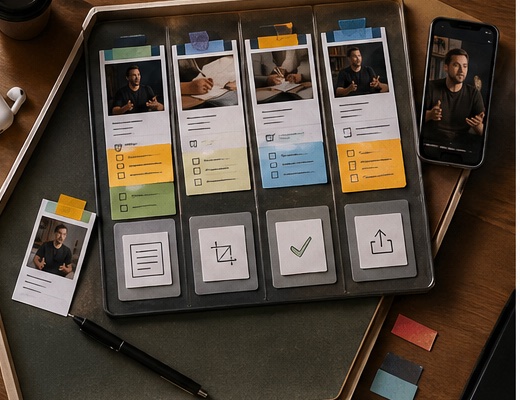
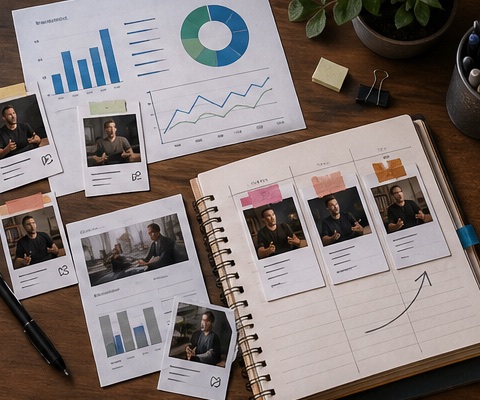
FAQ
Frequently asked questions.
Quick answers that connect this guide back to Recapo workflows, exports, and creator use cases.
Can I use Recapo for a weekly content workflow if I am not an editor?
Yes. Recapo is built for teams and creators who need consistent output more than manual timeline control. You should still review drafts before publishing.
Does Recapo replace CapCut completely?
No. CapCut is still better for hands-on polish and lightweight manual edits. Recapo is stronger earlier in the workflow, when the source needs to be turned into structured short-form drafts.
Is this only for podcasts?
No. Recapo fits movie recap, commentary, sports highlights, gaming clips, vlog restructuring, short drama promo cuts, webinar clips, and other long-to-short workflows.
What makes this a better video repurposing strategy?
It reduces the parts creators usually redo by hand: finding moments, reframing hooks, syncing captions, adding context, and exporting multiple versions.
How many clips should I publish from one long video?
Only as many as the source can support. A strong weekly workflow protects quality by letting weak moments stay unpublished.
Related Recapo workflows
- Turn Long Videos into Short Videos with AI
- AI Clip Generator for Long Videos, Podcasts, and Highlights
- AI YouTube Shorts Maker for Long Videos and Clip Workflows
- Reel Editing App for Instagram Reels, Clips, and Short Videos
- AI Captions vs Subtitles: What Creators Should Use for Shorts, Recaps, and Long-Form Repurposing
- Webinar to Short Clips with AI: A Practical Repurposing Workflow for Marketing Teams
- Podcast to YouTube Shorts: An AI Workflow That Keeps the Story Intact