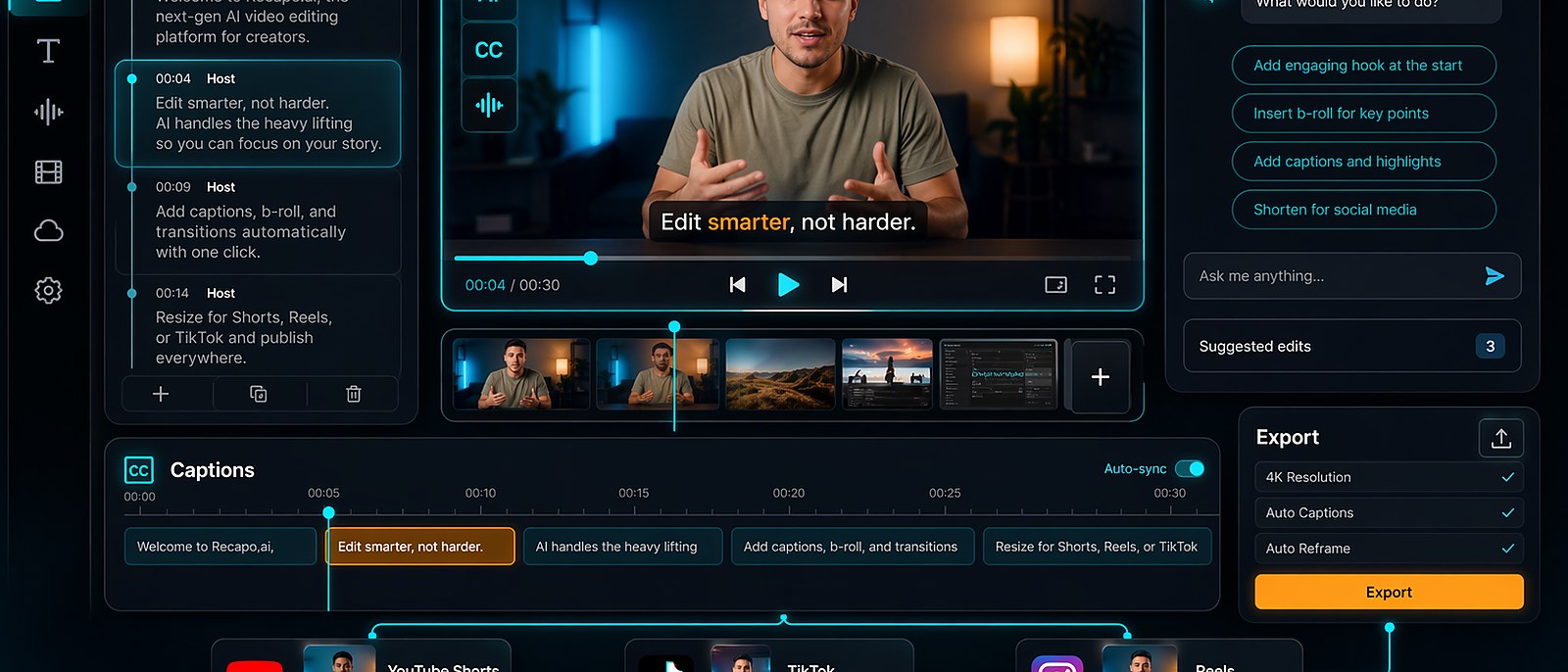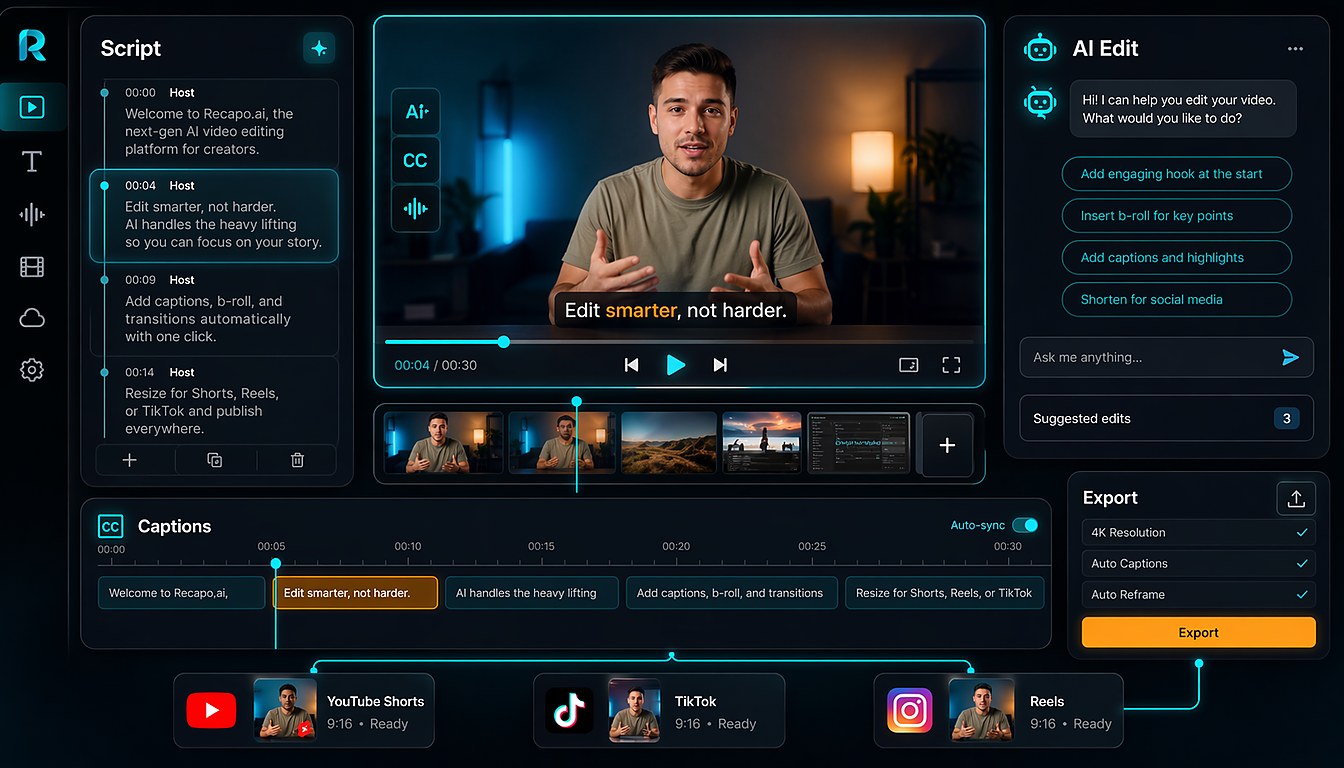
Easy Editing for Everyone
Adapt scripts, captions, and specs for video platforms to improve reach and conversion.
Chat-based video editing; Rich skills library; Support 3-hour video editing
Turn long videos into Shorts, clips, recaps, captions, subtitles, and voiceover-ready edits with one repeatable AI video editing workflow.
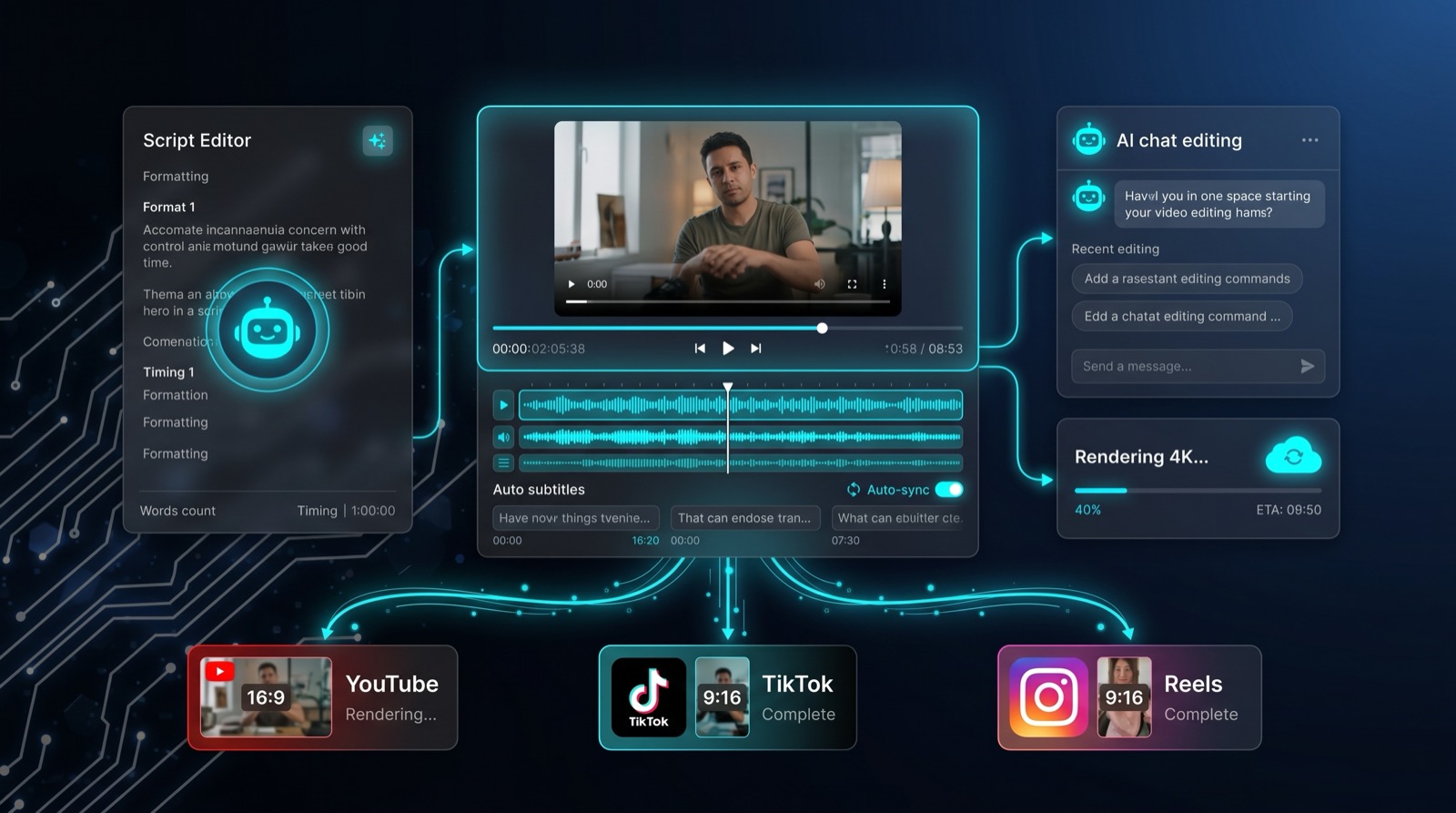
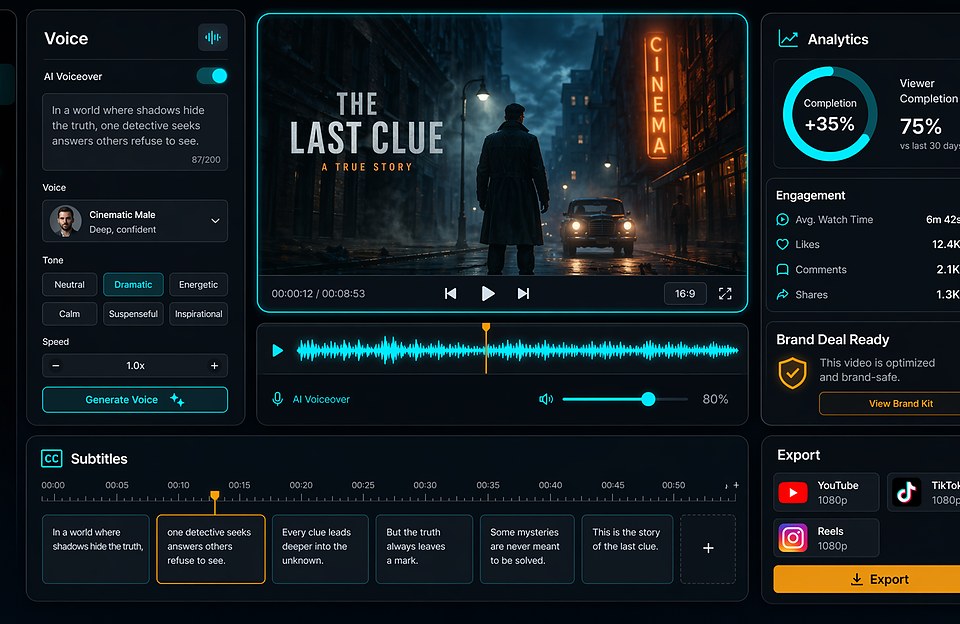
Recapo.ai connects AI clip discovery, script editing, AI voice, auto subtitles, chat-based editing, cloud rendering, and multi-channel export in one production workflow.
Use Recapo to move from long source video to finished assets faster, including video commentary, review channels, short-form clips, YouTube, TikTok, Reels, and team content factory workflows.
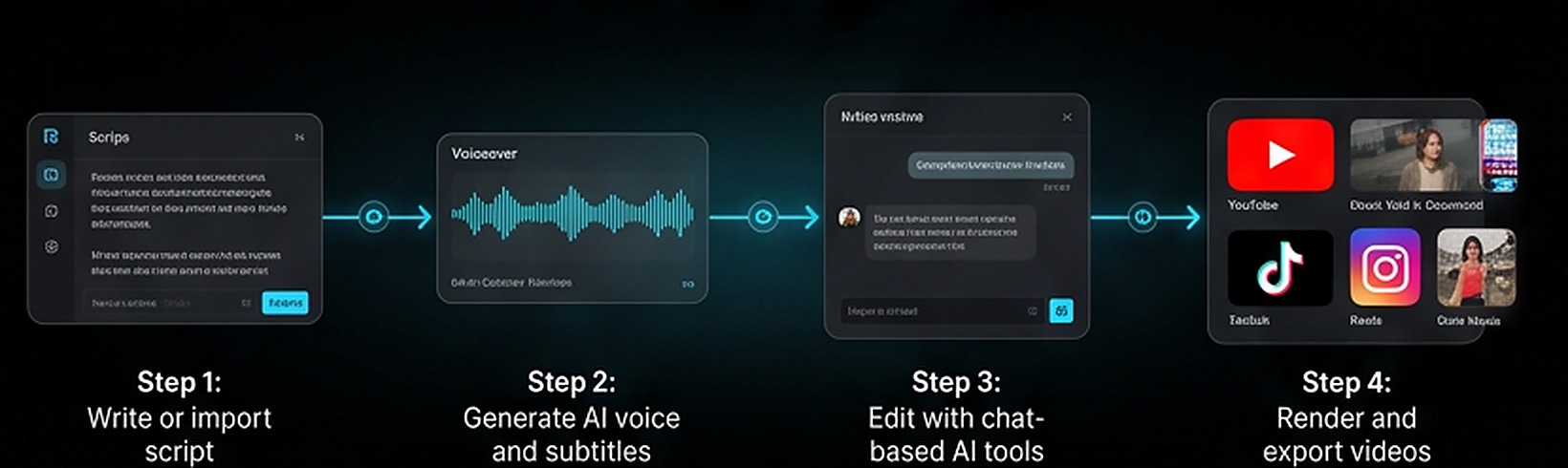
Adapt scripts, captions, and specs for video platforms to improve reach and conversion.
Chat-based video editing; Rich skills library; Support 3-hour video editing
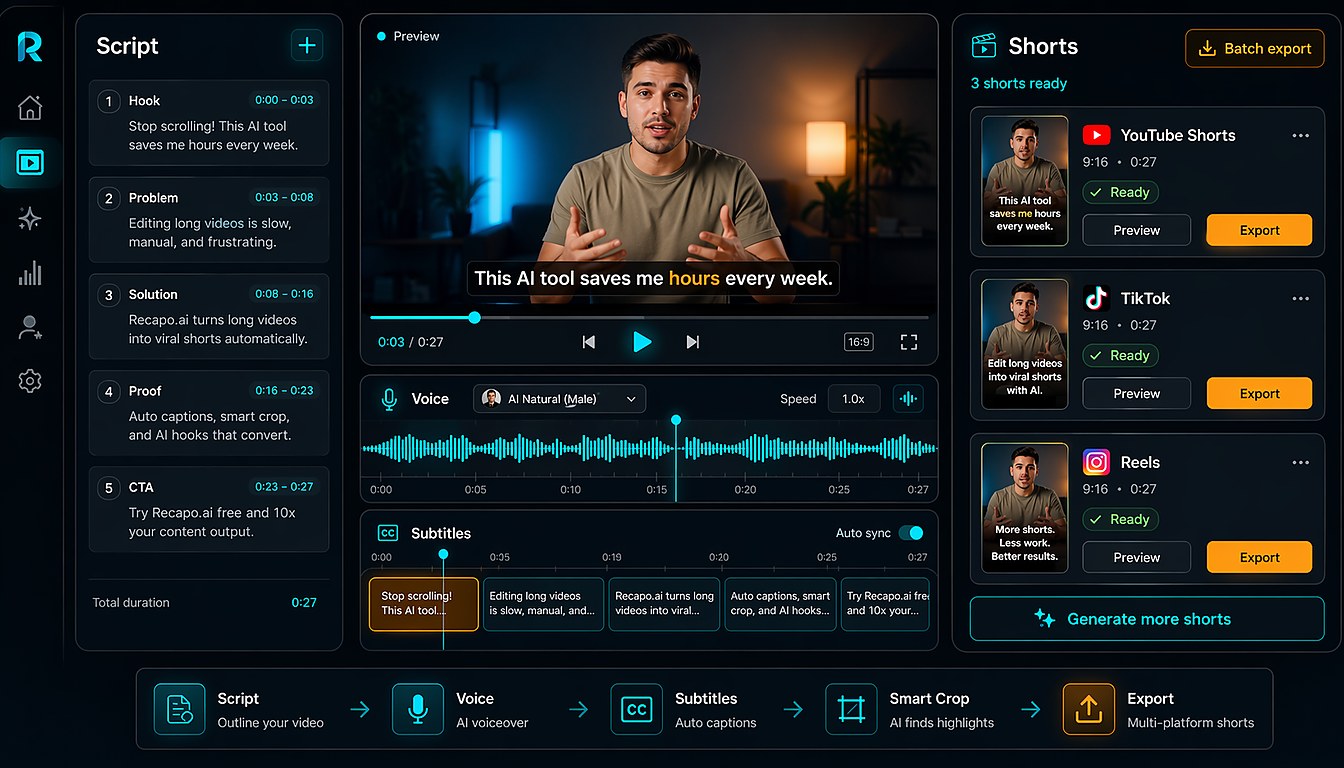
Script, voiceover, and subtitles in one flow so solo creators can sustain daily updates.
One-click smart scripts; Emotion-aware AI voice; Auto line-breaking subtitles
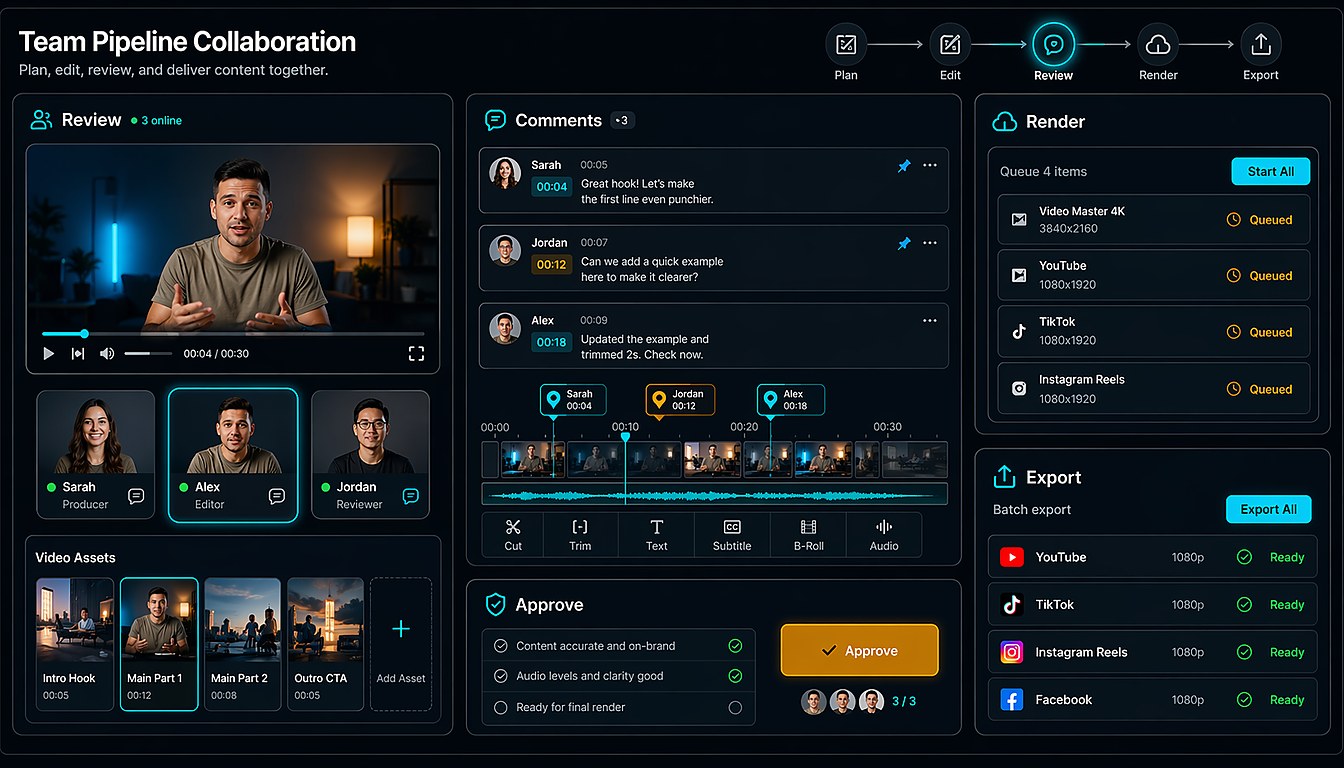
Divide work from script to final cut with templated batch production and cloud rendering.
Template reuse; Cloud parallel rendering; Script review support
These are example production scenarios, not customer claims. Each card points to the Recapo page that fits a common content bottleneck.
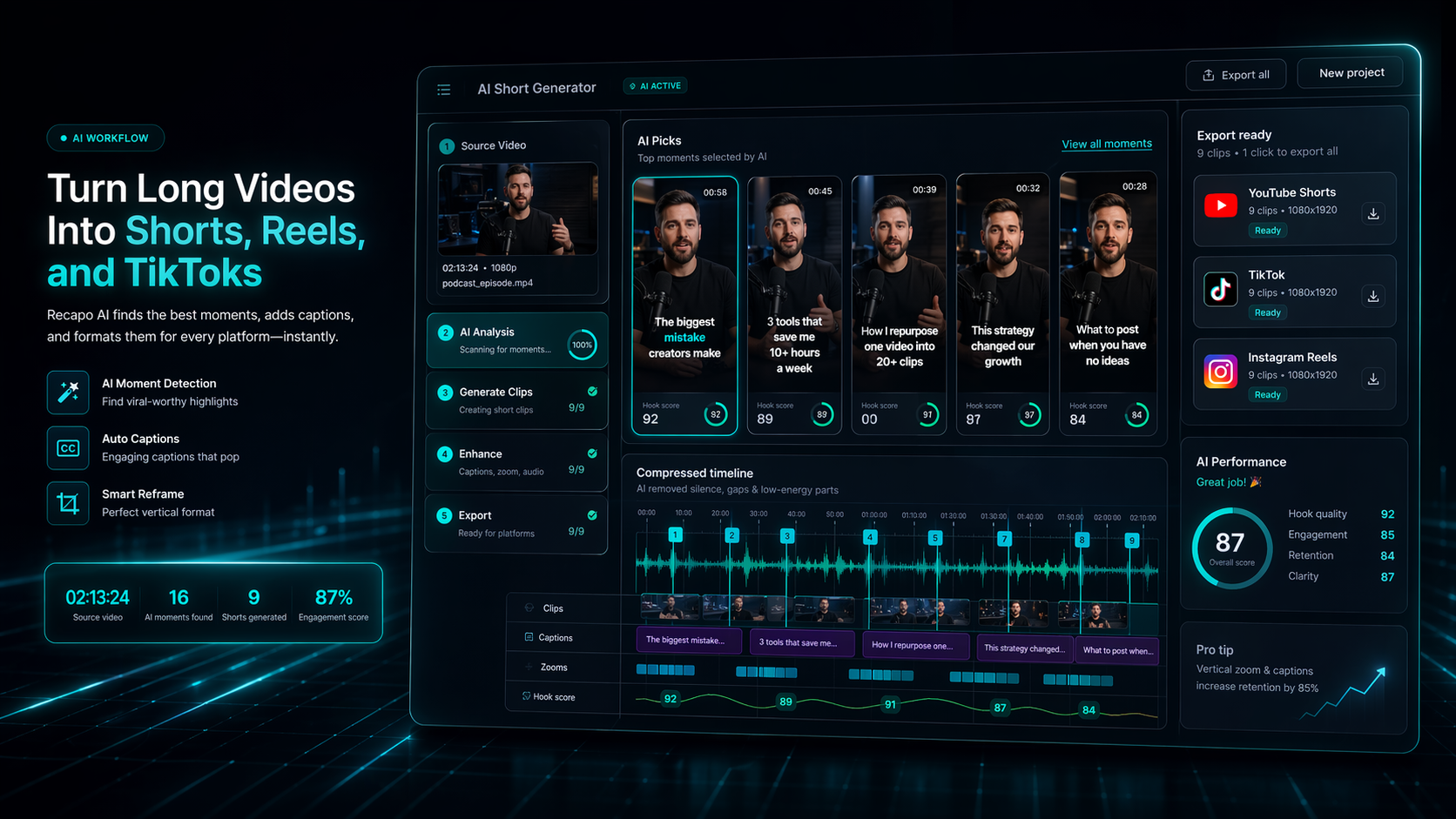
For product reviews, commentary, and creator explainers
Turn long recordings into short scripts, captions, and reusable social clips without rebuilding every timeline.
Source to Shorts; Script + captions; Weekly output
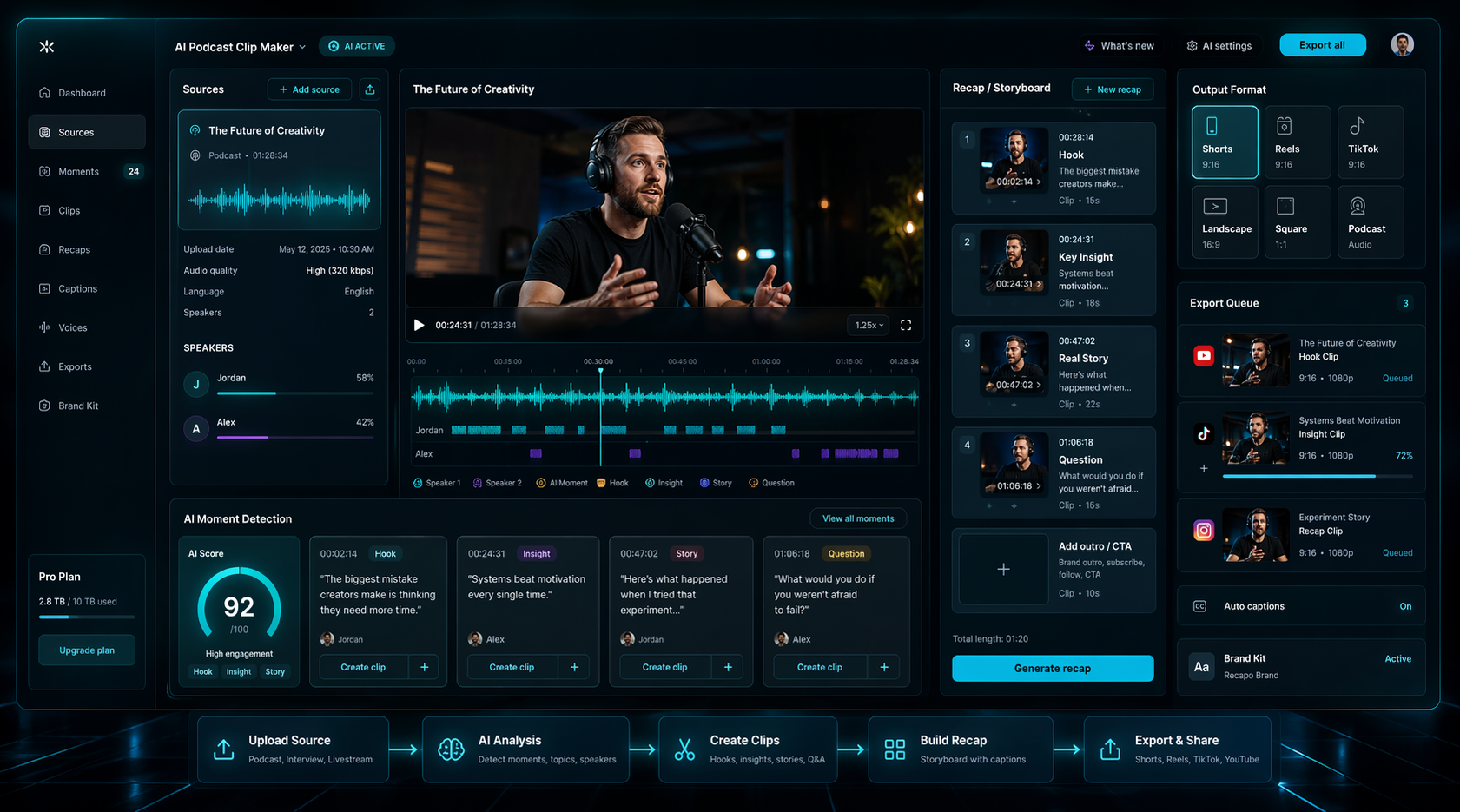
For movie recaps, podcast clips, and narrated highlights
Package long-form source material with AI voiceover, subtitles, and a recap-ready structure for faster publishing.
Voiceover + subtitles; Recap structure; Brand-ready clips
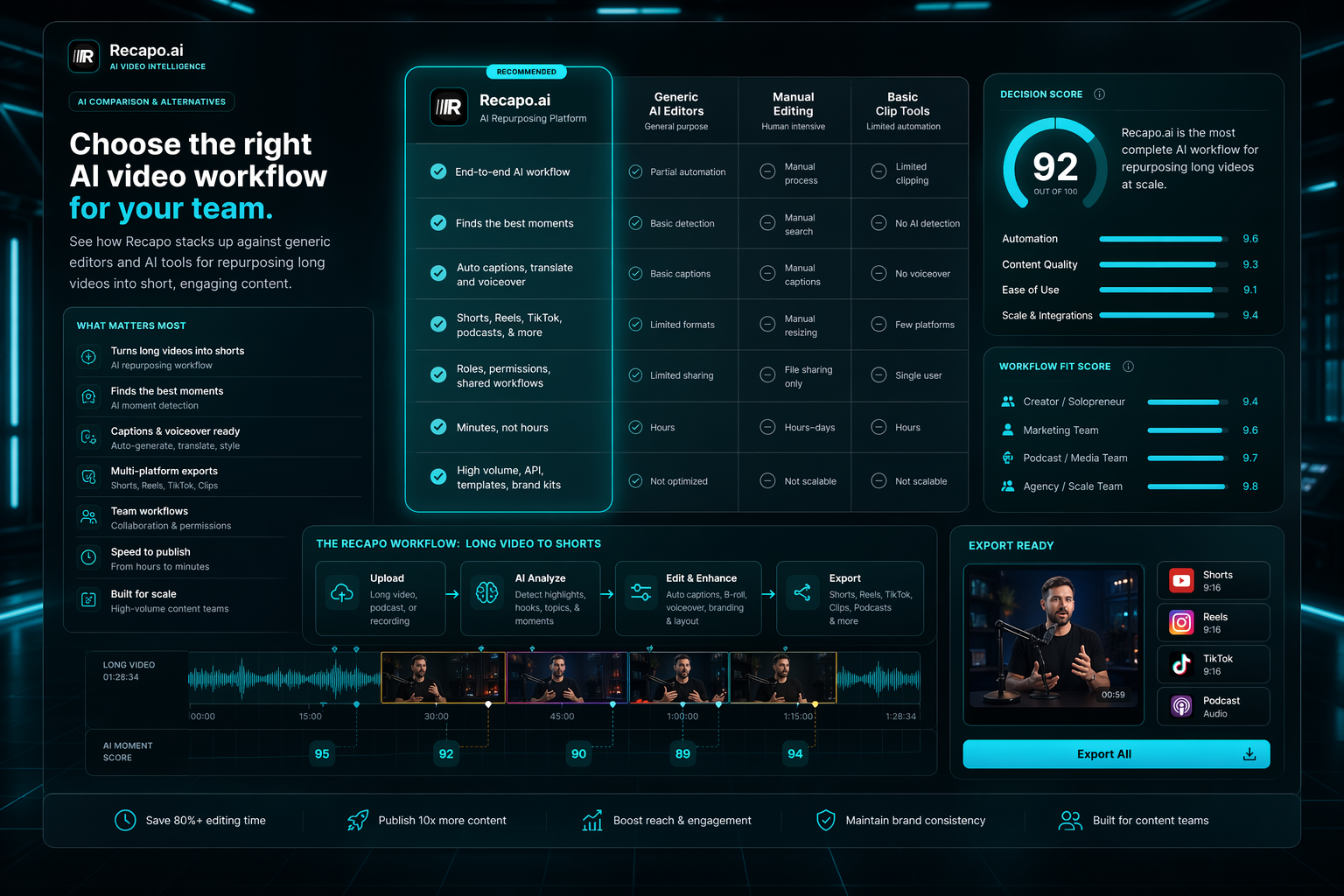
For teams publishing across YouTube, TikTok, Reels, and ads
Standardize source review, clip selection, rendering, and exports across every channel your team manages.
Team workflow; 4K rendering; Multi-channel exports
More clips, better quality, fewer limits. Preview clips before paying.
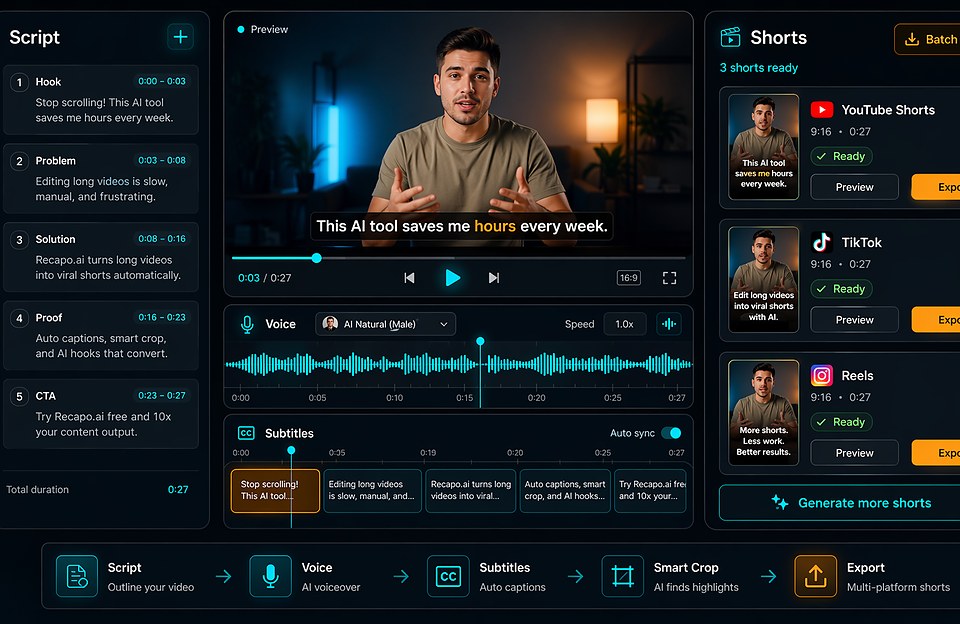 Turn Long Videos Into Short Clips
Plan hooks, captions, subtitles, formats, and a repeatable AI repurposing workflow.
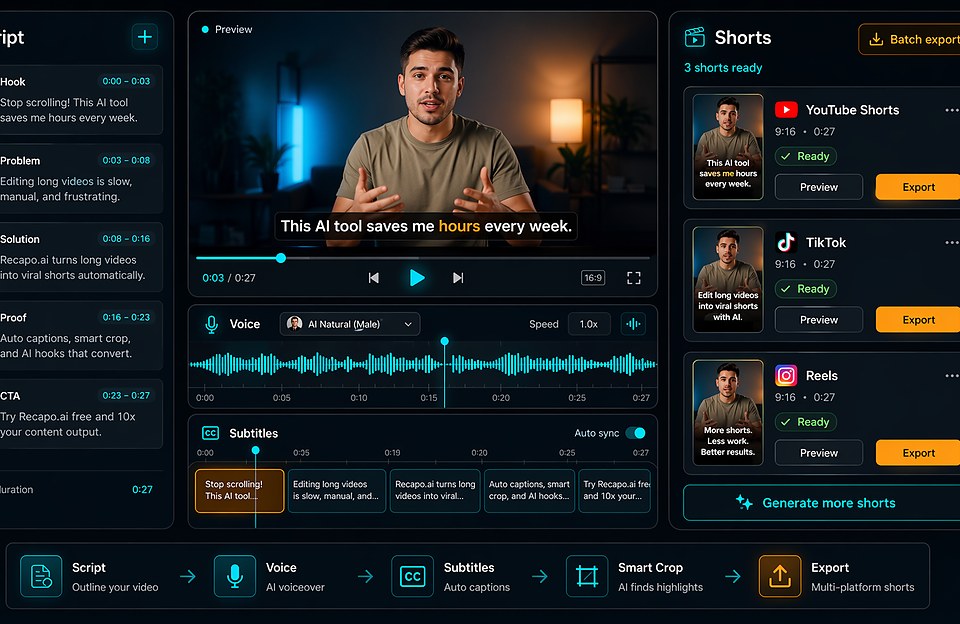 Best AI Video Editor for YouTube Shorts
Compare clip selection, hooks, captions, pacing, and Shorts-ready production.
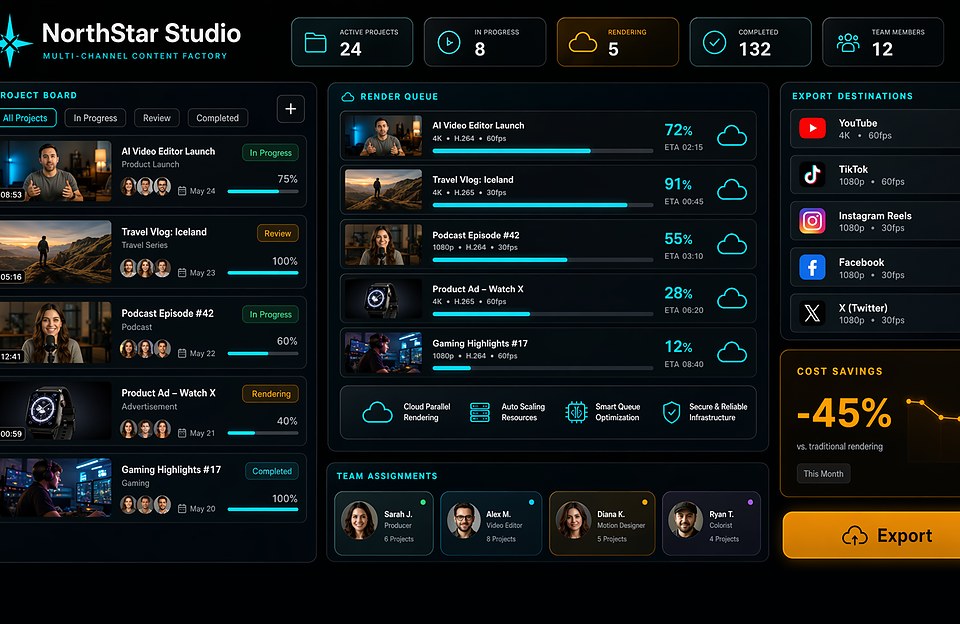 AI Podcast Clip Generator Workflow
Turn episodes into short clips with hooks, speaker context, captions, and subtitles.
 AI Subtitles and Captions for Shorts
Improve readability for Shorts, Reels, TikTok clips, recaps, and podcast snippets.
Workflow navigation
Choose a workflow by feature, format, creator use case, or alternative comparison after the homepage explains the product story.
Broad commercial pages for creators comparing AI editing, clips, subtitles, captions, voiceovers, and YouTube workflows.
free ai video editor · best ai video editor
ai video clip generator · ai clip generator from video
long video to short video · long video to short video converter
youtube shorts maker · youtube shorts maker from long video
ai video editor for youtube · youtube video editor
ai video subtitle generator · generate subtitles from video ai
Use-case pages for format-specific and audience-specific jobs like faceless videos, podcasts, vlogs, gaming, sports, and recaps.
faceless video generator · faceless video maker
podcast clip maker ai · podcast clip maker free
vlog editing app free · vlog video editor
sports highlight reel maker · ai sports highlight maker
video game highlight maker · ai video editor for gaming clips
ai movie recap generator · movie recap maker
Bottom-funnel comparison pages for users evaluating Recapo against broader video, design, generation, and clipping tools.
capcut alternative free · capcut alternative for pc
canva alternative free · canva video editor alternative
runway alternative free · runway ai alternative
opus clip alternative free · opus clip alternative without watermark
vizard alternative free · vizard ai alternative
FAQ
Answer the product questions that usually block signup: what Recapo does, what it generates, and who should use it.
Recapo.ai is an AI video editing platform for scripts, voiceovers, subtitles, rendering, and repeatable creator production workflows.
Yes. The workflow combines smart scripts, AI voice, subtitle generation, and review before export.
Recapo is positioned for longer production sources and recurring workflows, including up to 3-hour editing scenarios from the product site.
Yes. Use it to shape scripts, captions, voice, and exports for YouTube, TikTok, Reels, review channels, and multi-channel publishing.
Cloud rendering helps teams process production work without relying only on local editing machines.
It is best for solo creators, review channels, video commentary teams, and content factories that need repeatable AI-assisted production.
Start creating scripts, voiceovers, subtitles, and production-ready videos faster with Recapo.ai.