AI clip selection · 7 min read · Updated April 28, 2026
AI Clip Selection for Long-Form Video Highlights: How to Find Moments Worth Publishing
If you are searching for AI clip selection, you probably do not need another tool that slices a timeline into smaller pieces. You need help answering a harder question: which moments are actually worth publishing?
By Olivia Hart (AI Video Summarizer & Automated Video Content Research). Target length: 1,372 words imported draft.
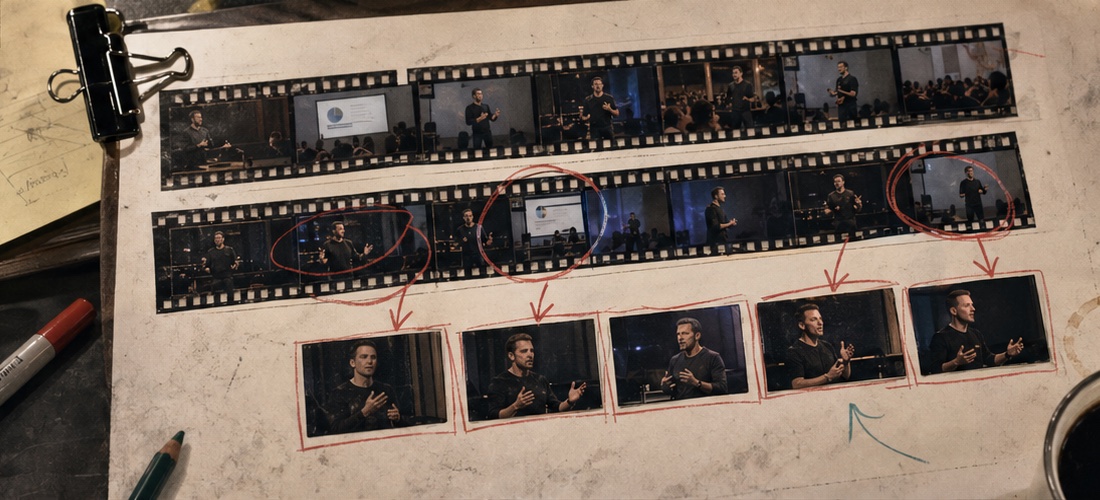
Key takeaways
- Primary keyword: AI clip selection.
- Best for creators and teams repurposing long videos into short-form assets.
- Next step: Find highlights with Recapo.
What AI clip selection should mean
Good **AI clip selection** is not just silence removal, face detection, transcript search, or spike detection. Those signals help, but they do not prove a clip will work. For long-form highlights, a useful system should evaluate: That is the deeper logic behind **AI highlight detection**. The goal is not to pull "interesting" fragments. The goal is to find moments that can become publishable short videos. > Source note to add before publication: cite platform documentation for current short-form video requirements and a credible accessibility/timed-text source if discussing captions. If you include performance benchmarks, use a current industry report and label the year clearly.
- semantic completeness: can the clip stand alone?
- narrative value: does the moment change or clarify the story?
- visual anchor: is there something worth watching, not just hearing?
- payoff timing: does the reward arrive fast enough?
- context risk: could the clip mislead without the surrounding material?
- reuse potential: can this moment support multiple short-form versions?
Tool fit: Recapo vs general AI editors
| Tool | Best for | Limitation | Where Recapo fits | | --- | --- | --- | --- | | Recapo | Movie recap, commentary, sports, gaming, long-video restructuring, batch highlights | Still needs human review for story tone and final selection | Strong when clip choice, script, captions, voiceover, and export need to stay connected | | OpusClip | Talking-head clips, podcasts, interviews | Can overvalue viral-style moments | Useful for quick highlight extraction | | Descript | Transcript-based editing | Less useful when visual sequence and story compression matter | Strong for text edits after the content is chosen | | CapCut | Manual polish and creator effects | Slow for reviewing long footage | Best for final hand-tuned finishing |
Why the "best moments from video" are hard to detect
The best highlights usually have more than one signal. A sports clip may have crowd noise, a sudden play, a camera cut, and a score change. A podcast clip may have a strong claim, a pause, and a reaction from the host. A movie recap moment may depend on a scene earlier in the plot. Generic AI tools often struggle because they rank signals separately. They may find a loud moment, a high-energy sentence, or a clean transcript section, then call it a highlight. In actual editing, that is not enough. The deeper question is: does the moment carry meaning? That is why Recapo's value is tied to narrative understanding. It can analyze long footage, identify key beats, draft supporting script, sync subtitles, and assemble outputs around the selected moments. You are not only getting a clip list. You are getting the start of a structured edit.
A practical AI highlight detection workflow
Subsection: Map the source before cutting Before selecting clips, identify the type of source: tutorial, webinar, podcast, match replay, gaming session, movie recap, product demo, or livestream. Each format has different highlight signals. A webinar highlight may be a clear explanation. A gaming highlight may be a momentum swing. A recap highlight may be a plot turn. Treating all footage the same is one of the quickest ways to get mediocre clips. Subsection: Score clips by story usefulness Do not rely only on excitement. A clip should have a beginning, a useful middle, and a clean endpoint. If it needs too much explanation, it may still be useful, but it needs a rewritten hook or voiceover bridge. This is where Recapo can help by connecting clip selection with script generation instead of leaving the editor to rebuild context manually. Subsection: Review for false positives AI tends to surface moments that look important. A raised voice, fast motion, applause, or repeated keyword may trigger a candidate. Some of those are real highlights. Some are noise. Human review should check whether the selected moment is accurate, fair, and worth publishing. Subsection: Create variants from the strongest moments When you find a strong clip, do not stop at one output. Try a shorter hook-led version, a caption-heavy educational version, and a version with a different opening. This is especially useful for Shorts, Reels, TikTok, and reposting across channels.
Example workflow: movie recap clip selection
**Input:** a full-length film recording or long drama episode archive. **Processing:** Recapo analyzes plot arcs, extracts key frames, drafts recap narration, syncs subtitles, and builds a short-form sequence around the moments that carry the story. **Output:** a recap-ready draft that an editor can review, polish, and publish faster than a manual rebuild. The main pitfall is oversimplification. If a selected scene removes a crucial motivation or changes the viewer's understanding of the story, the recap can feel cheap or confusing.
Example workflow: sports or gaming highlights
**Input:** a full match replay, tournament VOD, or long gameplay recording. **Processing:** Recapo detects momentum shifts, decisive plays, visual peaks, and sequences that can become short-form highlights. **Output:** clips for Shorts, Reels, or channel reposting, with subtitles and optional voiceover support. The review pass should check timing, player names, score context, and whether the clip starts early enough for viewers to understand the stakes.
Where Recapo is strong, and where it is not
Recapo is strong when the bottleneck is deciding what to keep, rewriting the story, adding captions, and producing several short-form outputs from long footage. It is not the best fit for dense motion graphics, meme edits, complex VFX, or frame-by-frame finishing. It also should not be treated as a fact-checker. If a clip includes claims, names, dates, scores, or sensitive context, a human should verify it. That limitation is not a weakness in the workflow. It is the guardrail that keeps fast publishing from becoming sloppy publishing.
Who should use this AI clip selection workflow
Recapo is a strong fit for creators and teams turning long videos into repeatable short-form content: If your current process still involves watching hours of footage, writing clip notes by hand, rebuilding scripts, then exporting one version at a time, this workflow removes a lot of the drag.
- movie recap channels
- commentary creators
- sports highlight operators
- gaming clip teams
- webinar and training teams
- agencies managing content matrices
- short-drama promo editors
A better way to choose highlights
The best **AI clip selection** workflow should not simply ask, "Where did something happen?" It should ask, "Which moment can become a clear, watchable short video?" Recapo is built for that second question. It helps **find highlights in video AI** workflows, then carries those highlights into script, subtitles, voiceover, and export. You still choose what is worth publishing. You just get to that choice faster.
Workflow visuals
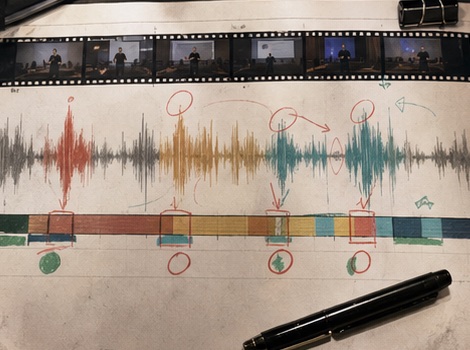
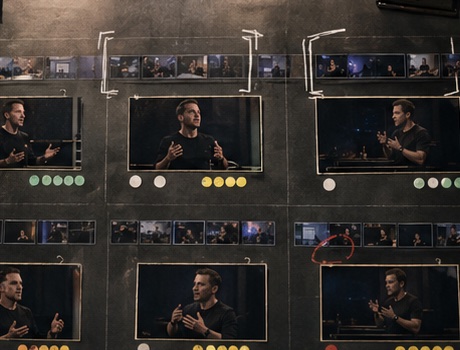
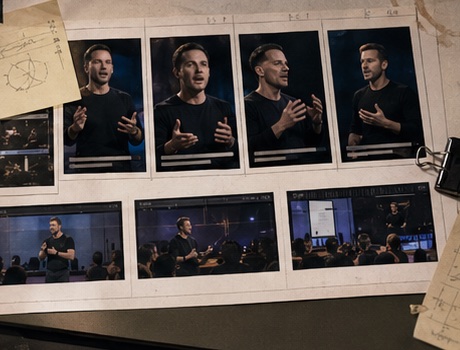
FAQ
Frequently asked questions.
Quick answers that connect this guide back to Recapo workflows, exports, and creator use cases.
Can AI clip selection replace a human editor?
No. It can reduce review and assembly time, but human judgment still improves tone, context, pacing, and publishing decisions.
Is Recapo the best option for all video editing?
No. It is best for recap, commentary, long-video restructuring, and batch production. It is not designed as a pure manual finishing tool.
What signals does AI use to find highlights?
Depending on the system, signals can include transcript meaning, visual changes, speaker emphasis, scene changes, sound patterns, and narrative structure. The strongest workflows combine several signals rather than relying on one.
Can I create multiple versions from one source video?
Yes. Recapo is designed for batch-style output. Check current product limits before promising a specific number of outputs in public copy.
What should I review before publishing?
Fact accuracy, clip context, caption timing, rights, platform format, and whether the selected moment represents the source fairly.
Related Recapo workflows
- AI Clip Generator for Long Videos, Podcasts, and Highlights
- Turn Long Videos into Short Videos with AI
- AI Sports Highlight Maker for Fast Match and Player Clips
- AI Gaming Highlight Maker for Twitch, YouTube, and Shorts
- AI Captions vs Subtitles: What Creators Should Use for Shorts, Recaps, and Long-Form Repurposing
- Webinar to Short Clips with AI: A Practical Repurposing Workflow for Marketing Teams
- Podcast to YouTube Shorts: An AI Workflow That Keeps the Story Intact