Podcast clips · 6 min read · Updated April 28, 2026
Podcast to YouTube Shorts: An AI Workflow That Keeps the Story Intact
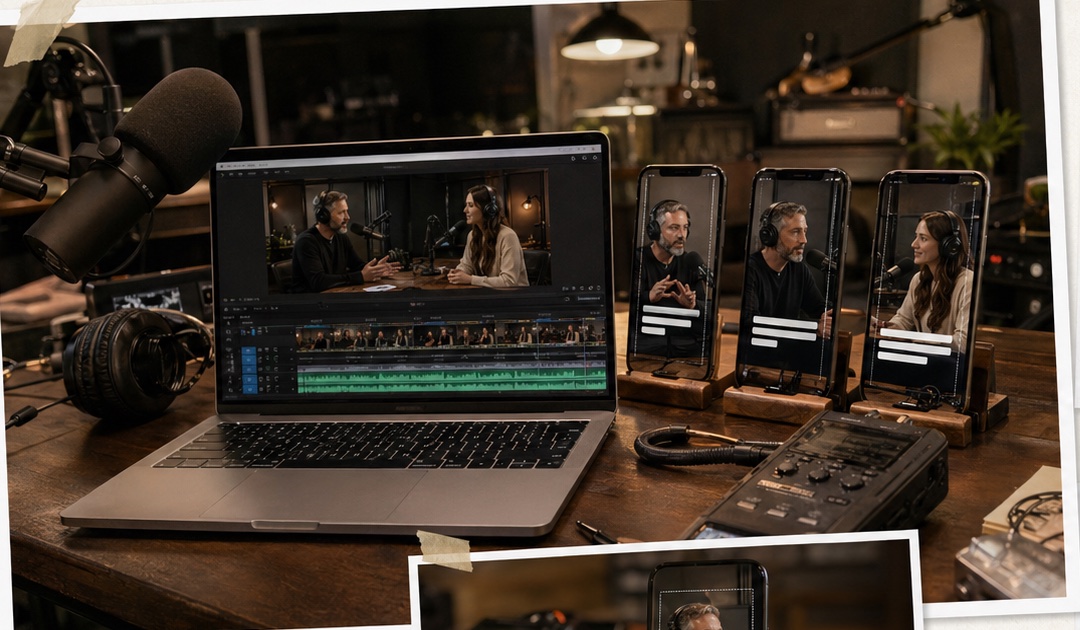
If you are trying to turn a podcast to YouTube Shorts, the hard part is not vertical export. Any decent editor can crop a frame. The hard part is finding a moment that still makes sense when it is pulled out of a 45-minute conversation.
By Daniel Reed (Podcast Clip & Interview Repurposing Research). Target length: 1,288 words imported draft.
Key takeaways
- Primary keyword: podcast to YouTube Shorts.
- Best for creators and teams repurposing long videos into short-form assets.
- Next step: Start turning podcasts into Shorts.
What "podcast to YouTube Shorts" actually means
Searches like **podcast to YouTube Shorts**, **podcast clips for Shorts**, **turn podcast into Shorts**, and **podcast repurposing** usually come from creators who want a repeatable production system. They are not looking for one lucky clip. They want a way to turn every episode into several useful short-form assets. A strong workflow needs to handle: > Source note to add before publication: cite YouTube Help or YouTube Creator documentation for current Shorts requirements, including duration and format. Check the current rules before publishing because platform limits can change.
- moment selection
- hook rewriting
- speaker context
- caption timing
- vertical framing
- platform-safe duration and formatting
- export variants for testing
Why most podcast clips fail as Shorts
Podcast conversations are built for patience. YouTube Shorts are not. A raw excerpt often has three problems: Subsection: The payoff arrives too late The speaker may need 20 seconds to warm up. In a full episode, that is fine. In a Short, it feels like dead air. Subsection: The context is missing The clip starts with "that was the mistake" or "this changed everything," but the viewer has no idea what "that" or "this" refers to. Subsection: The captions are accurate but not useful Raw transcript captions include filler, false starts, and long lines. They may be technically correct while still being hard to watch. In actual production, this is where human review still earns its keep. AI can find candidate moments quickly, but a creator or editor should decide whether the clip has a clean setup, a clear turn, and a satisfying endpoint.
Tool fit for podcast clips for Shorts
| Tool | Strongest use | Limitation | Where Recapo fits | | --- | --- | --- | --- | | Recapo | Long-form breakdown, script, captions, voiceover, batch short output | Needs human review for tone and accuracy | Strong when you want story-shaped Shorts from full episodes | | CapCut | Manual polish, memes, punchy visual finishing | Slow for reviewing long episodes | Best after the clip is already chosen | | Descript | Transcript-based podcast editing | Can feel text-first rather than story-first | Useful when the transcript is the main editing surface | | OpusClip | Fast talking-head highlight extraction | May miss context or brand nuance | Good for quick tests, less complete for guided restructuring |
A practical Recapo workflow to turn podcast into Shorts
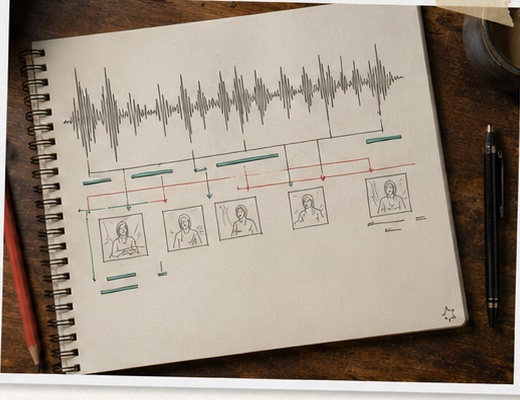
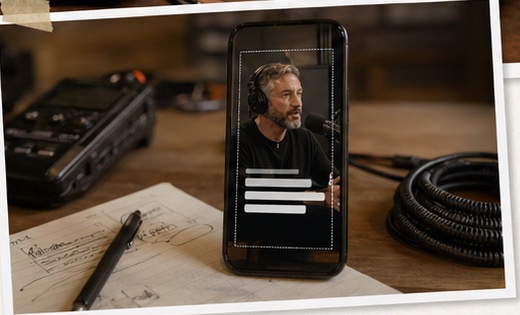
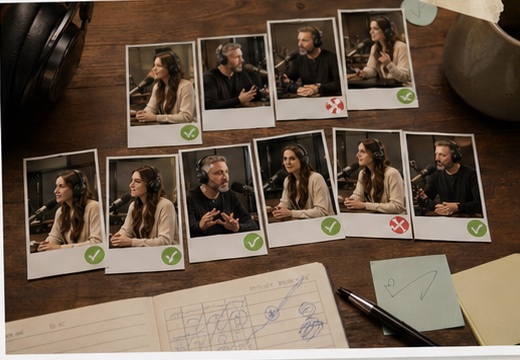
Subsection: Upload the full episode, not only your favorite segment Full-source analysis gives the workflow more context. It can compare moments across the episode and avoid selecting a quote that sounds good but depends too heavily on earlier setup. Subsection: Define the type of Short you want Ask for a specific output shape. A debate clip, a founder lesson, a funny reaction, a customer story, and an educational tip all need different hooks. This is a small step, but it prevents a common mess: five clips that all sound like generic highlights. Subsection: Let Recapo identify short-worthy moments Recapo can analyze conversational arcs, emotional peaks, transitions, and moments with standalone potential. It can then draft script structure, sync captions, extract usable frames, and prepare vertical-ready outputs. The value is not that the first draft is perfect. It is that you no longer spend the first hour hunting through the waveform. Subsection: Rewrite the opening line Most podcast Shorts need a sharper opening than the source episode provides. In Recapo, ChatCut-style prompts can help: This is where we often find the biggest lift. The same clip with a tighter first sentence can feel completely different. Subsection: Export multiple versions and compare Serious **podcast repurposing** should not depend on one version. Create a direct version, a curiosity-led version, and a shorter punchier version. Let the platform data tell you which angle deserves more of your time.
- "Make the first two seconds more direct."
- "Keep the answer, remove the warmup."
- "Give me a version that sounds more conversational."
- "Create a shorter educational cut for YouTube Shorts."
Example workflow: interview episode to Shorts
**Input:** a 55-minute video podcast with two speakers. **Process:** Recapo analyzes the conversation, finds a strong opinion segment, drafts a tighter hook, adds synced captions, and outputs a vertical clip. **Output:** a YouTube Shorts-ready asset built around one complete takeaway, not a random excerpt. The review pass should check speaker labels, caption accuracy, and whether the cut ends cleanly.
Example workflow: industry trends episode to Shorts
**Input:** a 70-minute remote podcast covering three market shifts. **Process:** Recapo groups short-worthy moments by theme, generates multiple cuts with different pacing, applies subtitles, and lets the editor refine tone through prompts. **Output:** several distinct Shorts from one recording: one opinion clip, one educational clip, one reaction clip, and one summary-style clip. This is how one episode becomes a small content library instead of a single social post.
What Recapo does well, and where it needs help
Recapo is strongest when the job is long-form understanding and short-form conversion. It helps reduce transcript scanning, script rewriting, caption syncing, and repetitive exporting. It is not magic. AI-generated scripts can sound slightly formal. Captions may need cleanup for names or niche vocabulary. Audio-only podcasts may require extra visual treatment because Shorts are a visual feed. That honesty matters. A good AI workflow should make the editor faster, not make the editor disappear.
When Recapo is the right fit
Use Recapo if you are: Use another tool first if you need heavy VFX, meme editing, or frame-by-frame visual polish.
- repurposing long podcast episodes into YouTube Shorts every week
- trying to create several clips from one recording
- tired of rebuilding hooks, captions, and exports manually
- working with interviews, commentary, education, or narrative-heavy conversations
The decision that matters
If you are searching for **podcast to YouTube Shorts** software, ask yourself this: do you need a clipper, or do you need a system that rebuilds podcast moments into self-contained short videos? For manual polish, CapCut still has a place. For transcript editing, Descript is useful. For fast talking-head highlights, OpusClip can help. For **turn podcast into Shorts** at scale with script, captions, voiceover, and batch output connected, Recapo is the stronger workflow.
Workflow visuals
FAQ
Frequently asked questions.
Quick answers that connect this guide back to Recapo workflows, exports, and creator use cases.
How many Shorts can you get from one podcast episode?
It depends on the episode. A tight interview with clear stories may produce several strong clips. A loose conversation may only produce one or two worth publishing.
Does Recapo work for audio-only podcasts?
Yes, but video podcasts usually provide stronger source material for YouTube Shorts. Audio-only episodes may need branded visuals, waveform treatment, or supporting B-roll.
Is AI clipping enough without human review?
No. Human review still matters for tone, context, factual accuracy, and whether the moment deserves attention.
Will AI-generated scripts sound perfect?
Not always. A quick rewrite often makes the script sound more like the host and less like a polished summary.
What should I check before uploading to YouTube Shorts?
Check current YouTube Shorts format rules, caption readability, music rights, speaker permission, and whether the clip can stand alone without the full episode.
Related Recapo workflows
- Podcast Clip Maker for Social Clips and Video Highlights
- AI YouTube Video Editor for Shorts, Recaps, and Highlight Clips
- AI YouTube Shorts Maker for Long Videos and Clip Workflows
- AI Video Caption Generator for Shorts, Reels, and TikTok
- AI Captions vs Subtitles: What Creators Should Use for Shorts, Recaps, and Long-Form Repurposing
- Webinar to Short Clips with AI: A Practical Repurposing Workflow for Marketing Teams
- AI Clip Selection for Long-Form Video Highlights: How to Find Moments Worth Publishing