Screenshot Keyframe
Unggah video lokal, cari berdasarkan timestamp atau gunakan pemilihan frame massal, pratinjau gambar, dan ekspor gambar atau arsip langsung di browser. Tidak menyediakan deteksi perubahan adegan otomatis.
Ambil cuplikan bingkai yang tepat
Jeda pemutar video pada waktu yang diinginkan dan ambil cuplikan bingkai tersebut.
- 01
Unggah video lokal
Video tetap berada di browser untuk pratinjau dan pengambilan gambar (frame capture).
- 02
Ambil gambar sekarang atau bagi rata
Simpan momen saat ini atau pilih 1 hingga 24 bingkai gambar dengan interval yang merata.
- 03
Pilih dan unduh
Tinjau dan hapus bingkai gambar yang tidak diinginkan, lalu unduh file PNG satu per satu atau sekaligus dalam format ZIP.
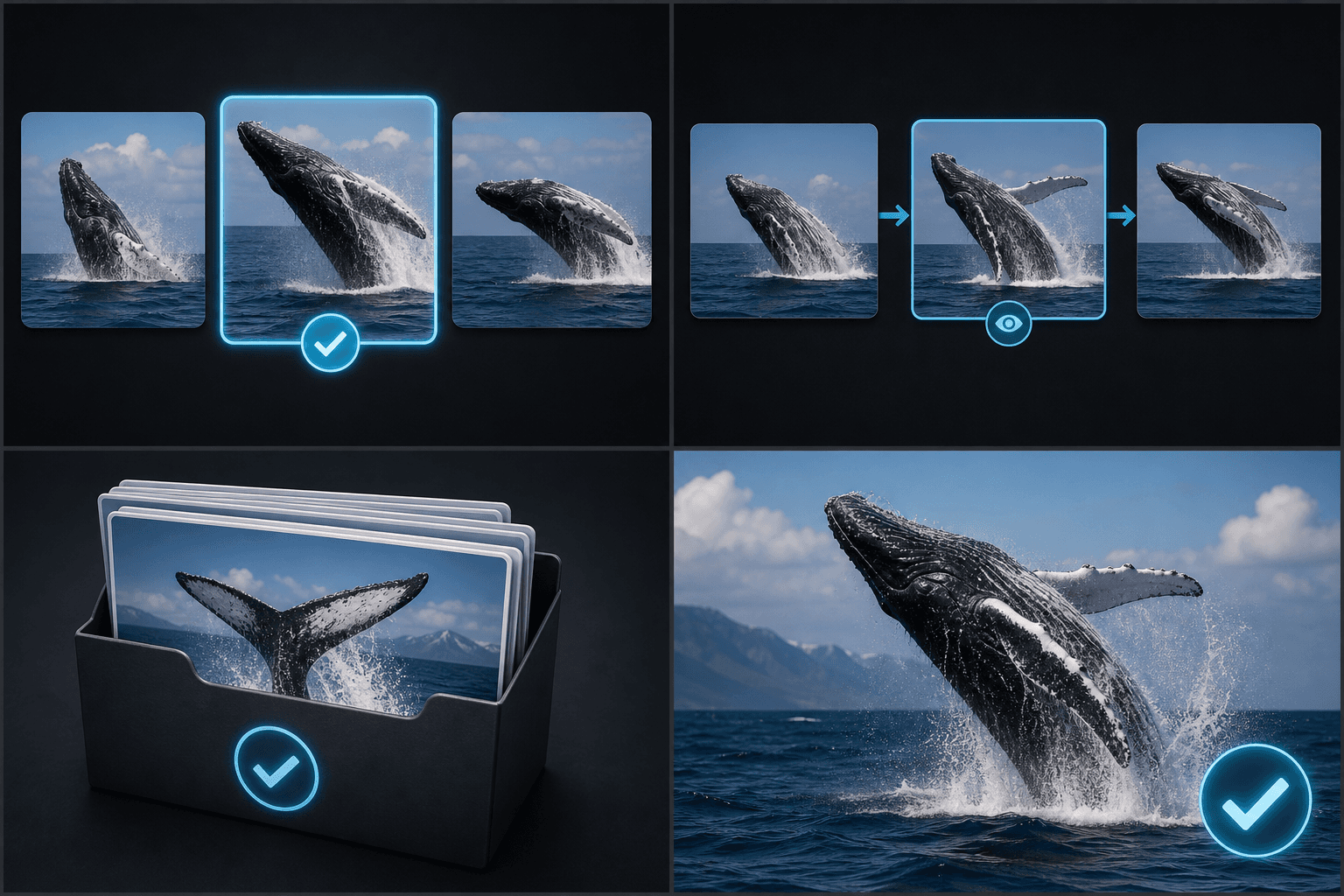
Pengambilan batch dengan jarak merata
Mode otomatis membagikan stempel waktu secara merata di sepanjang durasi video; mode ini tidak menganalisis batas perpindahan adegan.
- Unggah video lokal
- Ambil gambar sekarang atau bagi rata
- Pilih dan unduh
Pemrosesan dan ekspor lokal
Capture berjalan langsung di browser dan mendukung unduhan file PNG secara terpisah atau dalam format ZIP.
Dirancang untuk alur kerja nyata ini
Pilih kandidat sampul
Tinjau papan cerita dan rekaman
Arsipkan bingkai (frame) secara massal
FAQ
Apakah alat ini mendeteksi perubahan adegan secara otomatis?
Tidak. Mode otomatis menggunakan penanda waktu dengan interval yang sama rata.
Berapa banyak bingkai (frame) yang bisa saya ambil sekaligus?
Jumlah yang didukung saat ini adalah 1 hingga 24 bingkai.
Apakah saya bisa mengunduhnya sekaligus dalam satu batch?
Ya. Bingkai yang Anda pilih dapat diunduh bersamaan dalam format ZIP.
Mulai menggunakan Keyframe Screenshot
Masukkan input dan pengaturan penting di atas. Hasil Anda akan tetap berada dalam alur kerja alat saat ini.
Coba gratis