音量標準化工具

上传音频或视频,系统会识别输入类型。 输出选项会按音频或视频输入自动切换。

点击上传或拖入音频或视频文件

支持 MP4、MOV、MKV、WebM、MPEG、MPG、3GP、3GPP、MP3、WAV、AAC、M4A、FLAC、OGG 格式

单文件 ≤ 2 GB

源视频时长不超过 180 分钟

点击开始即在本页处理;处理期间请勿离开本页,离开将取消任务。

使用流程

  1. 01

    上传音频或视频

    上传音频或视频,系统会识别输入类型。

  2. 02

    选择输出格式

    输出选项会按音频或视频输入自动切换。

  3. 03

    下载标准化结果

    下载响度统一后的音频或保留画面的标准化视频。

Why stitched clips jump in volume

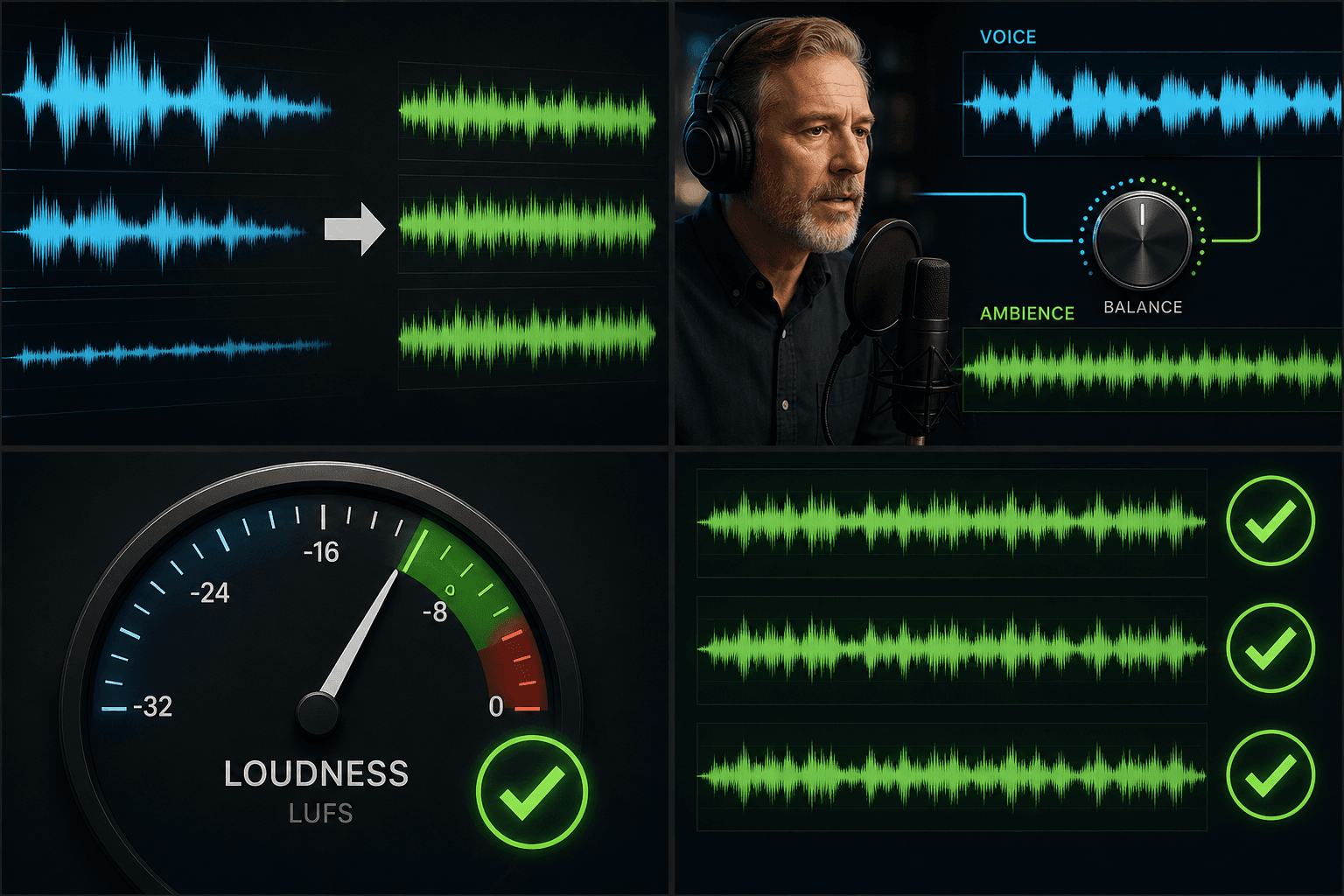
Every recording device and source file makes its own decision about levels: phone mics auto-adjust gain, downloaded clips arrive already mastered, and screen recordings depend on whatever the system volume was that day. Cutting them together preserves each clip's history �?which is exactly the problem. Normalization erases that history by measuring perceived loudness, not just peak level, and aligning every segment to one target.

Compilation and recap edits drawing from many source videos.

Voiceover recorded across multiple sessions at different mic distances.

Interview or reaction formats where two speakers were captured at different levels.

音频与配音

Loudness normalization and platform playback standards

Major platforms measure uploads in LUFS �?a model of perceived loudness �?and adjust playback toward their own reference level. Master your video far above the target and the platform simply turns it down, throwing away the headroom you fought for; leave sections far below and they stay quiet. Delivering an evenly normalized track means the platform's adjustment lands on the whole video uniformly, so it plays back the way you mixed it.

上传音频或视频

适合这些实际场景

逐集统一节目音量
01

逐集统一节目音量

标准化单个音频或视频
02

标准化单个音频或视频

发布前校准响度
03

发布前校准响度

常见问题

How is normalizing different from just turning the volume up?

A simple gain boost raises everything by the same amount, so loud parts get louder along with the quiet ones. Normalization measures each clip's perceived loudness first and applies different adjustments per segment, which is what actually fixes loud-quiet jumps.

Will normalization distort or clip my loud sections?

No �?loud segments are brought down toward the target rather than pushed past full scale, and quiet segments are raised within safe limits, so the result stays clean instead of crunchy.

Should I normalize before or after adding the AI voiceover?

Level the source clips first so the narration is mixed against a stable bed. If you later swap in new footage from another source, run normalization again on the final assembly before export.

What loudness level does it normalize to?

It levels your track toward a consistent loudness target suitable for spoken-word video, so narration stays at a steady volume instead of swinging between loud and quiet sections. This is part of the Recapo recap and commentary workflow and is still in development, so exact target settings may evolve.

Can I normalize the audio inside a video file, or only standalone audio?

You can bring in a video file and level its audio, or work with a standalone audio track. If you only want to touch the sound, you can pair it with Extract Audio from Video first.

Will normalizing make my background music drown out the voice?

Normalizing targets overall loudness rather than mixing levels between tracks, so it evens out volume swings without intentionally pushing music over narration. For best results, level a clean voice track and a music track separately.

现在开始使用Volume Normalizer

在上方完成输入和必要设置,结果会保留在当前工具流程中。

返回工具