Keyframe Screenshot
Upload en lokal video, find et tidsstempel eller vælg flere billeder på én gang, se eksempler og eksporter billeder eller et arkiv direkte i browseren. Automatisk registrering afsceneskift understøttes ikke.
Tag et præcist screenshot af det aktuelle frame
Sæt afspilleren på pause på det ønskede tidspunkt, og tag et screenshot af det præcise frame.
- 01
Upload en lokal video
Videoen forbliver i browseren til forhåndsvisning og billedfangst.
- 02
Tag billede nu eller vælg faste intervaller
Gem det aktuelle skærmbillede, eller vælg mellem 1 og 24 billeder fordelt med jævne mellemrum.
- 03
Vælg og download
Gennemse og slet billeder, og download derefter PNG-filer enkeltvis eller samlet i en ZIP-fil.
Tidsstyret batch-capture med jævne intervaller
Automatisk tilstand fordeler tidsstempler jævnt over hele videoens varighed; den analyserer ikke scener eller klipgrænser.
- Upload en lokal video
- Tag billede nu eller vælg faste intervaller
- Vælg og download
Lokal behandling og eksport
Capture kører direkte i browseren og understøtter eksport af enten enkelte PNG-filer eller en samlet ZIP-fil.
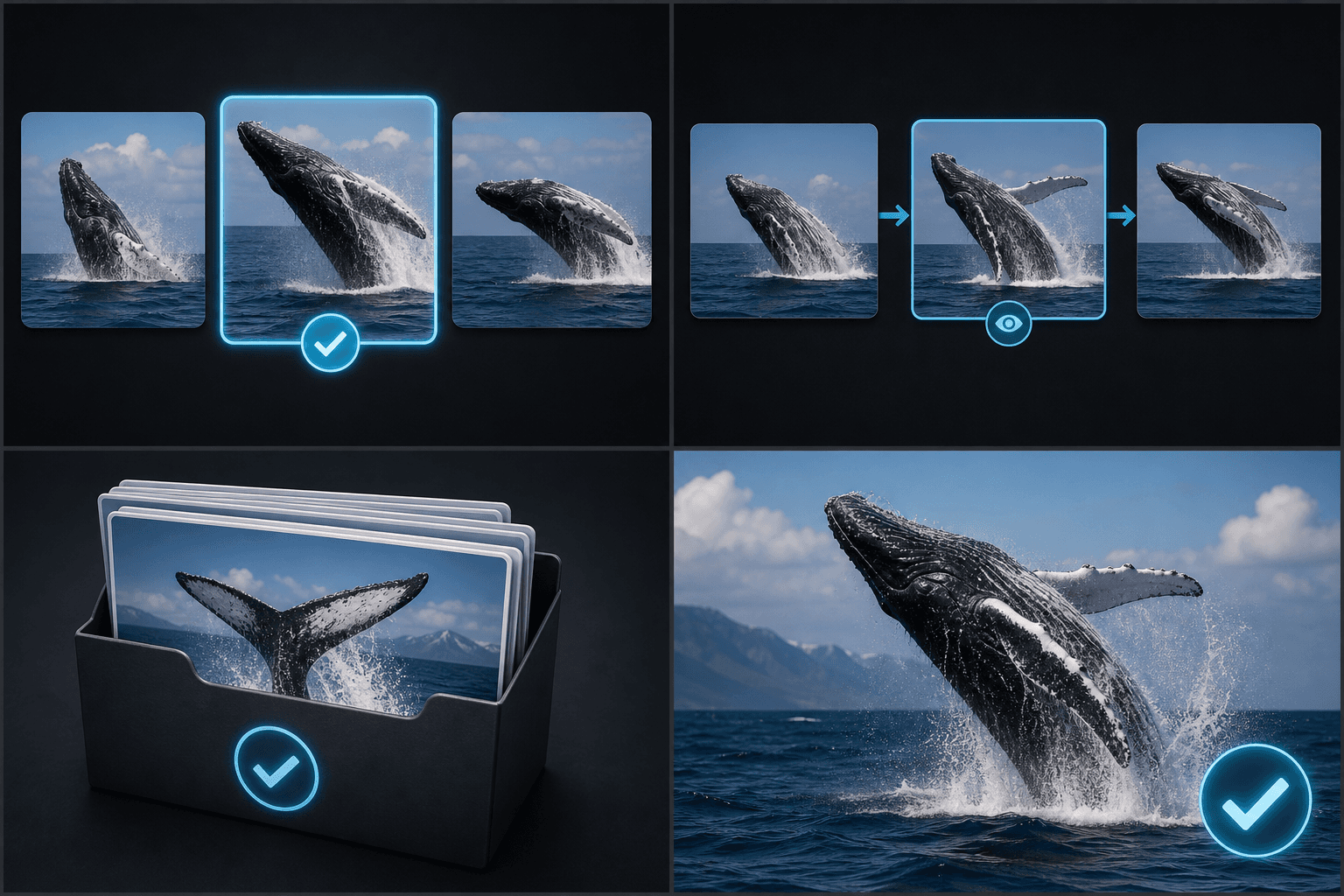
Skabt til disse arbejdsgange
Vælg cover-kandidater
Gennemse storyboards og råoptagelser
Arkiver billedrammer i batches
Ofte stillede spørgsmål
Registrerer den automatisk sceneskift?
Nej. Automatisk tilstand bruger tidsstempler med jævne mellemrum.
Hvor mange billeder kan jeg tage på én gang?
Det nuværende interval er 1 til 24 billeder.
Kan jeg downloade dem samlet?
Ja. De valgte billeder kan downloades samlet som en ZIP-fil.
Begynd at bruge Keyframe-screenshot
Indtast dine filer og de vigtigste indstillinger ovenfor. Dit resultat forbliver i det aktuelle værktøjs arbejdsgang.
Prøv gratis