키프레임 스크린샷
로컬 비디오를 업로드하고, 특정 타임스탬프로 이동하거나 프레임을 일괄 선택하여 스틸컷을 미리보고 이미지 또는 압축 파일로 브라우저에서 바로 내보내세요. 자동 장면 전환 감지 기능은 제공되지 않습니다.
원하는 현재 프레임 정확하게 캡처하기
원하는 시점에 플레이어를 일시 정지하고 해당 프레임을 바로 캡처하세요.
- 01
로컬 비디오 불러오기
비디오는 브라우저 내에 안전하게 유지되며, 미리보기 및 프레임 캡처에 사용됩니다.
- 02
즉시 캡처 또는 균등 분할 추출
현재 재생 시점을 저장하거나, 전체 영상에서 1장부터 24장까지 균등한 간격으로 프레임을 선택하여 추출할 수 있습니다.
- 03
선택 및 다운로드
추출된 프레임을 확인하고 불필요한 컷은 제외한 뒤, 개별 PNG 파일 또는 ZIP 압축 파일로 다운로드합니다.
커버 및 프레임02 / 03
- 로컬 비디오 불러오기
- 즉시 캡처 또는 균등 분할 추출
- 선택 및 다운로드
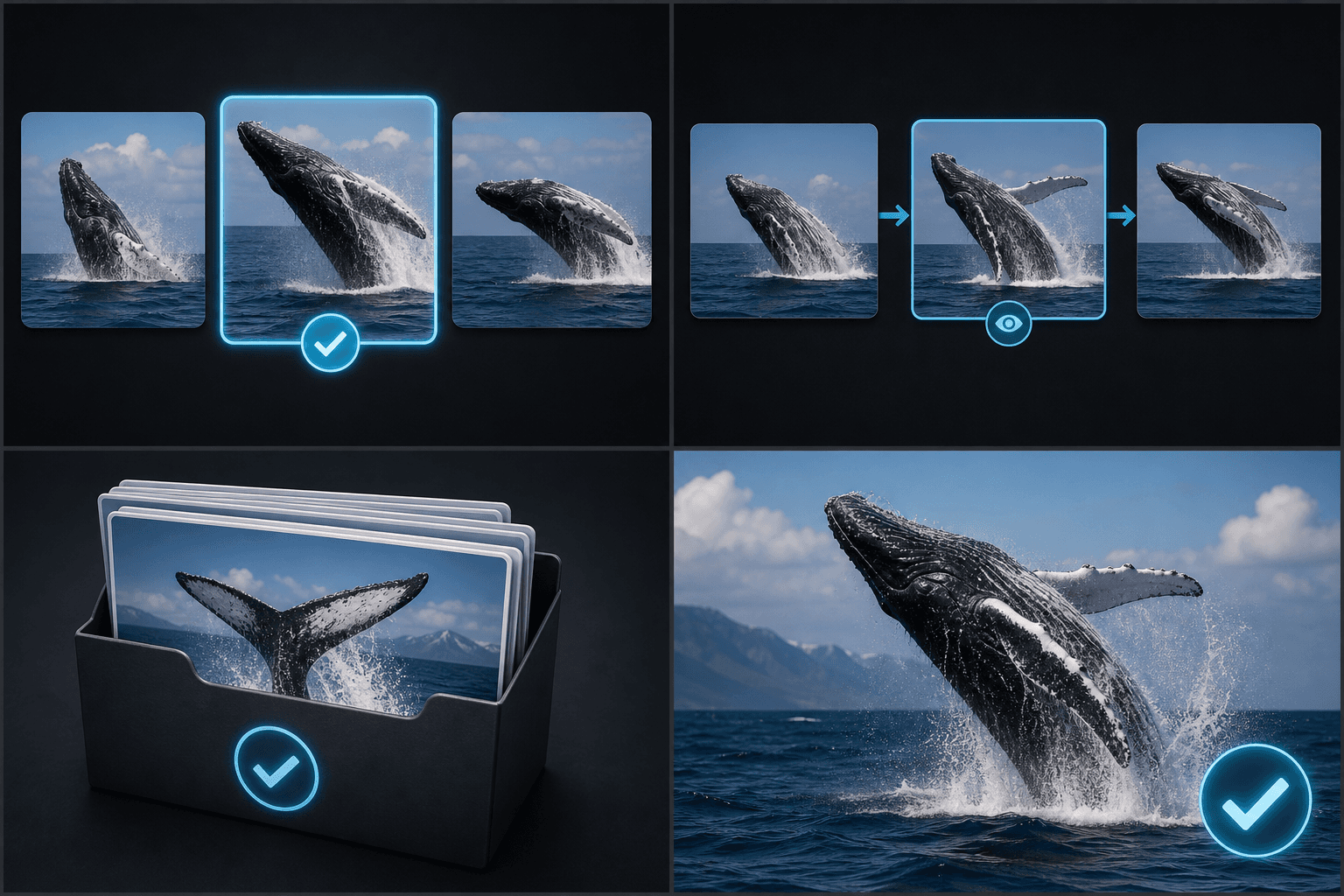
실제 작업 환경에 맞춘 설계
01
커버 후보 선택
02
스토리보드 및 푸티지 검토
03
프레임 일괄 아카이브
자주 묻는 질문
장면 전환을 자동으로 감지하나요?
아니요. 자동 모드에서는 일정한 시간 간격으로 타임스탬프를 설정하여 캡처합니다.
한 번에 몇 개의 프레임을 캡처할 수 있나요?
현재 설정 가능한 범위는 최소 1개에서 최대 24개까지입니다.
프레임을 일괄 다운로드할 수 있나요?
네, 선택한 프레임들을 하나의 ZIP 파일로 묶어서 다운로드할 수 있습니다.