AI 보컬 리무버 및 노래방 반주 제작기
무료 AI 보컬 리무버: 보컬을 반주 및 모든 노래나 비디오에서 깨끗한 스템으로 분리하세요. 노래방 반주, 아카펠라, 리믹스를 만드세요. Recapo.ai.
클릭하여 업로드하거나 오디오/비디오 파일을 끌어다 놓으세요
MP4, MOV, MKV, WebM, MPEG, MPG, 3GP, 3GPP, MP3, WAV, AAC, M4A, FLAC, OGG 지원
Up to 1 GB per file
분리된 오디오 형식
What can you do with separated vocals?
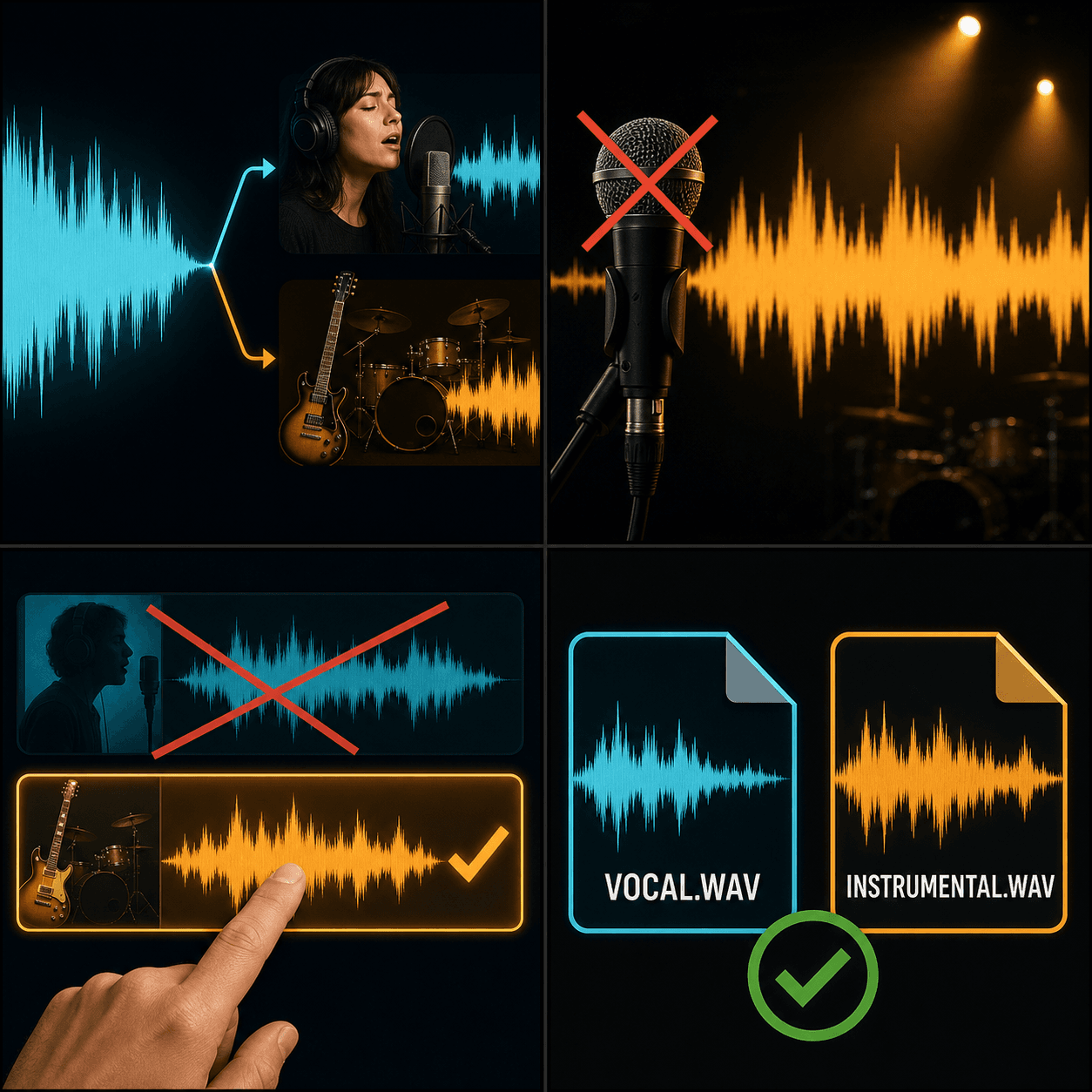
단일 믹스된 트랙은 재사용하기 어렵습니다. 보컬과 반주로 분리하면 각 부분이 재조정, 교체 또는 재사용할 수 있는 자체 자산이 됩니다.
- 01
오디오 또는 비디오 업로드
기기에서 MP3, WAV, M4A 또는 비디오 파일을 가져오거나 링크에서 가져옵니다.
- 02
유지할 항목 선택
Keep the vocal, keep the instrumental, or export both stems separately.
- 03
Download or keep working
Grab the stems, or stay in Recapo: add new BGM, run a voiceover over the instrumental, or drop a stem into a new edit.
노래방 및 커버
반주 위에 노래하거나 녹음할 수 있도록 리드 보컬을 제거하세요.
아카펠라 및 샘플링
리믹스, 매시업 및 편집을 위해 보컬을 분리하세요.
해설
반응할 수 있는 깨끗한 보컬 트랙이나 그 위에 말할 수 있는 깨끗한 반주 트랙을 추출하세요.
보컬을 제거한 후 한 곳에서 계속 창작하세요
대부분의 보컬 제거 도구는 다운로드 버튼에서 멈춥니다. Recapo에서는 스템이 워크스페이스에 유지되므로 다음 단계는 클릭 한 번이면 됩니다. 새로운 배경 음악을 생성하거나, 반주에 AI 보이스오버를 추가하거나, 스템을 새 비디오 프로젝트로 가져오세요. 품질에는 물리적 한계가 있으며, 분리는 항상 약간의 잔여물을 남기므로 완벽한 언믹스보다는 스마트한 분리로 생각하세요.
실제 작업 환경에 맞춘 설계
보컬 및 반주 분리
노래방 반주 생성
리믹스용 음악 소스 추출
자주 묻는 질문
AI 보컬 제거 도구는 무료로 사용할 수 있나요?
예 — Recapo로 온라인에서 트랙을 분리할 수 있으며, 사용해 보는 것은 무료입니다. 더 무겁거나 긴 작업은 크레딧을 소모할 수 있으며, 오디오 길이에 따라 청구됩니다.
보컬 리무버와 스템 스플리터의 차이점은 무엇인가요?
보컬 리무버는 보컬과 반주라는 두 가지 부분을 제공합니다. 스템 스플리터는 한 걸음 더 나아가 믹스를 보컬, 드럼, 베스 및 기타 여러 스템으로 분리하여 더 세밀한 제어를 제공합니다.
오디오 파일뿐만 아니라 비디오에서도 보컬을 제거할 수 있나요?
네. 비디오를 업로드하면 Recapo가 오디오 트랙을 분리하여 편집에서 재사용할 수 있는 깨끗한 보컬과 깨끗한 반주를 반환합니다.
반주가 완벽하게 깨끗하게 들릴까요?
분리에는 물리적 한계가 있습니다. 원래 파형을 재구성하면 항상 희미한 잔여물이나 아티팩트가 남습니다. Recapo의 AI 분리는 노래방, 리믹스 및 해설 배경음에 충분히 좋지만 무손실 언믹스는 아닙니다.