
AI 음원 분리
오디오 또는 비디오 파일을 업로드하여 음원을 추출하고, 목소리와 배경음 트랙을 각각 독립적으로 분리해 보세요.
클릭하여 업로드하거나 오디오/비디오 파일을 끌어다 놓으세요
MP4, MOV, MKV, WebM, MPEG, MPG, 3GP, 3GPP, MP3, WAV, AAC, M4A, FLAC, OGG 지원
Up to 1 GB per file
분리된 오디오 형식
독립적으로 편집 가능한 듀얼 트랙
목소리와 배경음이 분리되면 각 트랙의 볼륨을 조절하거나, 특정 트랙을 교체하거나, 다른 편집 작업에 재사용할 수 있습니다.
- 01
미디어 업로드
로컬 오디오 또는 비디오 파일을 업로드합니다.
- 02
음성 추출 및 분리
오디오를 먼저 추출한 후, 목소리와 배경음을 분리합니다.
- 03
두 트랙 모두 다운로드
각 트랙을 미리 듣고 개별적으로 다운로드하거나, ZIP 파일로 한 번에 다운로드합니다.
목소리 트랙을 텍스트 변환(전사), 더빙, 노이즈 제거에 활용해 보세요.
배경음 트랙을 리믹스, 음원 교체, 사운드 디자인에 활용해 보세요.
각 트랙을 개별적으로 편집한 후 하나로 다시 합칠 수 있습니다.
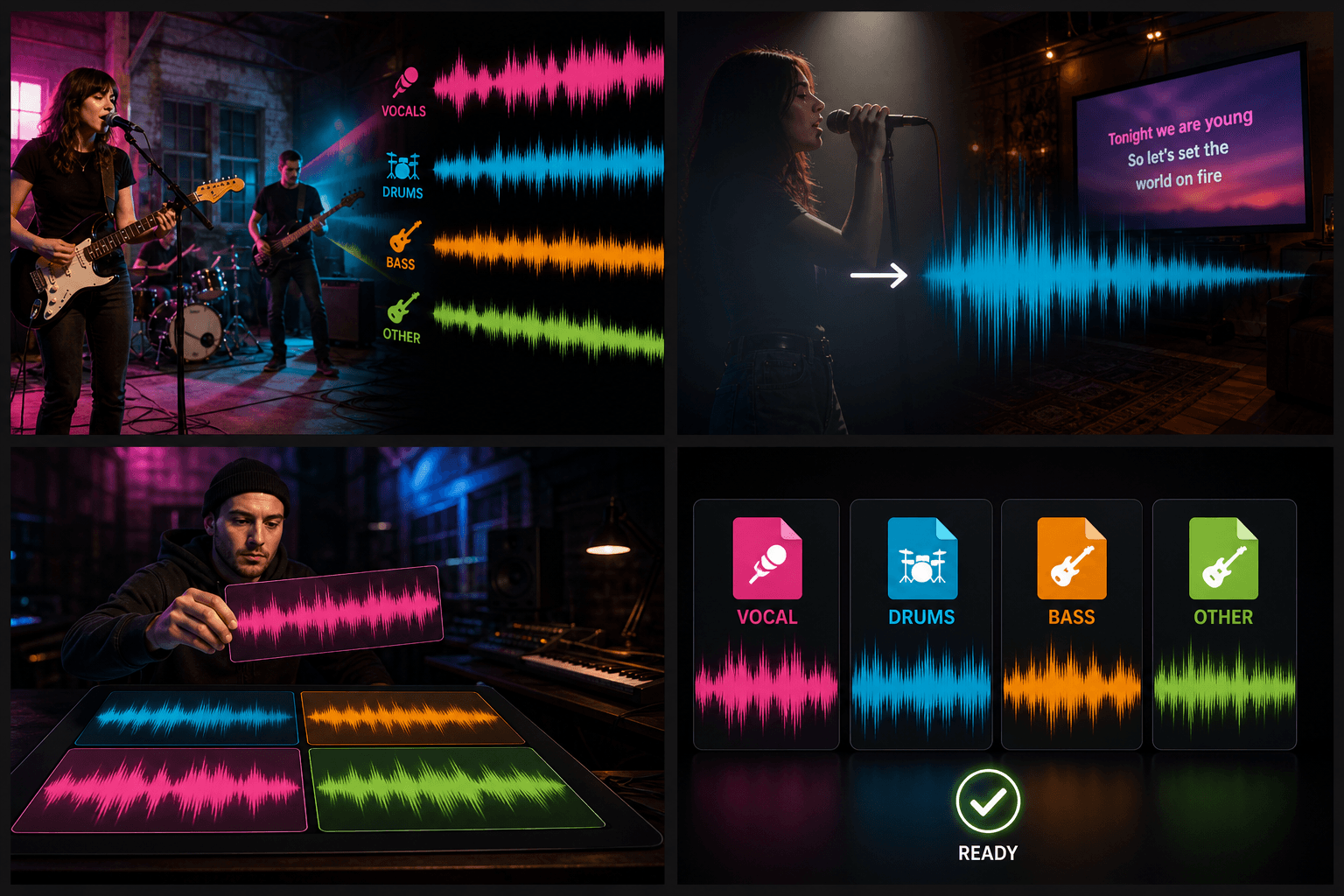
실제 작업 환경에 맞춘 설계
01
음성 및 배경 오디오 분리
02
배경음 없이 목소리만 추출
03
두 개의 독립된 트랙 다운로드
자주 묻는 질문
생성되는 오디오 트랙은 몇 개인가요?
본 도구는 항상 목소리(음성)와 배경음악(BGM) 두 개의 트랙을 생성합니다.
동영상 파일도 처리할 수 있나요?
네, 가능합니다. 서비스에서 먼저 동영상의 오디오를 추출한 후 작업을 진행합니다.
각 트랙을 개별적으로 다운로드할 수 있나요?
네, 두 트랙 모두 개별적으로 미리 듣고 따로 다운로드하실 수 있습니다.
파일 크기 상한은?
오디오 또는 동영상 파일은 파일당 최대 1 GB까지 업로드할 수 있습니다. 업로드 영역에 상한이 표시되며, 초과 시 먼저 자르거나 압축하세요.