샤오홍슈 커버 메이커
동영상에서 3:4 샤오홍슈(RedNote) 커버를 만들어 보세요. 키프레임을 선택하고 피드에서 주목받는 큰 포스터 타이틀을 추가한 뒤, 클릭을 유도하도록 설계된 커버를 내보내세요.
팁: 드래그하여 위치 변경, 클릭하여 선택 후 모서리 핸들을 드래그하여 크기 조정
샤오홍슈 커버가 16:9가 아닌 3:4인 이유
샤오홍슈의 발견 피드는 세로 2열 그리드입니다. 3:4 카드는 열을 채우고 이웃 노트를 화면 아래로 밀어내지만, 가로 또는 정사각형 이미지는 눈에 띄는 간격을 남기고 효과적인 광고판을 축소합니다. YouTube용으로 만들어진 16:9 썸네일을 업로드하는 것은 크로스 포스트하는 크리에이터가 가장 흔히 하는 실수입니다. 플랫폼은 이를 표시하지만, 아무도 타이틀을 읽기 전에 높이 경쟁에서 집니다.
- 01
노트 동영상 가져오기
노트의 배경이 되는 클립을 업로드하거나 링크에서 가져옵니다. 세로, 정사각형, 가로 소스 모두 작동합니다. 크롭은 그다음입니다.
- 02
3:4로 크롭하고 포스터 타이틀 추가
키프레임을 선택하고 샤오홍슈 카드가 사용하는 3:4 세로 비율로 프레임을 조정한 후, 노트의 핵심 가치를 몇 마디로 전달하는 큰 타이틀 레이아웃을 배치합니다.
- 03
내보내기 및 노트 게시
완성된 커버를 다운로드하여 노트의 첫 번째 이미지로 설정하고 게시하거나, 동영상 자체의 캡션 및 내레이션 편집으로 돌아갑니다.
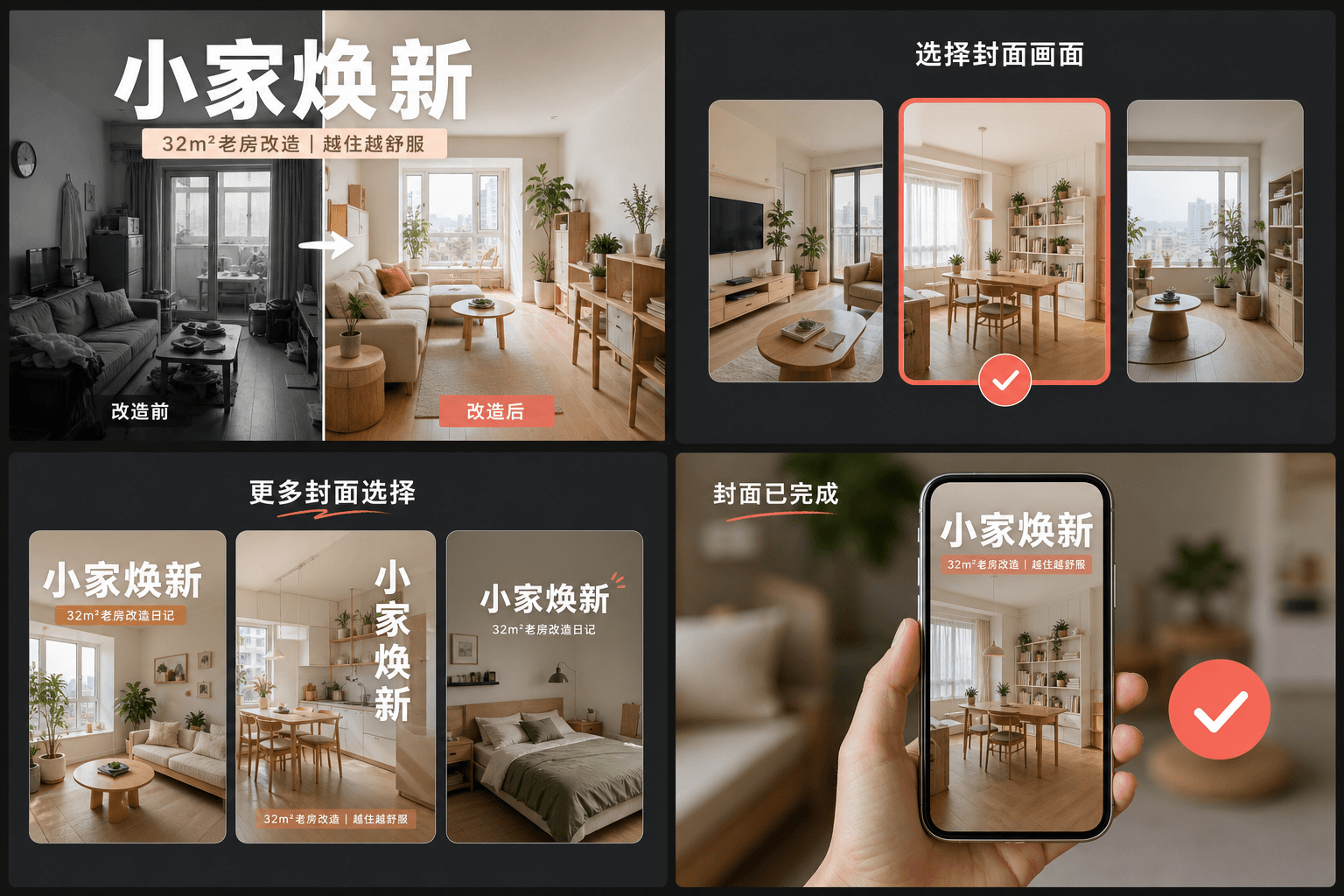
큰 타이틀 습관: RedNote 커버가 클릭을 얻는 방법
성과가 좋은 노트는 커버를 잡지 포스터처럼 취급합니다. 구체적인 가치(시청자가 무엇을 배우고, 저장하고, 피할 수 있는지)를 설명하는 큰 텍스트 헤드라인을 깔끔한 프레임 위에 배치합니다. 얼굴과 표정에 의존하는 YouTube 썸네일과 달리, RedNote 커버는 단어에 의존합니다. 커버 메이커의 레이아웃은 카드의 대부분을 헤드라인에 할당하고, 각 카드가 엄지손가락 너비밖에 안 되는 그리드 크기에서도 읽기 쉽게 유지합니다.
- 주제가 아닌 가치를 명시하세요: "야간 촬영을 망치는 3가지 실수"가 "내 카메라 설정"보다 낫습니다.
- 헤드라인은 카드 중앙에 유지하세요. 그리드는 카드를 끝에서 끝까지 표시하므로 잘린 텍스트를 위한 여백이 없습니다.
- 명확한 피사체가 하나인 프레임을 사용하세요. 썸네일 크기에서는 복잡한 프레임이 깔끔한 프레임보다 뒤집니다.
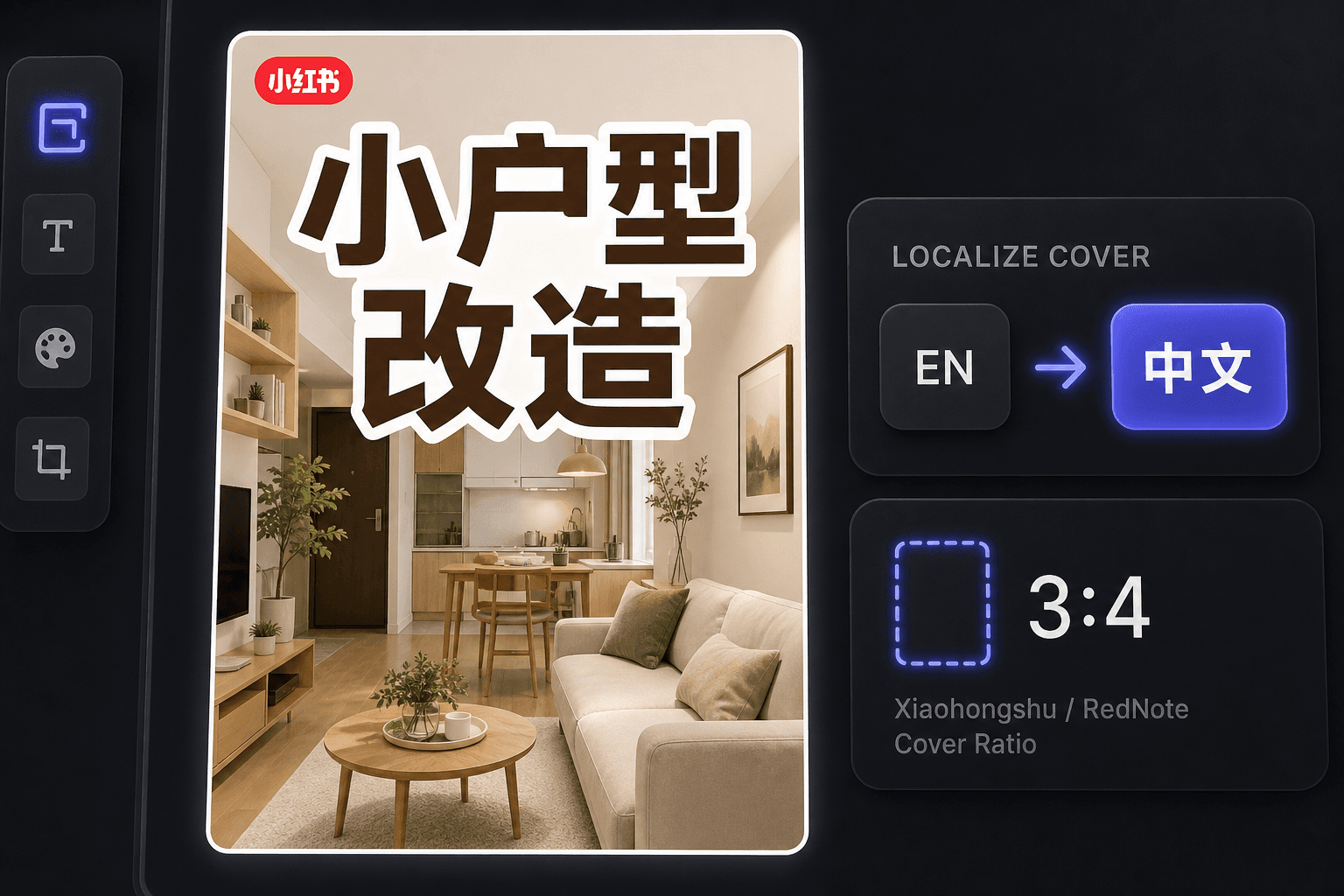
해외 크리에이터로서의 RedNote 커버 제작
RedNote의 국제적 급증 이후, 많은 크리에이터가 중국어를 읽지 않고도 그곳에 게시합니다. 커버 메이커는 워크플로를 영어로 유지하면서 현지 관습에 맞는 커버를 생성하며, 동일한 작업 공간에서 동영상을 중국어 사용자를 위해 현지화하려는 경우 자막 번역을 제공합니다.
실제 작업 환경에 맞춘 설계
시선을 사로잡는 3:4 커버로 시작
영상에서 커버 프레임 선택
현재 캔버스를 PNG로 내보내기
자주 묻는 질문
샤오홍슈 커버에는 어떤 화면비를 사용해야 하나요?
3:4 세로형입니다. 이는 발견 그리드가 설계된 비율로, 더 높은 카드는 열의 더 많은 부분을 차지하여 먼저 보입니다. 도구는 선택한 프레임을 자동으로 3:4로 크롭합니다.
샤오홍슈 커버에는 왜 이렇게 많은 텍스트가 있나요?
커버는 노트의 헤드라인 역할을 합니다. 사용자는 그리드에서 결정하며, 종종 아래 캡션을 읽지 않으므로 이미지의 포스터 스타일 타이틀이 실제로 클릭을 유도합니다. 레이아웃은 그 습관을 중심으로 구축되었습니다.
중국어를 못해도 RedNote 커버를 만들 수 있나요?
네. 도구 자체는 영어로 작동하며, 영어 커버는 RedNote의 국제적 오디언스에게 좋은 성과를 냅니다. 중국어 사용자를 타겟팅하려면 커버를 자막 번역기와 함께 사용하여 동영상을 현지화하세요.
커버를 만들려면 동영상 파일이 필요한가요?
아니요. 도구는 단일 이미지(요약에서 추출한 키프레임이나 업로드한 정지 이미지)를 기반으로 작동하므로 렌더링할 영상도, 오디오도 관여하지 않습니다.