キーフレームスクリーンショット
ローカル動画をアップロードし、特定のタイムスタンプへの移動やフレームの一括選択、静止画のプレビューを行い、ブラウザ上で画像やアーカイブをエクスポートできます。自動シーン変化検出機能は提供していません。
再生中のフレームを正確にキャプチャ
プレイヤーを目的のタイミングで一時停止し、その瞬間を画像としてキャプチャできます。
- 01
ローカル動画を読み込む
動画はブラウザ内で処理されるため、プレビューやフレームのキャプチャを安全に行えます。
- 02
手動キャプチャまたは均等サンプリング
現在の再生位置を保存するか、動画全体から1〜24枚のフレームを均等に抽出します。
- 03
選択してダウンロード
抽出したフレームを確認・整理し、PNG画像として個別またはZIPファイルで一括ダウンロードします。
カバー&フレーム02 / 03
- ローカル動画を読み込む
- 手動キャプチャまたは均等サンプリング
- 選択してダウンロード
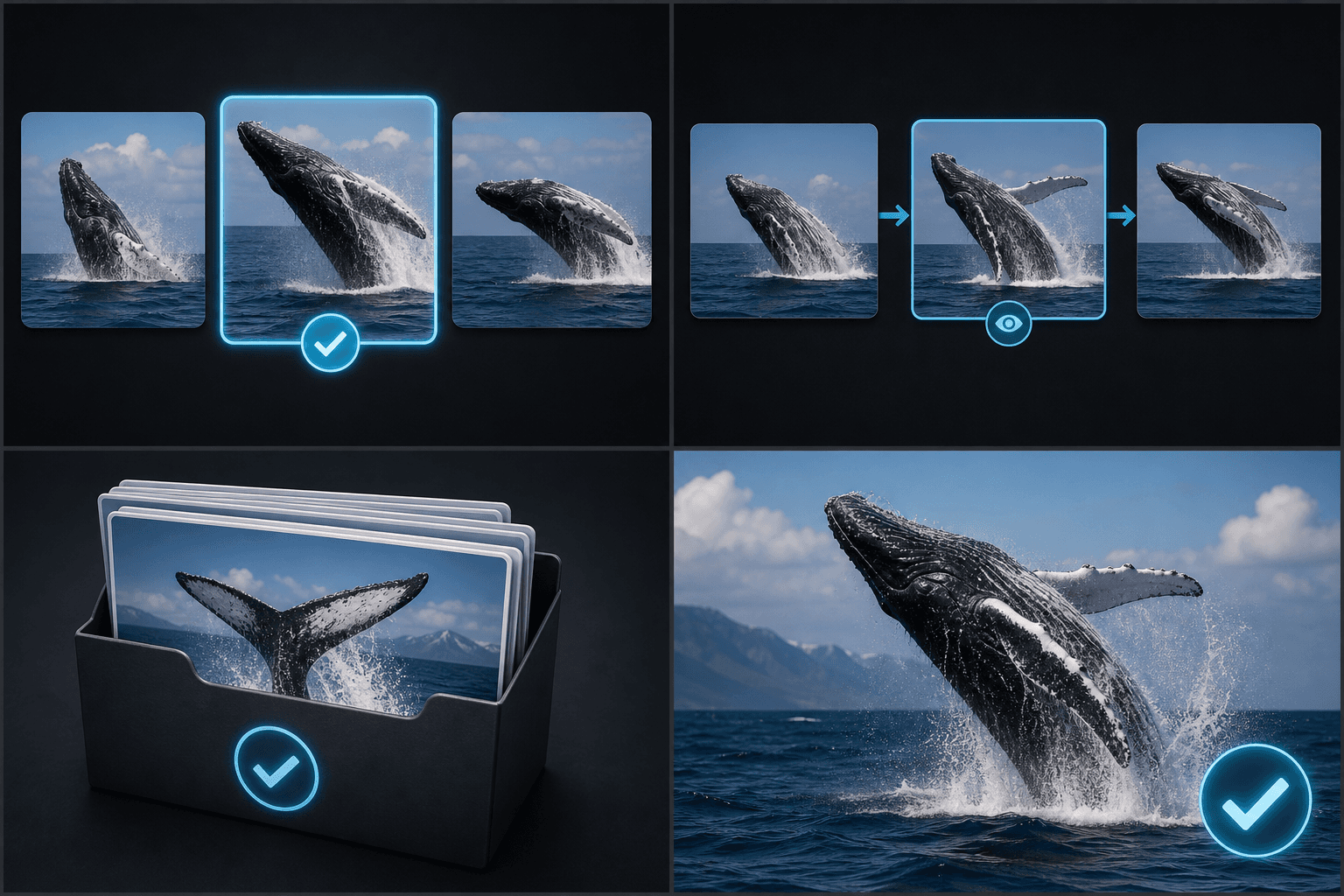
実際のワークフロー向けに設計
01
カバー候補を選択
02
絵コンテとフッテージを確認
03
フレームを一括アーカイブ保存
よくある質問
シーンの切り替わりを自動で検出できますか?
いいえ。自動モードでは、均等な時間間隔でタイムスタンプが設定されます。
一度に何枚のフレームをキャプチャできますか?
現在キャプチャできる範囲は1〜24フレームです。
まとめて一括ダウンロードすることはできますか?
はい。選択したフレームをZIPファイルにまとめてダウンロードできます。