ショート動画一括ジェネレーター
1本の長尺動画からショート動画のバッチを生成:Recapoは1回の処理で複数のハイライトを抽出し、字幕の一貫性を保ち、投稿準備が整ったキューをエクスポートします。
クリックして動画をアップロード、またはドロップ
ブラウザでライブプレビューとトリミングを行います。レンダリングはクラウドで実行されます — このページを離れないでください(離れるとレンダリングがキャンセルされます)
1ファイルあたり2GBまで
1回のアップロードで1週間分のショート動画
一貫して投稿することがショートフォームチャンネルを成長させ、そのボトルネックは撮影ではなく、むしろ編集(カット)であることがほとんどです。バッチ生成はこの比率を逆転させます。1回録画して多数生成し、編集時間は残す価値のある候補にだけ費やします。1時間の会話から、単独で機能するいくつかのクリップが定期的に生成されます。
- 01
ソースを読み込む
1本の長尺動画、またはバッチインポートで複数の動画を一度にアップロードし、AIがバックグラウンドですべてを文字起こしして分析するのを待ちます。
- 02
クリップバッチを生成
ジェネレーターは、1つのベストモーメントで止まるのではなく、動画ごとに複数の異なるハイライトを提案し、それぞれを事前にトリミングしてスコアリングします。
- 03
キューをレビューしてエクスポート
各候補を承認または削除し、バッチ全体に1つの字幕スタイルを適用してから、スケジュール準備が整った9:16のショート動画としてキープしたものをエクスポートします。
各候補は異なる瞬間をカバーするため、クリップ同士が共食いすることはありません。
スコアは、今週3つの投稿だけが必要な場合に、最も強力な数個を選ぶのに役立ちます。
未使用の候補はプロジェクトに残ります。来週また利用しましょう。
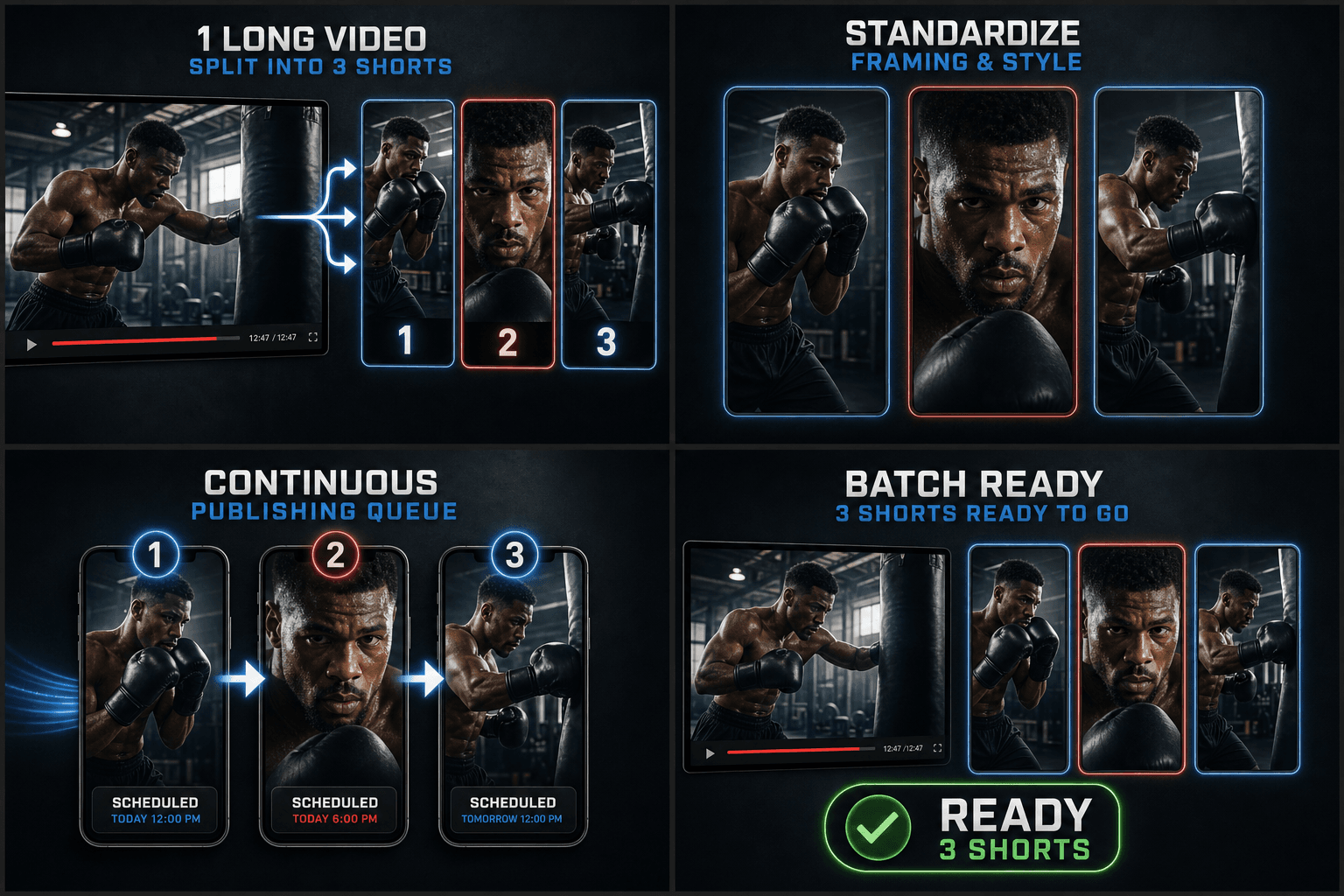
シリーズを一貫して保つバッチ処理
すべてのショート動画が同じルックを共有するとき、クリップシリーズはブランドとして認識されます。字幕スタイル(フォント、位置、色)を1回設定するだけでバッチ全体に適用され、カバーも同じレイアウトに従うため、チャンネルページでサムネイルがきれいに並びます。個々のクリップは、セットを崩さずに微調整することも可能です。
実際のワークフロー向けに設計
1つの動画から1つのセグメントを選択
ターゲット比率とフィットモードを設定
タスクごとに1つのMP4を書き出す
よくある質問
1本の動画から何本のショート動画を取得できますか?
固定された数はありません。動画の長さと、強力な瞬間の密度によって異なります。ジェネレーターはスコアの高いすべての候補を提案し、いくつを採用するかはあなたが決定します。
複数の長尺動画を一度に処理できますか?
はい。バッチインポートを使用して複数のソース動画をキューに入れます。各動画が分析され、同じレビューキュー内で独自のクリップ候補セットを生成します。
生成されたすべてのクリップは同じ字幕スタイルを共有しますか?
デフォルトでははい。バッチ全体に1つのスタイルを適用することで、シリーズの一貫性が保たれます。エクスポート前に、個々のクリップの字幕のスタイル変更や位置調整を行うことも可能です。
ショート動画ジェネレーターに最適なソース動画はどのようなものですか?
映画の要約、解説動画、ストリーム録画など、明確なトークやアクションの瞬間がある長尺の横長動画。このツールは、そのタイムライン全体から縦型のショート動画に切り出す価値のあるセグメントを探します。
生成されるクリップの長さはどのくらいですか?
各カットは、Shorts、Reels、TikTokの再生時間に収まるように、ショート動画の長さにトリミングされます。エクスポート前に、インポイントとアウトポイントを微調整して、クリップを短くしたり長くしたりすることができます。
動画は自動的に縦型にクロップされますか?
各ショート動画を生成する際に、選択されたセグメントを9:16の縦型レイアウトにフレーミングしますが、エクスポート前にフレーミングを調整できます。Recapoのこの部分はまだ開発中であるため、自動フレーミングはレビューの出発点として扱ってください。