小紅書カバーメーカー
動画から3:4の小红书(RedNote)カバーを作成:キーフレームを選び、フィードで評価される大きなポスタータイトルを追加し、タップを獲得するために設計されたカバーをエクスポートしましょう。
ヒント: ドラッグで移動、クリックで選択し、コーナーのハンドルをドラッグしてサイズ変更
小红书のカバーが16:9ではなく3:4である理由
小红书のディスカバリーフィードは縦型の2列グリッドです。3:4のカードは列を埋め、隣のノートを画面の下に押しやりますが、横型や正方形の画像は目に見える隙間を生み、効果的な看板を縮小させます。YouTube用に作られた16:9のサムネイルをアップロードするのは、クロスポストするクリエイターが最もよく犯す間違いです。プラットフォームは表示しますが、誰かがタイトルを読む前に高さの競争に負けてしまいます。
- 01
ノートの動画を取り込む
ノートの元となるクリップをアップロードするか、リンクからインポートします。縦型、正方形、横型のソースすべてに対応 — 次にクロップを行います。
- 02
3:4にクロップしてポスタータイトルを追加
キーフレームを選び、小红书のカードが使用する3:4の縦型比率でフレームを調整し、ノートのメリットを数語で伝える大きなタイトルレイアウトを配置します。
- 03
エクスポートしてノートを投稿
完成したカバーをダウンロードし、ノートの最初の画像として設定して公開 — または、動画自体のキャプションやナレーションの編集に戻ります。
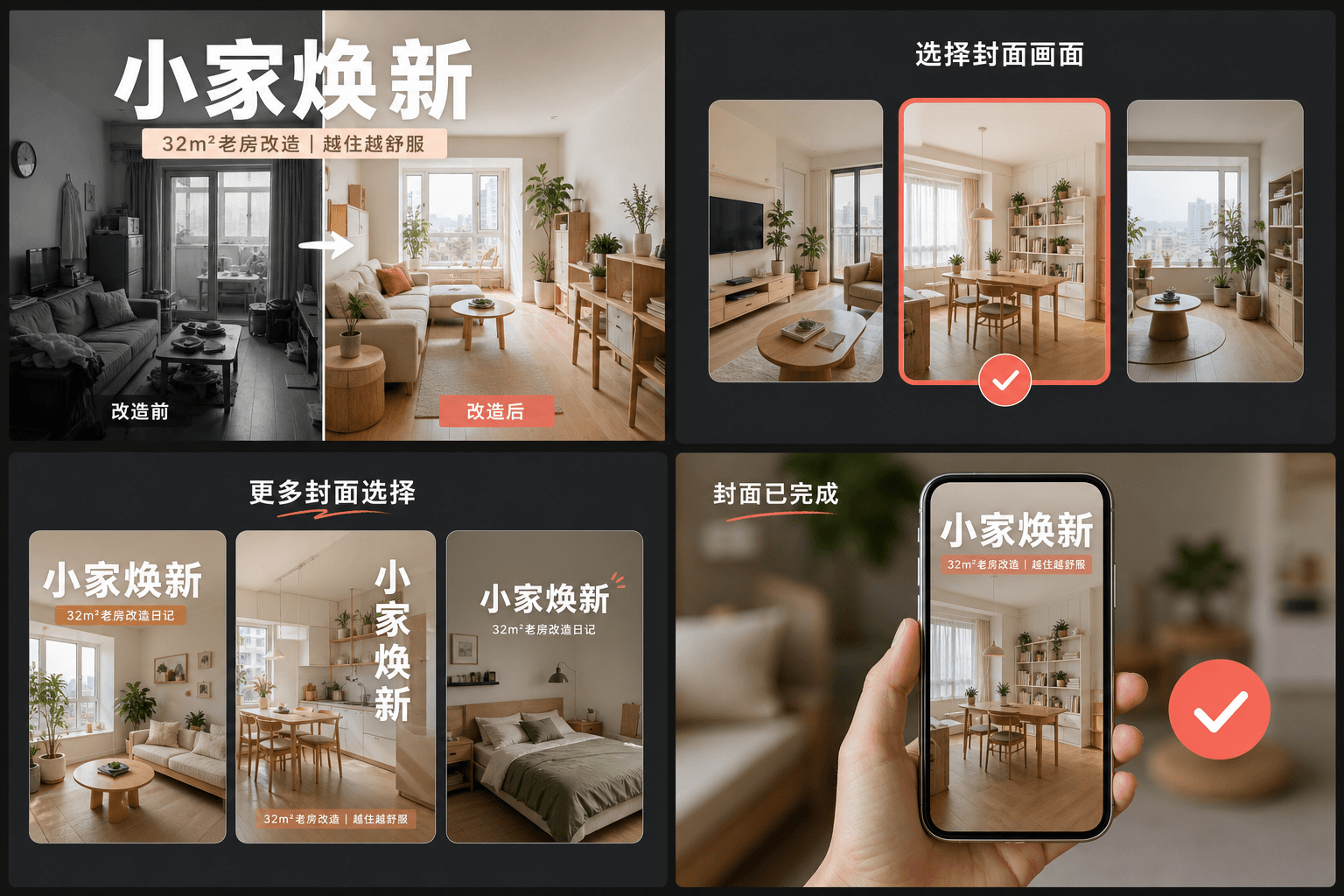
大きなタイトルの習慣:RedNoteのカバーがタップを獲得する方法
成果の高いノートは、カバーを雑誌のポスターのように扱います。具体的なメリット(視聴者が何を学び、保存し、避けるか)を述べる大きなテキスト見出しを、クリーンなフレームに重ねます。顔や表情に頼るYouTubeのサムネイルとは異なり、RedNoteのカバーは言葉に頼ります。カバーメーカーのレイアウトは、カードの大部分を見出しに使い、グリッドサイズ(各カードは親指の幅ほどしかない)でも読みやすいように保ちます。
- トピックではなくメリットを述べる:「夜間撮影を台無しにする3つの間違い」は「私のカメラ設定」に勝ちます。
- 見出しはカードの中央に収める — グリッドはカードを端から端まで表示し、切り取られたテキストのマージンはありません。
- 明確な被写体が1つだけのフレームを使用する。サムネイルサイズでは、雑然としたフレームはクリーンなフレームに劣ります。
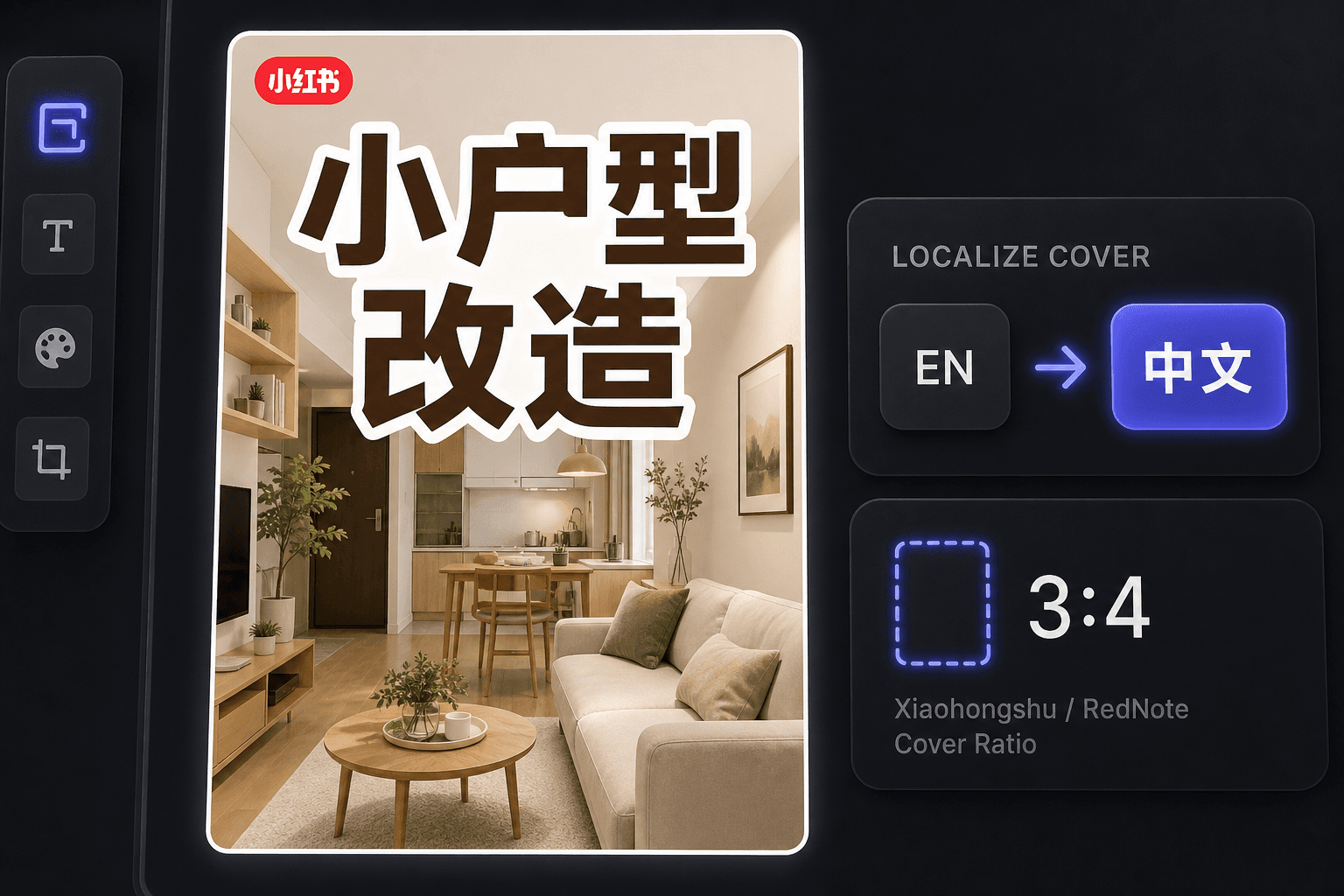
海外クリエイターとしてのRedNoteカバー作成
RedNoteの国際的な急増以来、多くのクリエイターが中国語を読まずにそこで公開しています。カバーメーカーはワークフローを英語に保ちながら、現地の慣習に合ったカバーを生成し、同じワークスペースで、動画を中国語話者向けにローカライズしたい場合に字幕翻訳を提供します。
実際のワークフロー向けに設計
目を引く3:4のカバーから開始
動画からカバーフレームを選択
現在のキャンバスをPNGとして書き出す
よくある質問
小红书のカバーにはどのアスペクト比を使用すべきですか?
3:4の縦型です。これはディスカバリーグリッドが設計されている比率であり、背の高いカードは列のより多くの部分を占め、最初に見られます。ツールは選択したフレームを自動的に3:4にクロップします。
小红书のカバーにはなぜこれほど多くのテキストがあるのですか?
カバーはノートの見出しを兼ねています。ユーザーはグリッドから判断し、下のキャプションを読まずに決めることが多いため、画像上のポスター風タイトルが実際にタップを獲得します。レイアウトはその習慣を中心に構築されています。
中国語を話せなくてもRedNoteカバーは作れますか?
はい。ツール自体は英語で動作し、英語のカバーはRedNoteの国際的なオーディエンスでうまく機能します。中国語話者の視聴者をターゲットにする場合は、カバーを字幕翻訳ツールと組み合わせて動画をローカライズしてください。
カバーを作るために動画ファイルは必要ですか?
いいえ。ツールは単一の画像(リキャップから抽出したキーフレームまたはアップロードした静止画)から動作するため、レンダリングする映像もオーディオも関与しません。