動画の文字起こし(音声テキスト変換)
画面に音声からテキストを表示。動画をアップロードすると、AIが話し言葉を認識し、キャプションに変換して映像に焼き付けます。完成したキャプション付き動画をプレビューしてダウンロードできます。Recapo.ai。
クリックしてアップロード、または動画ファイルをドロップ
対応フォーマット: MP4, MOV, MKV, WebM, MPEG, MPG, 3GP, 3GPP
1ファイルあたり2GBまで
ソース動画は60分まで
Very long videos may fail when extracted ASR audio exceeds 100MB — trim first if needed
Upload a video first to adjust settings and preview the result
サイドファイルではなく、画面に残る言葉
ここでの音声からテキストへの変換の目的は、管理が必要な文字起こしテキストではありません。言葉がそのまま表示され、人々が実際に視聴できる動画です。Recapoは音声を認識し、キャプションとして書き出し、フレームに焼き付けます。そのため、完成したクリップは、フィードでのミュート再生、スマートフォン、字幕トラックを削除するプレーヤーなど、どこでもテキスト付きで再生されます。1つのファイルにキャプションが含まれており、添付するものは何もありません。
- 01
動画をアップロード
デバイスから動画ファイルを追加するか、リンクからインポートします。インタビュー、トーキングヘッドのクリップ、講義、ポッドキャスト動画など、すべてに対応しています。
- 02
AIに音声を認識させる
AI音声認識が音声を聞き取り、話し言葉をクリーンで読みやすいキャプション行に変換し、画面で話されている内容に合わせてタイミングを調整します。
- 03
キャプション付き動画をプレビューしてダウンロード
キャプションは映像に直接焼き付けられます。ページ上で完成した動画をプレビューし、キャプション付きのMP4をダウンロードします。言葉と映像が1つのファイルにまとまっています。
インタビューとポッドキャスト
話し言葉の回答を画面内のキャプションに変換し、クリップの再生中に引用文を読みやすくします。
講義とトーク
話されたすべてのポイントを、無音視聴用に動画に焼き付けられたキャプションとしてキャプチャします。
ソーシャルおよびフィード動画
音を消しても読めるキャプション付きのカットを公開でき、管理すべき字幕ファイルは不要です。
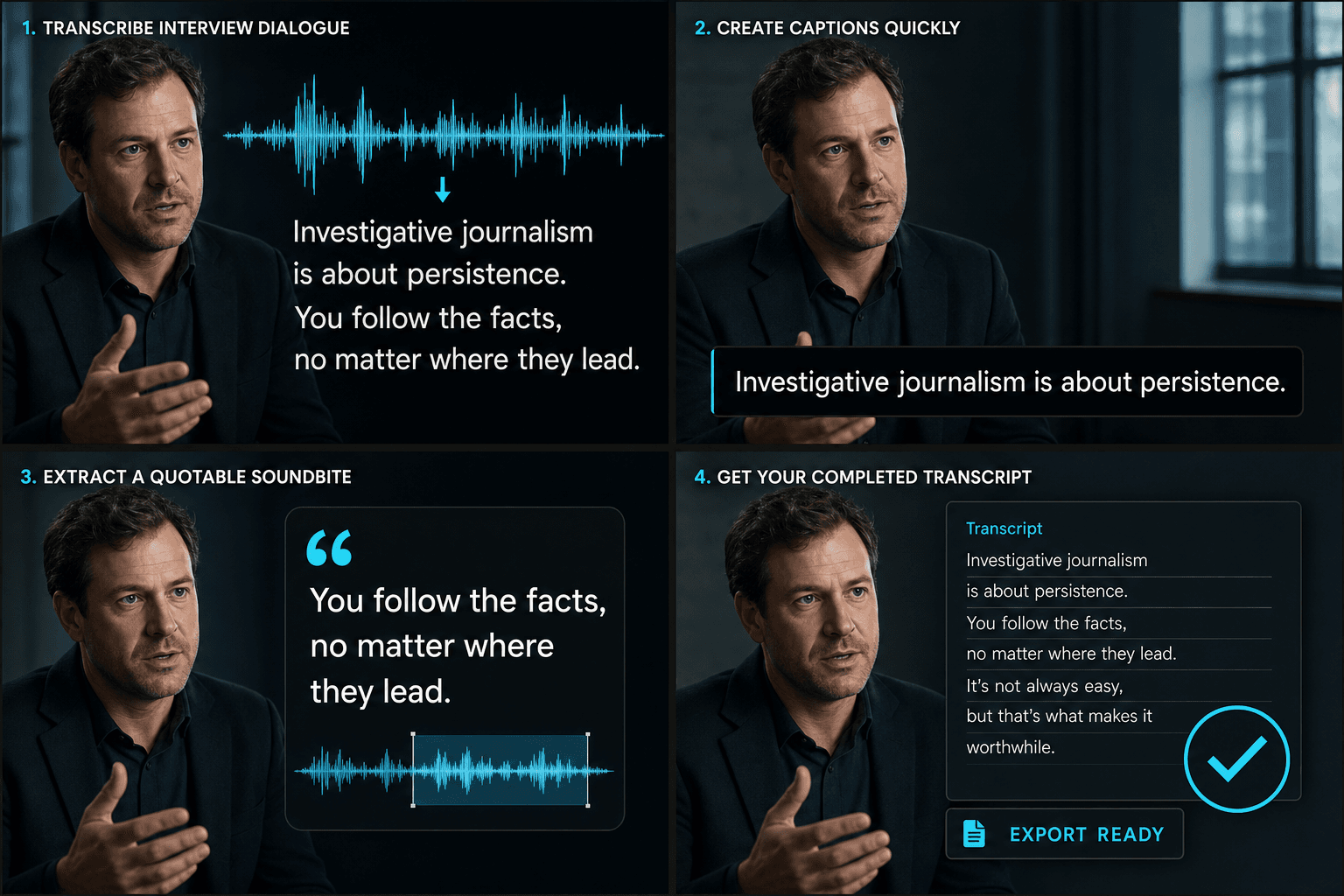
話し言葉の音声から完成したキャプション付き動画へ
AIが1回の処理で聞き取りと文字起こしを行います。音声を認識し、話のタイミングに合わせたキャプション行に変換して、映像にレンダリングします。出力されるのは、スクリプトでも後で同期する必要のあるファイルでもない、単一のキャプション付き動画です。ページ上でプレビューし、MP4としてダウンロードする準備が整います。音声が入力され、視聴可能なキャプション付きカットが出力されます。
実際のワークフロー向けに設計
中国語または英語のインタビューを認識
動画字幕をデザイン
字幕焼き付け済みのMP4をダウンロード
よくある質問
テキストファイルと動画、どちらが得られますか?
動画です。Recapoは話し言葉をキャプションに変換し、映像に焼き付けます。そのため、完成したキャプション付きMP4をダウンロードできます。言葉は別の文字起こしファイルではなく、映像と共に画面に表示されます。
音声と動画、どちらをアップロードしますか?
動画をアップロードします。Recapoは音声内の話し言葉を聞き取り、キャプションとして書き出し、そのキャプションを同じ動画にレンダリングし直します。そのため、ダウンロードするのはキャプション付きのクリップです。
名前や専門用語が間違って認識された場合はどうなりますか?
AI認識は、文脈におけるほとんどの名前や専門用語を含め、明瞭な音声をうまく処理します。キャプションは音声に合わせてタイミングが調整され、最終的な動画に焼き付けられるため、言葉は画面で話されている内容と一致したままになります。
キャプションジェネレーターとはどう違いますか?
音声からテキストへは、スクリプト、メモ、または検索に使用するための、完全に編集可能な言葉の文字起こしを提供します。キャプションジェネレーターは、画面に表示するための時間同期された字幕行を生成することを目的としています。多くのクリエイターは、まず文字起こしを行い、テキストを編集してから、そこからキャプションを作成します。