استخراج الصور من الفيديو
قم برفع فيديو محلي، وانتقل إلى طابع زمني محدد أو استخدم ميزة التحديد الجماعي للإطارات، وعاين الصور الثابتة ثم قم بتصدير الصور أو أرشيف كامل مباشرة من المتصفح. ميزة الكشف التلقائي عن تغيير المشاهد غير متوفرة.
التقاط الإطار الحالي بدقة
أوقف مشغل الفيديو مؤقتًا عند اللحظة المطلوبة والتقط هذا الإطار بدقة.
- 01
رفع فيديو محلي
يبقى الفيديو داخل المتصفح للمعاينة والتقاط الإطارات دون رفعه إلى الخادم.
- 02
التقاط فوري أو تقسيم بالتساوي
احفظ اللقطة الحالية أو اختر تقسيم الفيديو إلى 1 إلى 24 إطاراً بفواصل زمنية متساوية.
- 03
التحديد والتنزيل
راجع الإطارات واحذف ما لا تحتاجه، ثم نزّل صور PNG بشكل فردي أو في ملف ZIP مضغوط.
التقاط دفعات متباعدة بالتساوي
يقوم الوضع التلقائي بتوزيع الطوابع الزمنية على طول الفيديو بالكامل، ولا يقوم بتحليل حدود المشاهد.
- رفع فيديو محلي
- التقاط فوري أو تقسيم بالتساوي
- التحديد والتنزيل
معالجة وتصدير محلي بالكامل
يعمل تطبيق Capture مباشرة في المتصفح ويدعم تنزيل لقطات الشاشة كملفات PNG فردية أو في ملف ZIP مضغوط.
مصمم لخطوات العمل الفعلية هذه
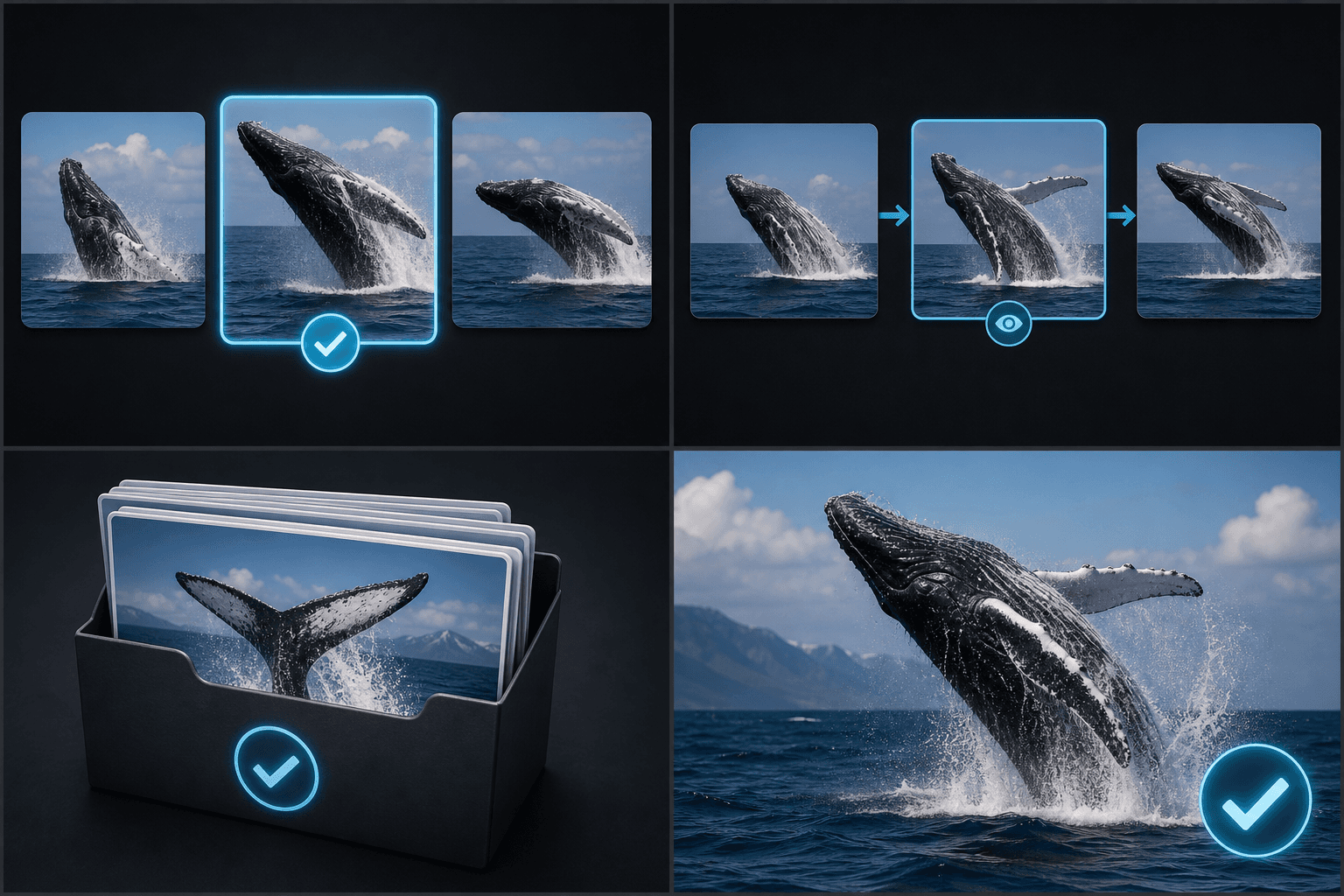
تحديد الخيارات المرشحة للغلاف
مراجعة لوحات القصة واللقطات
أرشفة الإطارات على دفعات
الأسئلة الشائعة
هل يكتشف التطبيق تغييرات المشاهد تلقائيًا؟
لا، يعتمد الوضع التلقائي على طوابع زمنية متباعدة بالتساوي.
كم عدد الإطارات التي يمكنني التقاطها دفعة واحدة؟
النطاق الحالي المتاح هو من 1 إلى 24 إطارًا.
هل يمكنني تنزيلها دفعة واحدة؟
نعم، يمكنك تجميع الإطارات المحددة وتنزيلها في ملف مضغوط بصيغة ZIP.
ابدأ استخدام لقطة شاشة من الإطار الرئيسي
أدخل البيانات والإعدادات الأساسية أعلاه. ستبقى النتيجة في مسار عمل الأداة الحالي.
استخدمه مجاناً