Estrarre fotogrammi da video
Carica un video locale, seleziona un timestamp o usa l'estrazione in batch, visualizza l'anteprima dei fotogrammi ed esporta le immagini o un archivio direttamente nel browser. Rilevamento automatico dei cambi di scena non supportato.
Cattura l'esatto fotogramma corrente
Metti in pausa il player nel momento desiderato e cattura quel fotogramma.
- 01
Carica un video locale
Il video rimane nel browser per l'anteprima e l'acquisizione dei fotogrammi.
- 02
Cattura ora o campiona uniformemente
Salva il momento esatto o seleziona da 1 a 24 fotogrammi distribuiti uniformemente.
- 03
Seleziona e scarica
Rivedi ed elimina i fotogrammi, poi scarica i file PNG singolarmente o in un unico archivio ZIP.
Cattura in batch a intervalli regolari
La modalità automatica distribuisce i timestamp in modo uniforme lungo l'intera durata del video, senza analizzare i cambi di scena.
- Carica un video locale
- Cattura ora o campiona uniformemente
- Seleziona e scarica
Elaborazione locale ed esportazione
Capture viene eseguito direttamente nel browser e supporta il download di singoli file PNG o di un archivio ZIP.
Progettato per questi flussi di lavoro reali
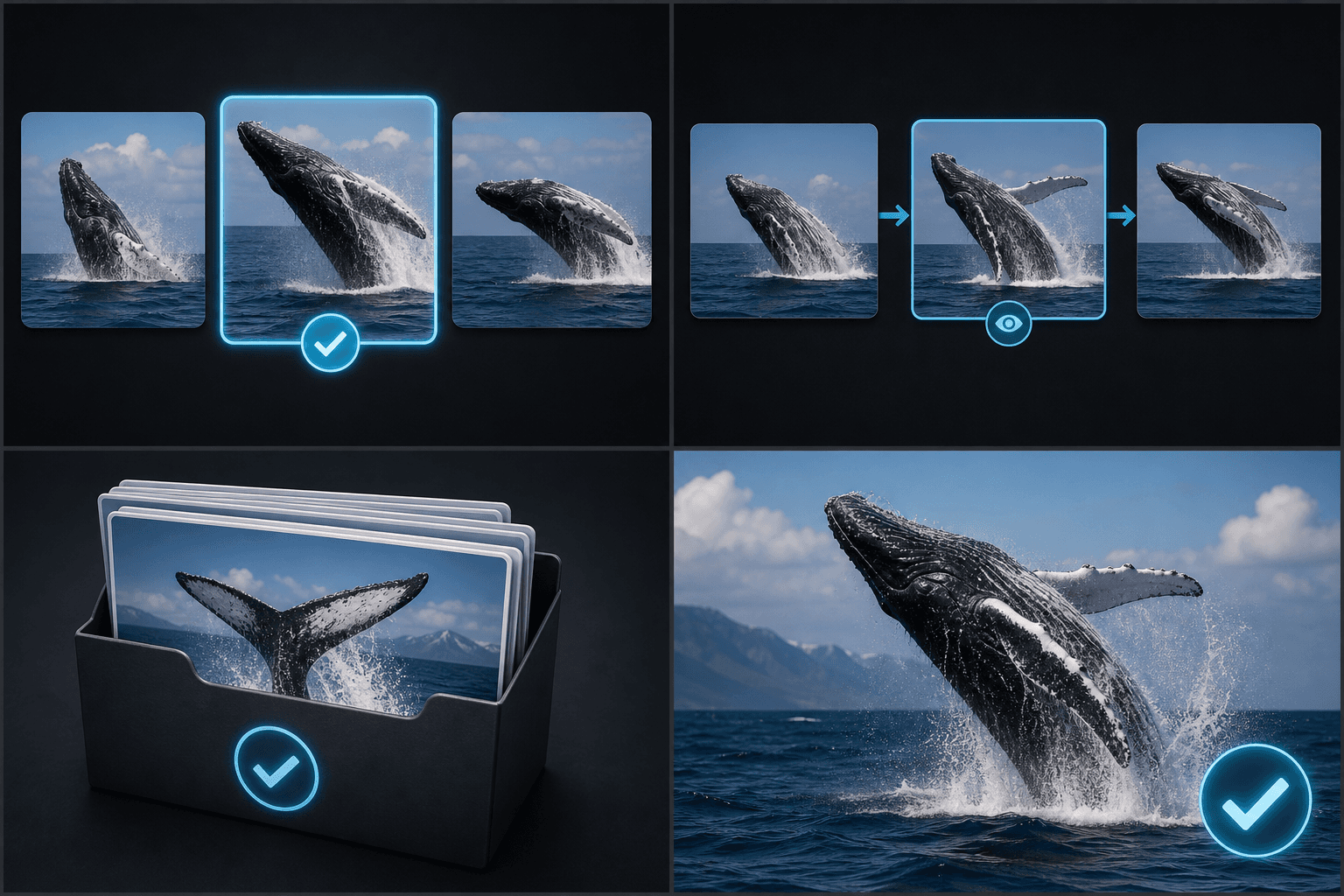
Seleziona candidati per la copertina
Rivedi storyboard e girato
Archivia fotogrammi in blocco
FAQ
Rileva automaticamente i cambi di scena?
No. La modalità automatica utilizza timestamp distribuiti a intervalli regolari.
Quanti fotogrammi posso catturare contemporaneamente?
Al momento è possibile catturare da 1 a 24 fotogrammi.
Posso scaricarli tutti insieme?
Sì. I fotogrammi selezionati possono essere scaricati insieme in un file ZIP.
Inizia a usare Keyframe Screenshot
Inserisci l'input e configura le impostazioni principali qui sopra. Il risultato rimarrà all'interno del flusso di lavoro dello strumento corrente.
Usa gratis