แคปภาพจากวิดีโอ
อัปโหลดวิดีโอของคุณ เลือกช่วงเวลาที่ต้องการ หรือเลือกเฟรมภาพทีละหลายรูปพร้อมกัน ดูตัวอย่างภาพนิ่ง แล้วดาวน์โหลดเป็นไฟล์รูปภาพหรือไฟล์บีบอัด (Archive) ได้ทันทีผ่านเบราว์เซอร์ (ไม่มีระบบตรวจจับการเปลี่ยนฉากอัตโนมัติ)
บันทึกภาพจากเฟรมปัจจุบันได้อย่างแม่นยำ
เพียงกดหยุดเล่นวิดีโอในเวลาที่ต้องการ ก็สามารถบันทึกภาพจากเฟรมนั้นได้ทันที
- 01
อัปโหลดวิดีโอของคุณ
วิดีโอจะถูกประมวลผลบนเบราว์เซอร์ของคุณโดยตรง เพื่อความปลอดภัยในการดูตัวอย่างและเลือกเฟรม
- 02
จับภาพทันทีหรือสุ่มจับภาพแบบเว้นระยะเท่ากัน
บันทึกภาพจากช่วงเวลาที่ต้องการ หรือเลือกจับภาพแบบกระจายเวลาเท่าๆ กันตั้งแต่ 1 ถึง 24 เฟรม
- 03
เลือกและดาวน์โหลด
ตรวจสอบและลบเฟรมที่ไม่ต้องการ จากนั้นดาวน์โหลดไฟล์ PNG แยกทีละภาพ หรือดาวน์โหลดทั้งหมดเป็นไฟล์ ZIP
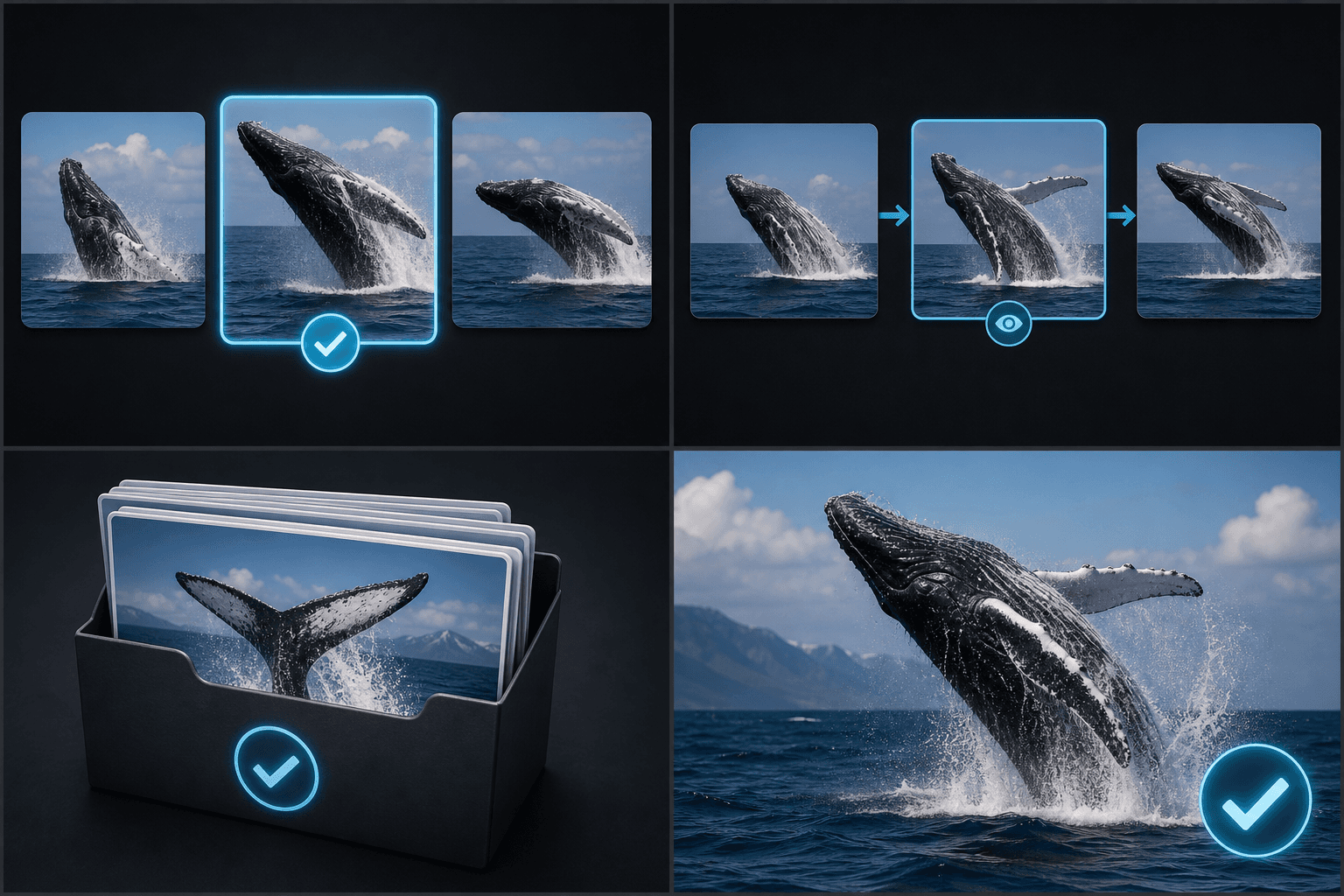
จับภาพแบบแบ่งช่วงเวลาเท่าๆ กัน
โหมดอัตโนมัติจะกระจายการประทับเวลา (Timestamp) ให้เท่าๆ กันตลอดทั้งคลิป โดยไม่ได้วิเคราะห์จากการเปลี่ยนฉาก
- อัปโหลดวิดีโอของคุณ
- จับภาพทันทีหรือสุ่มจับภาพแบบเว้นระยะเท่ากัน
- เลือกและดาวน์โหลด
ประมวลผลและส่งออกข้อมูลในเครื่องของคุณทันที
ระบบบันทึกภาพทำงานบนเบราว์เซอร์โดยตรง พร้อมรองรับการดาวน์โหลดเป็นไฟล์ PNG แยกเฉพาะ หรือดาวน์โหลดรวมเป็นไฟล์ ZIP
ออกแบบมาเพื่อการทำงานจริงเหล่านี้
เลือกเฟรมที่น่าสนใจเพื่อทำเป็นภาพปก
ตรวจทานสตอรี่บอร์ดและฟุตเทจ
บันทึกเฟรมภาพแบบเป็นชุด
คำถามที่พบบ่อย
ระบบตรวจจับการเปลี่ยนฉากโดยอัตโนมัติหรือไม่?
ไม่ ระบบในโหมดอัตโนมัติจะใช้การกำหนดช่วงเวลาแบบเว้นระยะเท่าๆ กัน
ฉันสามารถจับภาพเฟรมได้สูงสุดกี่เฟรมในครั้งเดียว?
ปัจจุบันสามารถเลือกจับภาพได้ตั้งแต่ 1 ถึง 24 เฟรม
ฉันสามารถดาวน์โหลดไฟล์ทั้งหมดพร้อมกันในครั้งเดียวได้ไหม?
ได้ คุณสามารถดาวน์โหลดเฟรมที่เลือกทั้งหมดรวมกันเป็นไฟล์ ZIP ได้ทันที
เริ่มใช้งาน Keyframe Screenshot
อัปโหลดไฟล์และตั้งค่าที่จำเป็นด้านบน ผลลัพธ์ของคุณจะแสดงอยู่ในขั้นตอนการทำงานของเครื่องมือปัจจุบัน
ใช้งานฟรี