Keyframe Screenshot
Lokales Video hochladen, zum Zeitstempel springen oder Batch-Auswahl nutzen, Standbilder vorschauen und Bilder oder Archiv direkt im Browser exportieren. Keine automatische Szenenwechsel-Erkennung.
Aktuelles Frame präzise erfassen
Halten Sie den Player an der gewünschten Stelle an und erfassen Sie genau dieses Frame.
- 01
Lokales Video laden
Das Video verbleibt für die Vorschau und die Frame-Erfassung direkt in Ihrem Browser.
- 02
Einzelbild erfassen oder gleichmäßig aufteilen
Speichern Sie den aktuellen Zeitpunkt oder wählen Sie zwischen 1 und 24 gleichmäßig verteilten Frames.
- 03
Auswählen und herunterladen
Prüfen und sortieren Sie die Frames aus. Laden Sie die PNG-Dateien anschließend einzeln oder als ZIP-Archiv herunter.
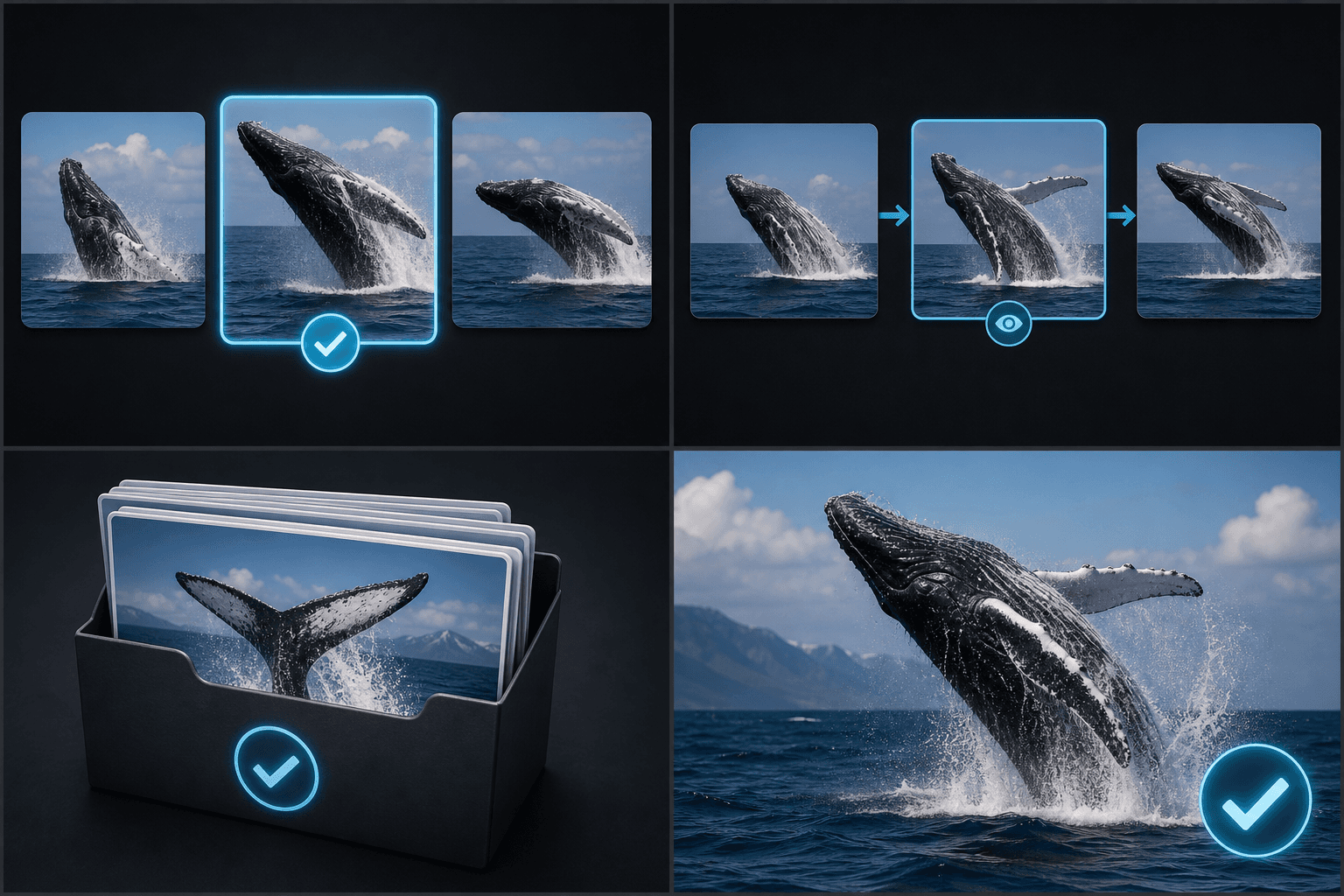
Gleichmäßig verteilte Batch-Erfassung
Der automatische Modus verteilt die Zeitstempel gleichmäßig über die gesamte Dauer; eine Analyse von Szenengrenzen findet dabei nicht statt.
- Lokales Video laden
- Einzelbild erfassen oder gleichmäßig aufteilen
- Auswählen und herunterladen
Lokale Verarbeitung und direkter Export
Capture läuft direkt in Ihrem Browser und unterstützt den Download als einzelne PNG-Dateien oder als gesammeltes ZIP-Archiv.
Entwickelt für diese Praxis-Workflows
Cover-Kandidaten auswählen
Storyboards und Rohmaterial überprüfen
Frames im Batch-Verfahren archivieren
FAQ
Werden Szenenwechsel automatisch erkannt?
Nein. Der automatische Modus verwendet gleichmäßig verteilte Zeitstempel.
Wie viele Frames kann ich auf einmal erfassen?
Der aktuelle Bereich liegt zwischen 1 und 24 Frames.
Kann ich sie gesammelt herunterladen?
Ja. Ausgewählte Frames können als ZIP-Datei exportiert werden.
Keyframe-Screenshot jetzt starten
Geben Sie oben Ihre Datei und die gewünschten Einstellungen ein. Ihr Ergebnis bleibt direkt im aktuellen Tool-Workflow.
Kostenlos nutzen