How to Start a Faceless Movie Recap Channel
Start a faceless movie recap channel with niche, footage strategy, script, voiceover, editing, and policy risks.

Starting a faceless movie recap channel means building a channel — on YouTube, YouTube Shorts, TikTok, or Instagram Reels — where you never appear on camera: your writing, your voice (or an AI voice), and carefully chosen film clips carry every video. You can run the whole thing from a browser, with no camera, no studio, and no on-screen confidence required. Here is the part most "make $23k in 20 days" guides bury: faceless does not mean copyright-free, and YouTube's reused-content policy means lazy, mass-produced recaps get demonetized or removed fast. This guide walks the honest, repeatable path — niche, footage strategy, script, voiceover, edit, and monetization — so you build something that survives instead of a channel that collects a strike in month two.
Key Takeaways
- This article is general information, not legal advice; high-stakes uses should be reviewed by a qualified attorney.
- Fair use is fact-specific and should not be reduced to a clip-length rule or platform workaround.
- Content ID, monetization review, and copyright law are separate systems that can disagree.
- A defensible recap workflow starts with original commentary, limited borrowed material, and clear source records.
What a faceless movie recap channel actually is
A faceless channel hides you, not your work. Instead of a talking head, viewers get four things working together:
- A written script — your summary, analysis, or angle on the film.
- A narration track — your own voice, or an AI voiceover if you'd rather not record.
- Visuals — film clips, B-roll, graphics, and on-screen captions.
- A consistent look — a recognizable cover and title system so people know it's you.
That combination is why "faceless YouTube channel movie recaps" is such a popular format: it lets writers and film nerds build an audience without ever being on camera. But it also creates a trap. The phrase "movie recap channel without copyright" is misleading. There is no way to use a studio's footage and be automatically copyright-free — the film is owned, full stop. What actually protects recappers is fair use: a transformative video that adds criticism, analysis, or commentary, uses limited material, and doesn't substitute for watching the film has a real defense; a start-to-finish plot dump over the movie's own footage does not. Read fair use for movie recap videos before you publish anything — it is the single biggest difference between a channel that lasts and one that collects strikes.
Step 1: Pick a niche and a footage strategy
Two decisions set the ceiling on your channel, and most beginners skip both: what specific corner of "movie recaps" you own, and where your footage comes from.

Pick a niche narrow enough that a viewer can describe your channel in one sentence. A few durable angles:
| Angle | What each video does | Why it works faceless |
|---|---|---|
| Plot analysis | Breaks down themes, choices, subtext | Your ideas are the star, not your face |
| Ending explained | Unpacks a confusing or ambiguous finale | High-intent searches, evergreen shelf life |
| "Details you missed" | Foreshadowing, references, hidden setups | Rewards rewatchers, sparks comments |
| Franchise catch-up | A recap before the next release drops | Timely search spikes around premieres |
| Genre deep-dives | Horror, sci-fi, cult classics | Builds a loyal, self-selecting audience |
Then settle your footage strategy before video one, because it's the thing that gets channels killed:
- Prefer licensed, public-domain, or official promotional material (trailers, press kits) wherever you can.
- Keep any borrowed clip short and tied to a specific point you're making in the script.
- Build your own layer — original narration, graphics, on-screen text, and B-roll — so the video is mostly yours.
- Don't rely on "tricks" like mirroring, zooming, or speed changes to dodge detection. They don't improve your legal position and can make you look bad-faith in a dispute.
- Reference the ending; don't hand over the full climax. That protects both your fair-use footing and the reason people click.
Step 2: Plan your first 10 videos before you make one
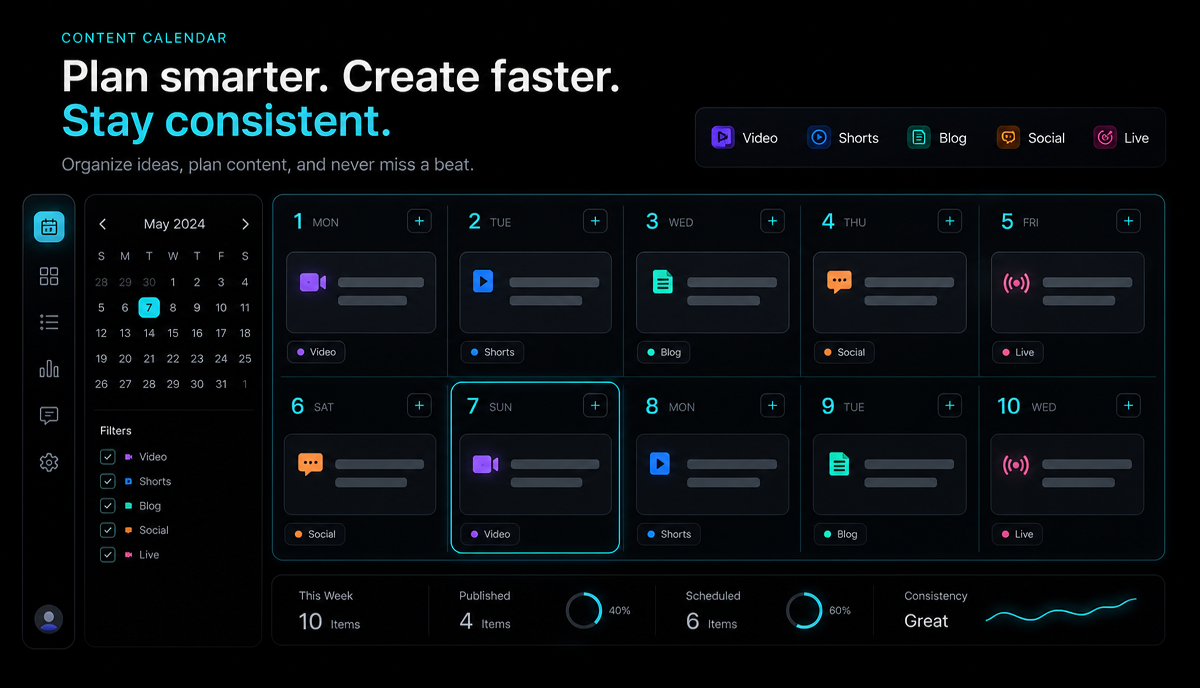
The fastest way to quit is to reinvent the whole process every single upload. Instead, batch a starter slate. Here's a first-10 schedule designed to teach you the workflow while you find your voice:
| Videos | What to make | Goal |
|---|---|---|
| 1–3 | Short "ending explained" pieces on films you already know cold | Learn the full workflow with low research cost |
| 4–6 | Add one longer analysis video into the mix | See what your audience actually watches to the end |
| 7–8 | Batch-produce around one upcoming release | Ride a timely, predictable search spike |
| 9–10 | Cut your best long video down into Shorts, Reels, and TikTok | Test cross-platform reach cheaply |
The trick is to work in stages, not in whole videos. Write three scripts in one sitting. Record three voiceovers in the next. Edit three videos in the third. Batching removes the "blank page" cost that kills momentum, and it's the closest thing to sustainable "YouTube automation movie recap" work that actually respects the platform's rules — you're systematizing your own effort, not outsourcing judgment to a bot.
Step 3: The five-step recap workflow (browser only)
Here's the repeatable loop for a single recap. Because Recapo runs in the browser, every step below happens in one place with nothing to install — and it accepts MP4, MOV, and other common formats up to 6GB per task, which covers full-length source files.

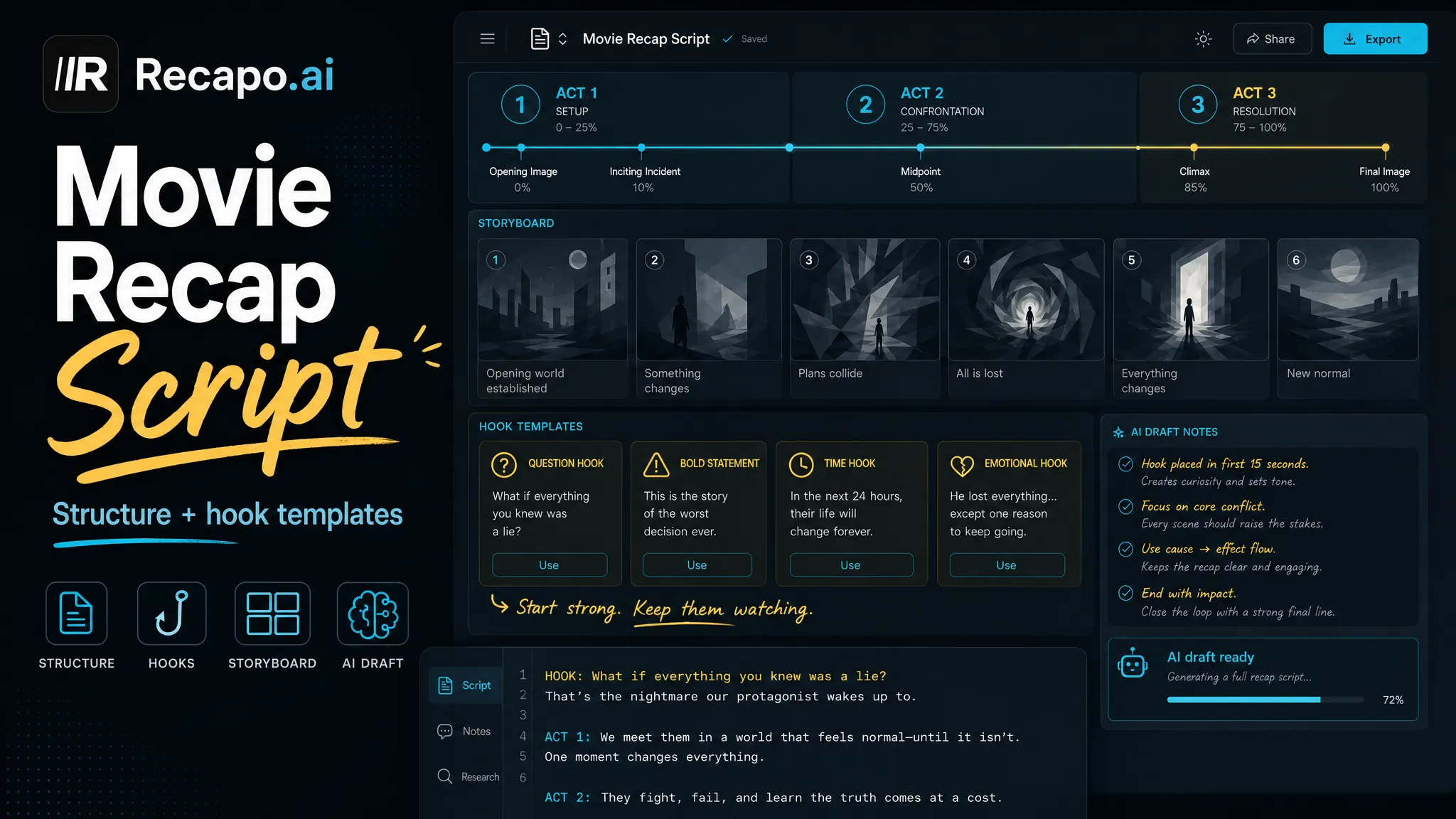
- Write the script first. Your script is the video. Draft your angle, then tighten it into a tight narration you could read aloud in one pass. Recapo can generate summaries and scripts from source material to get you a first draft, but rewrite it in your own voice — that's what makes it transformative. For structure, how to make a movie recap video breaks down the beat-by-beat method.
- Record the narration. Read it yourself, or use the AI voiceover maker to generate a clean narration track if you'd rather stay off the mic entirely. This is what makes the channel truly faceless and voiceless if you want it.
- Assemble the video. Drop your narration, clips, and B-roll into the faceless AI video generator, then transcribe and add captions — most faceless content is watched on mute, so burned-in captions aren't optional. Keep borrowed clips short and purposeful.
- Design the cover. Build a thumbnail with the cover maker using the same layout, font, and color treatment every time so viewers recognize you in a crowded feed.
- Reframe and export per platform. Export a horizontal cut for YouTube, then resize to vertical for Shorts, Reels, and TikTok. One recap becomes four uploads.
Step 4: Format consistency is your brand
Without a face, consistency is your brand. Viewers can't recognize "you" — so they have to recognize your packaging. Lock these five elements early and keep them stable:

| Element | Keep consistent | Why it matters |
|---|---|---|
| Cover / thumbnail | Same layout, font, color treatment | Instant recognition in a busy feed |
| Intro | The same 3–5 second hook structure | Trains returning viewers, cuts early drop-off |
| Length | A predictable range per format | Sets expectations and makes batching easier |
| Voice & tone | The same narration style | Builds a "brand voice" with no face attached |
| Cadence | An upload schedule you can actually keep | Signals reliability to viewers and the algorithm |
Consistency doesn't mean identical. It means a viewer who liked one video knows exactly what they're getting from the next. The hook matters most — if you want help writing openers that hold viewers past the first five seconds, that's a craft worth studying separately.
Step 5: Monetization — what it actually takes
Ignore the "$23k in 20 days" thumbnails. Monetizing a faceless recap channel on YouTube runs through the YouTube Partner Program (YPP), and the ad-revenue requirements are public and specific. According to YouTube's official Partner Program requirements, the main path to earning ad revenue is:
| Requirement (YouTube Partner Program — ad revenue) | Threshold |
|---|---|
| Subscribers | 1,000 |
| Watch time, past 12 months | 4,000 valid public watch hours, or |
| Shorts views, past 90 days | 10 million valid public Shorts views |
| Region | Live in a location where YPP is available |
| Community Guidelines | No active strikes |
| AdSense | A linked, approved account |
Two honest caveats. First, always confirm the current numbers in YouTube's official Help Center — platforms update thresholds, and this is the kind of fact worth checking at the source rather than trusting a blog. Second, hitting the bar is not automatic approval. YouTube reviews channels against its monetization and reused-content policies, and recap channels built on other people's footage with little original value are exactly what those reviews are designed to catch. No honest guide can promise you a number: plenty of channels never cross these thresholds, and many that do earn modestly. Treat monetization as a milestone you earn by publishing consistently valuable videos — not a switch that flips on a schedule.
Why faceless recap channels die
Most channels don't fail from bad luck. They fail from a handful of predictable mistakes:
- Thin, "automated" content. The "YouTube automation movie recap" pitch sells a hands-off cash dream, but channels that stitch stock footage to a robotic voice with no original angle are precisely what the reused-content policy exists to catch. Automation should speed up your process, not replace your thinking.
- Copyright complacency. Treating "faceless" as "copyright-free" is the fastest route to a strike. Go back to the fair-use guide and stay on the transformative side of the line.
- No consistency. Random covers, wildly varying lengths, and unpredictable uploads give viewers nothing to recognize or rely on.
- Chasing every trend. Jumping on whatever spiked this week — instead of owning a niche — leaves you with a channel about nothing.
- Quitting before video 20. The workflow only compounds if you keep the cadence long enough for the algorithm and your skills to catch up. Most people stop right before it would have started working.
FAQ
Do I need to show my face or use my real voice? Neither. That's the whole point of a faceless channel. You can write the script, generate an AI voiceover, and let clips and captions carry the video, so you never appear on camera or even record your own voice if you'd rather not.
Is a "movie recap channel without copyright" actually possible? Not in the way the phrase suggests. You can't use a studio's footage and be automatically copyright-free — the film is owned. What you can do is build a transformative recap: lead with your own script and analysis, use short purposeful clips, prefer licensed or public-domain material, and don't substitute for watching the film. That's a fair-use argument, not a copyright loophole.
Can I fully automate a faceless recap channel? You can automate the mechanics — batching scripts, generating voiceovers, reframing exports — but not the judgment. Channels that hand everything to a bot with no original angle tend to run straight into YouTube's reused-content policy. Systematize your own workflow; don't outsource the thinking.
How long until I can monetize? There's no fixed timeline. You need to clear YouTube's Partner Program bar — 1,000 subscribers plus either 4,000 valid public watch hours in 12 months or 10 million valid Shorts views in 90 days — and pass a policy review. Some channels get there in months, many take far longer, and some never do. Publish consistently valuable videos and treat monetization as earned, not owed.
What do I actually need to start? A niche, a footage strategy you can defend, and a browser. Recapo handles the script, voiceover, editing, captions, cover, and export in one place, so you can go from a source file to platform-ready uploads without installing anything.
Building a faceless movie recap channel isn't about a growth hack — it's about running the same honest loop enough times that it compounds: pick a niche, respect copyright, write a real script, narrate it, edit it clean, and export it for every platform. Recapo gives you a browser-based workspace to do all of that in one place — turn long films into clips, transcribe and caption, generate an AI voiceover, design a consistent cover, and reframe to vertical for Shorts, Reels, and TikTok. Create a free account and produce your first recap today.