AI Shorts Maker
Turn long footage into a vertical short in one click: highlight picked, 9:16 crop applied, captions styled, cover laid out. Edit everything after on Recapo.ai.
Click to upload or drop a video
Live-preview and trim in your browser; cloud rendering continues after you leave the page
Up to 2 GB per file
What one click actually produces
The output is a layered draft, not a flattened file, which is why it stays editable after generation.
- 01
Drop in a video
Upload from your device or import by link — a full episode, a recorded stream, or raw footage straight off the camera.
- 02
Generate the short
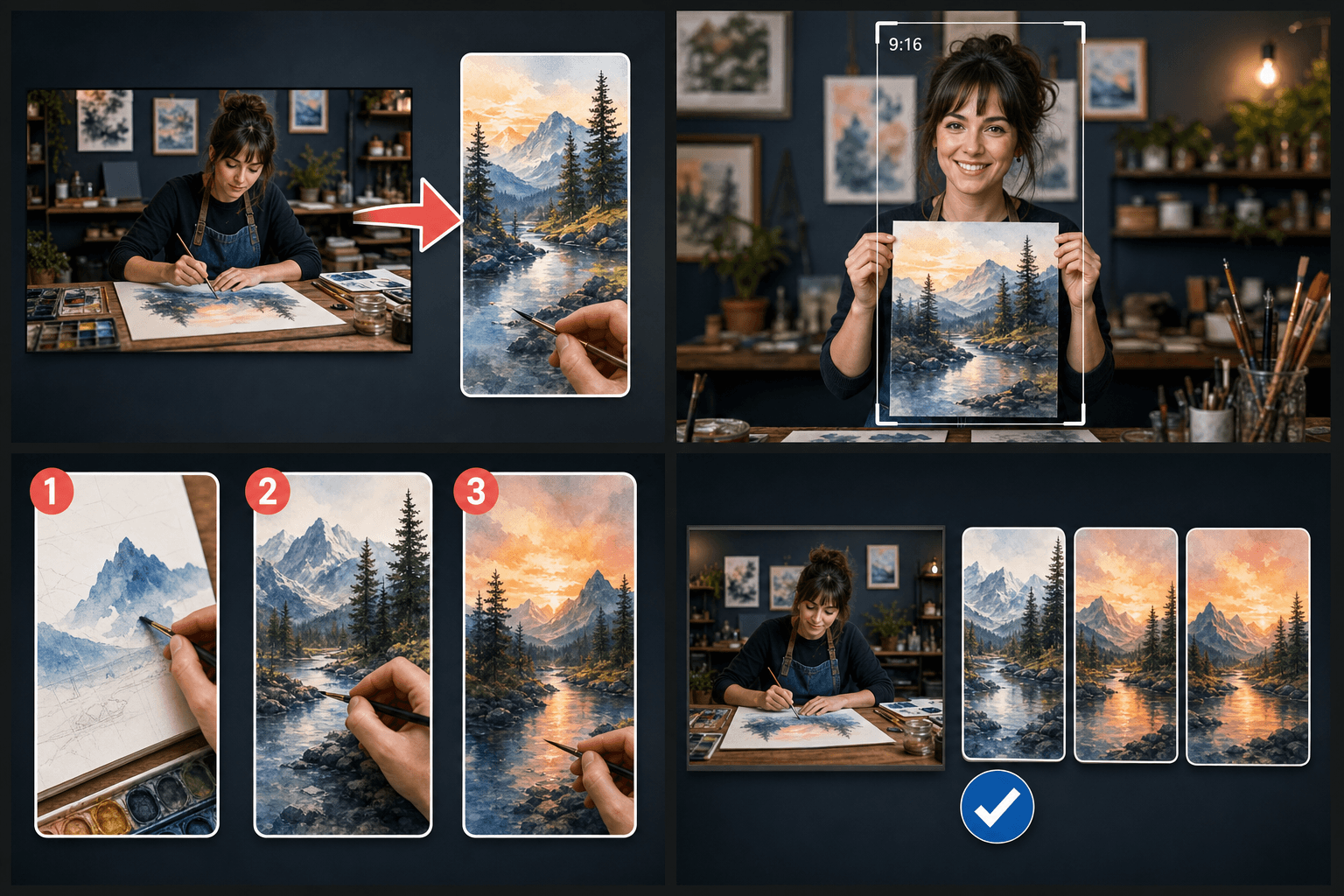
The AI picks a strong moment, crops it to 9:16, writes and styles the captions, and lays out a matching cover in one pass.
- 03
Polish and export
Tweak any layer — moment, captions, crop, cover — then export a publish-ready vertical video for Shorts, Reels, or TikTok.
A highlight segment chosen by AI video understanding, not a random trim.
A 9
16 vertical crop with adjustable framing so the subject stays in view.
ASR captions, already styled and positioned for sound-off mobile viewing.
Auto captions and covers, still under your control
Generated captions are editable word by word — fix a name, break a line, change the style, then burn them in or export SRT/VTT alongside the video. The cover works the same way: the layout is generated, the text and arrangement are yours. Automation does the boring 80%, you spend your time on the 20% that makes the short feel intentional.
Built for these real workflows
Manually select one tutorial segment
Fit footage to a target ratio
Export one MP4 clip per task
Continue with the next step
Frequently asked questions
Are the automatic captions editable?
Fully. Correct the text, restyle the font and position, and choose between burning captions into the video or exporting them as a separate SRT/VTT file.
Can I pick a different moment than the AI chose?
Yes. The chosen highlight is just the first proposal — swap it for another suggested moment or set your own start and end points, and the captions regenerate for the new segment.
Does it work with horizontal 16:9 source video?
That is the main use case. The 9:16 crop is applied automatically and you can adjust the framing per scene so faces and key action stay inside the vertical frame.
What length are the Shorts it makes?
It targets the short vertical format, roughly under a minute, so the clips fit Shorts, Reels, and TikTok length limits. You can trim a proposed cut shorter before exporting.
How does it decide which moments to clip?
Recapo scans the source video for self-contained segments that work on their own and proposes them as Short-length cuts. This is part of the in-development recap workflow, so you stay in control and can adjust every cut before exporting.
Start using AI Shorts Maker
Provide the input and essential settings above. Your result stays in the current tool workflow.
Back to tool