
Video to Text
Turn video speech into text online with timestamps. Upload video, choose language, and download captioned output.
Click to upload or drop a video file
Supports MP4, MOV, MKV, WebM, MPEG, MPG, 3GP, 3GPP
Up to 2 GB per file
Source video up to 60 minutes
Very long videos may fail when extracted ASR audio exceeds 100MB — trim first if needed
Upload a video first to adjust settings and preview the result
How video to text works
Recapo extracts speech from the video audio, writes timed lines, and renders captions into the picture.
- 01
Upload video
Add MP4, MOV, or other common formats with a clear audio track.
- 02
Choose language
Select auto-detect or a supported recognition language.
- 03
Export text and captions
Generate captions burned into the video and download the result.
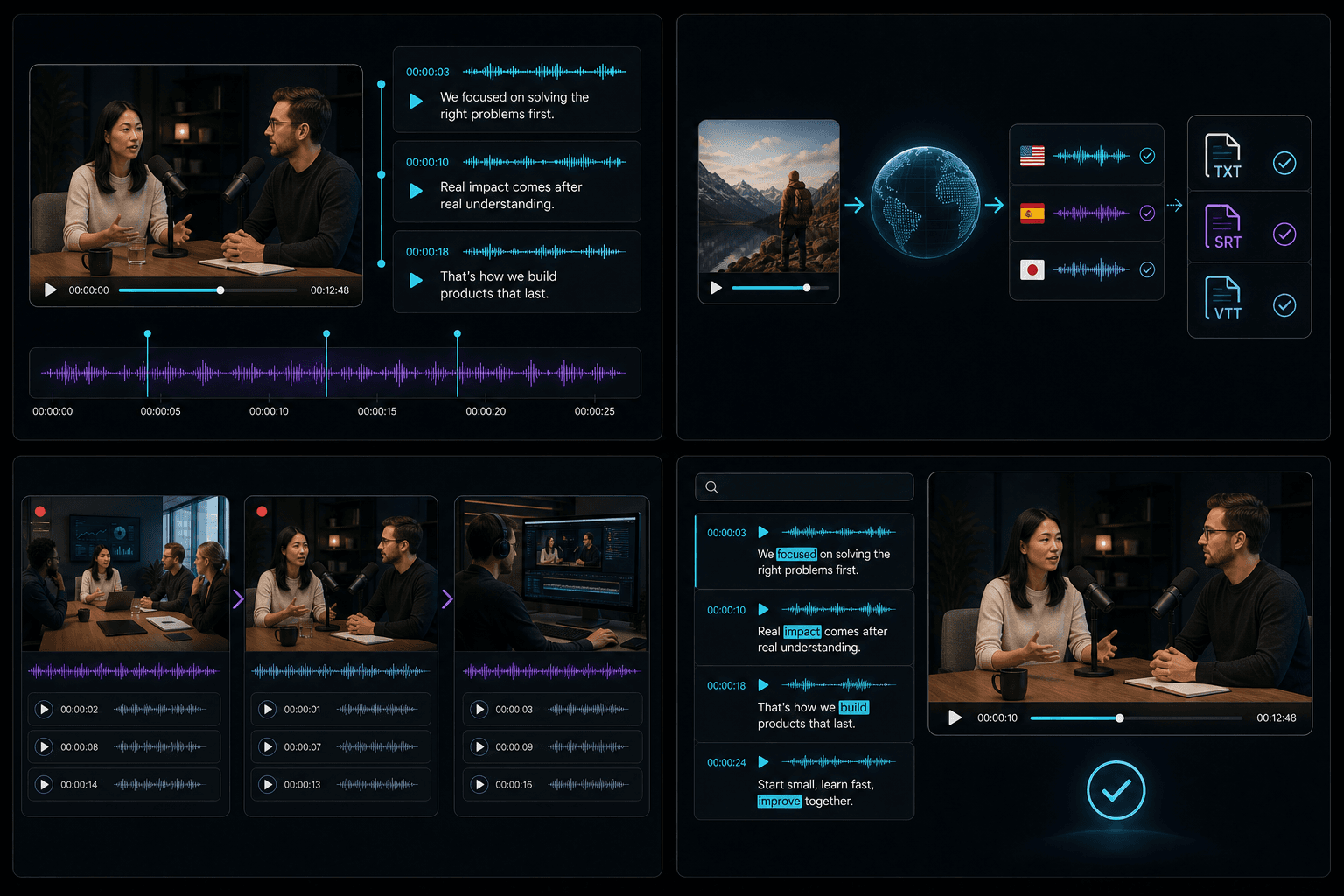
Timestamped text output
Caption lines follow the timing of speech for silent viewing and reuse.
Supported languages and formats
Auto, Chinese, and English recognition are available for typical uploads.
Meetings, interviews, and production
Use for interview clips, meeting recordings, and rough-cut review.
Built for these real workflows
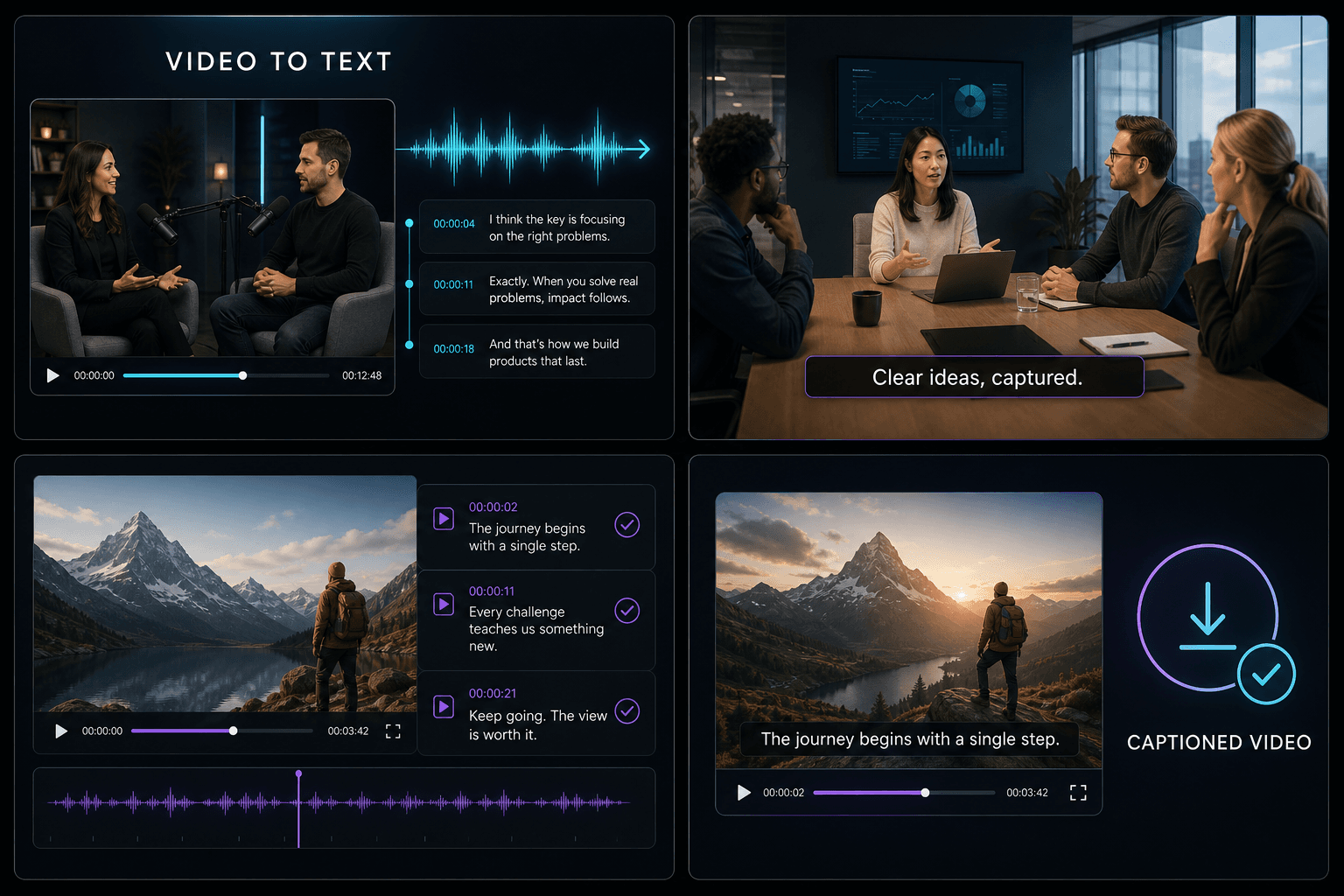
Social video captions
Courses and interviews
Multilingual publishing
Continue with the next step
Frequently asked questions
Is it free?
You can try within the free quota. Longer sources may use credits.
Can I create subtitle files?
The tool delivers a captioned video with timed text burned in.
Can speakers be separated?
The current pipeline focuses on accurate timed lines rather than diarization labels.
Start using Video to Text
Provide the input and essential settings above. Your result stays in the current tool workflow.
Back to tool