


Video Recap

No footage? Create Free with Template

Finished examples

46K7302.4K
Sports

2026 World Cup Third-place Play-off

81K1.2K3.9K
Documentary

The Origin of Life

133K2.6K7.1K
Film & TV

Supernatural

57K9403.1K
Film & TV

Speed

102K1.7K5.4K
Esports

League of Legends: KT vs T1

29K3801.1K
Film & TV

Before Sunrise

168K3.1K8.8K
Film & TV

My Neighbor Totoro

74K8604.6K
Documentary

Hearts of Darkness: A Filmmaker's Apocalypse

119K2.2K6.3K
Film & TV

Léon: The Professional

Make long videos easier to follow

Upload a video or paste a link, then shape the key moments into a clear story. Watch real examples before choosing a narration style.

  1. Source video
  2. Script and voiceover
  3. Finished recap

What works well as a video recap?

Keep the story intact while making its most useful moments easier to understand.

Film and plot recaps

Connect characters, turning points, and key scenes.

Story-led content

Find the main thread in longer footage and narrate it clearly.

Educational videos

Organize information around the ideas viewers need to remember.
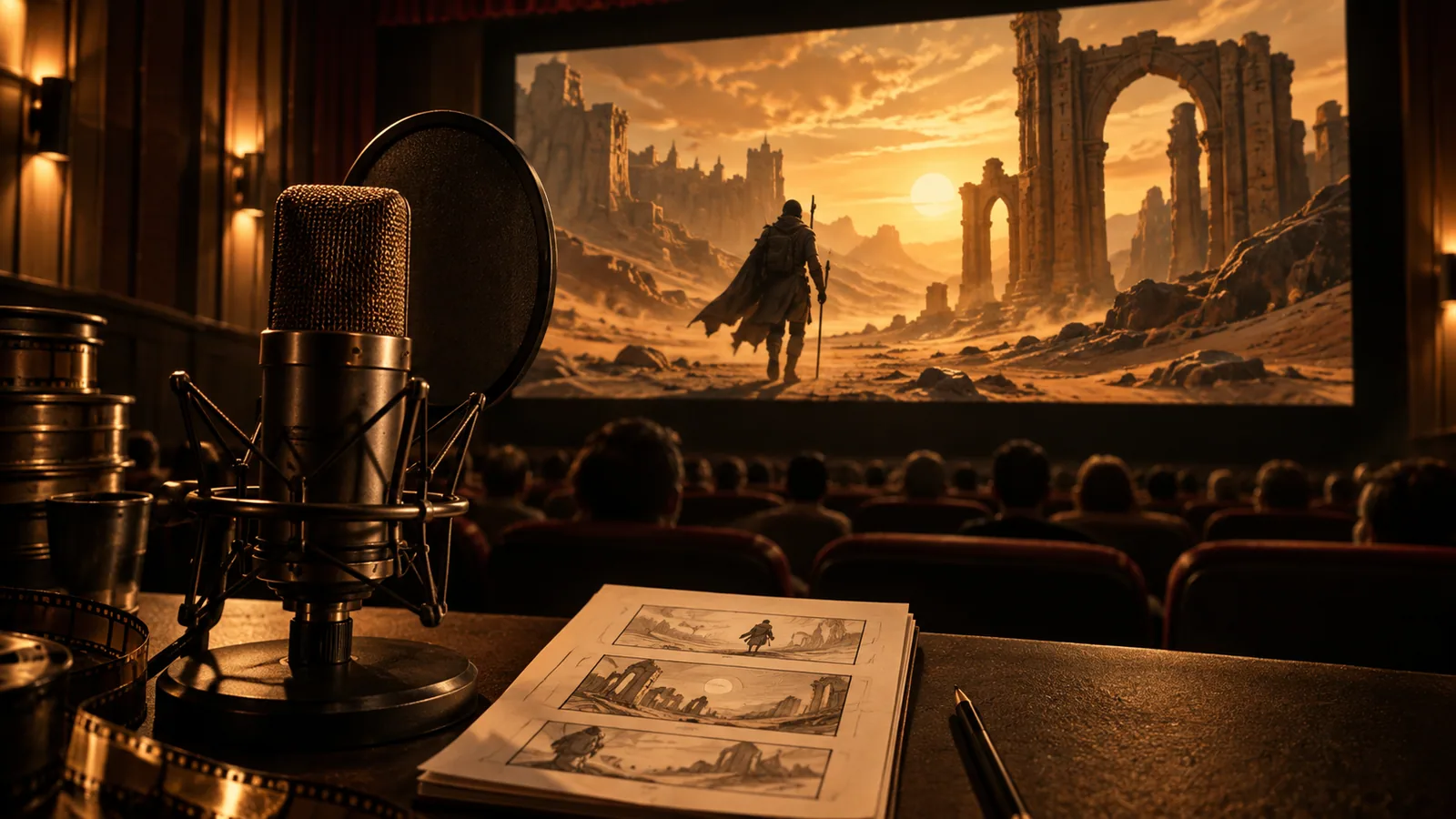
Cinema footage, narration microphone, and storyboard showing a video recap workflow

What can you control?

Script structure

Choose a narration style or use your own script.

Voice and music

Choose a narration voice and background music.

Picture and captions

Set the aspect ratio and caption style.

Output settings

Set duration, language, and output count.

Create a recap in three steps

  1. Import footage

    Upload a local video or paste a supported link.

  2. Set the approach

    Choose language, script, voice, and visual preferences.

  3. Generate and review

    Submit the task, follow its progress, and preview the result.

Frequently asked questions

Can I watch examples first?

Yes. The nine preset recap videos on this page are public, with Chinese and English versions.

Can I use my own narration script?

Yes. The workspace supports narration style choices and your own script.

Are Chinese and English recaps available?

The preset examples have both versions. You can set the output language in the workspace.

Tell the story in your next video

Bring scripting, voice, and visuals into one creation flow.

Upload a video or paste a link