Free AI Video Editor
Try a free AI video editor with real features: AI captions, recap scripts, voiceover and vertical export on a free quota. Upgrade only when you outgrow it.
Click to upload or drop a video
Live-preview and trim in your browser; cloud rendering continues after you leave the page
Up to 2 GB per file
What the free plan actually includes
There is no separate "lite" editor. The free quota runs on the same engine as paid plans, so what you evaluate is what you'd pay for:
- 01
Create a free account
Sign up and land in the editor directly — no download, no trial countdown. Upload a clip or paste a video link to start your first project.
- 02
Edit on the free quota
Generate captions, draft a recap script, add AI voiceover, crop to 9:16 — each job draws on your free quota as it runs.
- 03
Export and decide later
Download your finished cut. If you want more headroom for longer or more frequent videos, compare plans on the pricing page when you're ready.
AI captions you can edit line by line, with SRT/VTT export or burn-in.
Commentary script and summary generation from your own footage.
Text-to-speech voiceover to narrate the script.
Making your free quota go further
Quota is consumed by processing, so lighter inputs stretch it. Trim footage to the segment you actually need before importing, compress oversized files first, and plan an edit in one conversation rather than re-running the same step repeatedly. Most creators can judge the editor end to end well within the free tier.
- Create a free account
- Edit on the free quota
- Export and decide later
When a paid plan starts to make sense
If you publish on a schedule, work with long source footage, or batch-process several videos at once, you'll hit the quota faster than a casual user. That's the signal to look at plans — pricing and what each tier unlocks are kept current on the pricing page rather than here.
Built for these real workflows
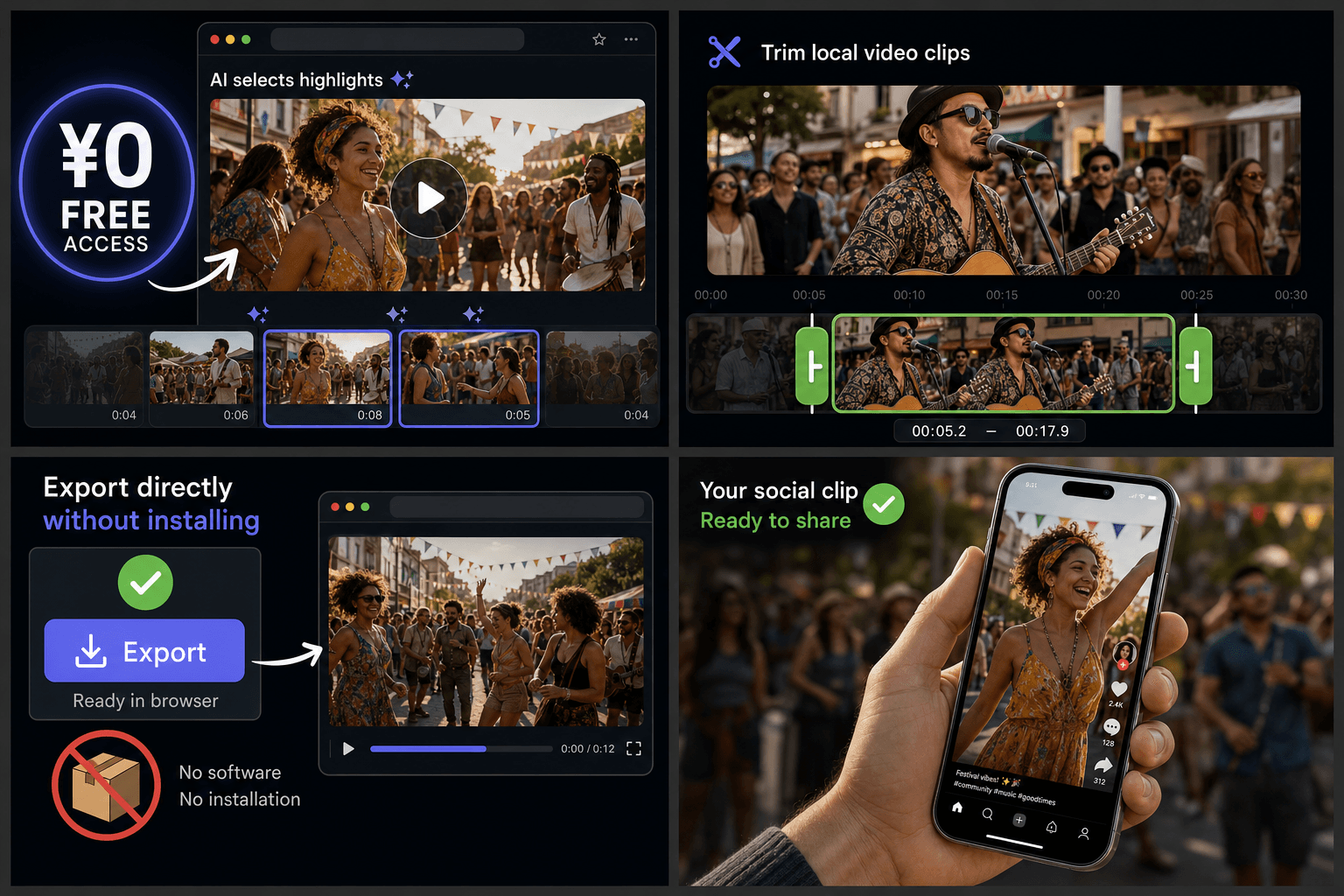
Create social edits for free
Trim clips from local video
Export without installing software
Continue with the next step
Frequently asked questions
Is the free AI video editor a stripped-down version?
No. Free and paid users run the same editor with the same AI features. The difference is how much processing your quota covers, not which tools you can touch.
What happens when my free quota runs out?
Your work stays in your account. To keep processing, add credits or pick a plan — current options and prices are listed on the pricing page.
How do I avoid burning the quota on one video?
Trim to the segment you need before uploading, compress very large files first, and review AI output before re-running steps. Shorter, lighter inputs leave more quota for the edits that matter.
Is the export really free, or is there a watermark?
Recapo is built to give recap and commentary creators a usable free export. Free-tier limits are still being finalized as the product rolls out — check the pricing page for the latest details.
What video formats and sources can I load?
You can upload a local video file or import from a link, and Recapo reads the timeline and audio before editing. Support centers on common formats like MP4 and the kind of footage recap and Shorts creators work with, rather than niche professional codecs.
Do I need editing experience to use it?
No. Instead of a manual multi-track timeline, you drive the edits with AI-assisted actions like trim, caption, voiceover, and re-crop, so it suits faceless and commentary creators who want a finished cut quickly.
Start using Free AI Video Editor
Provide the input and essential settings above. Your result stays in the current tool workflow.
Back to tool