GIF to MP4 Converter
Convert GIF to MP4 video online and cut file size dramatically. Get smooth, platform-friendly clips for TikTok, Reels and Shorts — free on Recapo.ai.
Click to upload or drop a GIF image
Supports GIF
Up to 2 GB per file
Each video must be 180 minutes or shorter
Why GIF to MP4 saves so much file size
A GIF stores every frame as a palette-mapped image with compression designed for 1980s graphics, so each frame costs nearly full price. H.264 video predicts each frame from the ones around it: pixels that don't change are almost free. For typical animations — loops, screen captures, reaction clips — the MP4 ends up a tiny fraction of the GIF's size, often well over 90% smaller, with smoother playback on top.
- 01
Drop in your GIF
Upload GIF files directly or import them from a link — frame timing is read and preserved.
- 02
Convert to MP4 video
Frames are rendered into an efficiently compressed H.264 MP4 at a fraction of the original size.
- 03
Polish and post
Add a voiceover, caption the clip, resize it to 9:16, or export it straight for TikTok, Reels and Shorts.
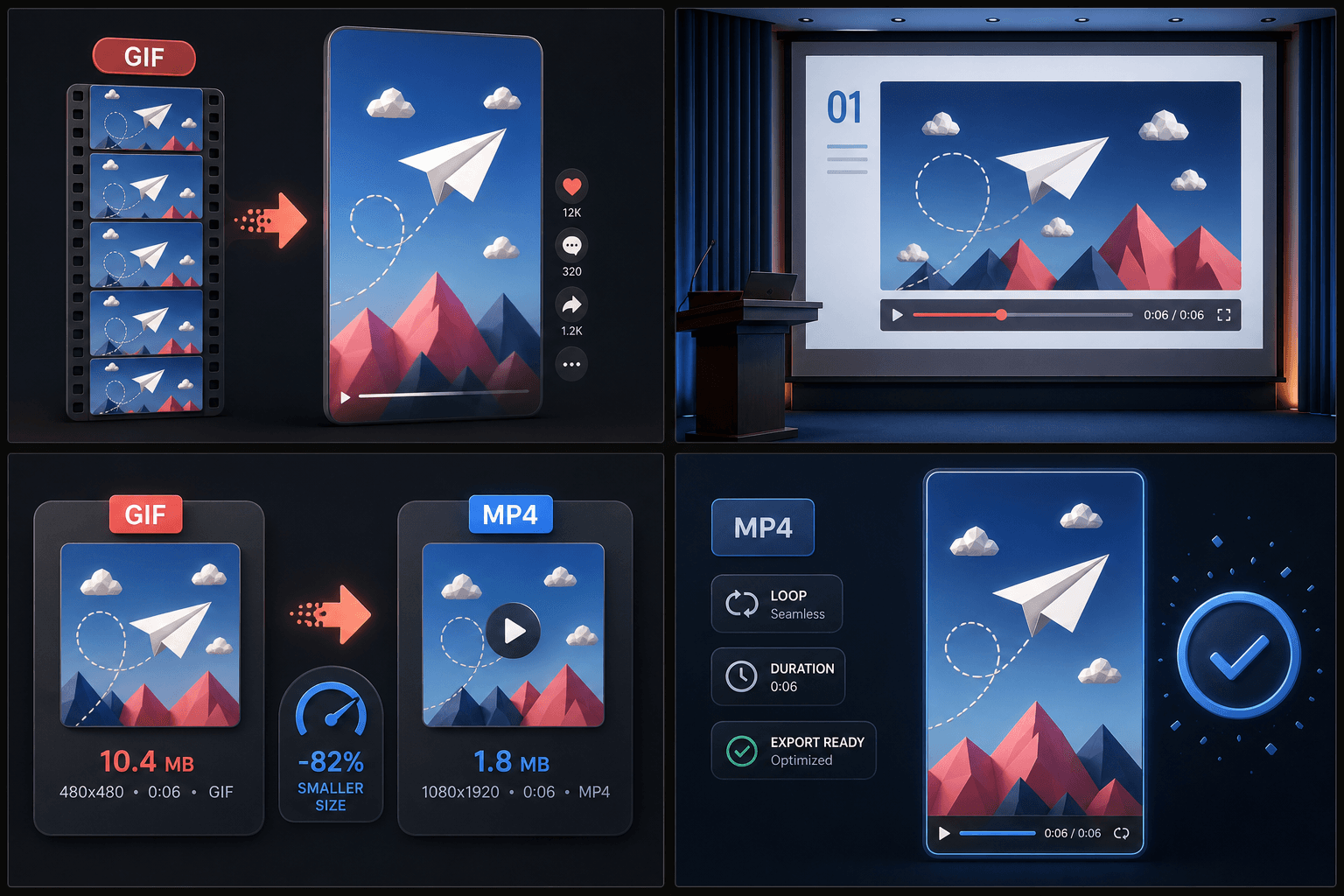
Social platforms prefer video — give them video
TikTok, Instagram Reels and YouTube Shorts are video-first feeds: GIF uploads are either unsupported or converted server-side with no input from you. Converting before you upload keeps control on your side:
- You choose the quality of the conversion instead of inheriting the platform's.
- The clip can carry sound — add narration with the TTS voiceover generator.
- Captions, covers and 9:16 framing turn a looping GIF into a real short-form post.
Built for these real workflows
Turn GIFs into social video
Make animations presentation-ready
Reduce animated asset size
Frequently asked questions
Does the converted video keep my GIF's loop?
MP4 files don't carry a loop flag, but short videos auto-loop on TikTok, Reels, Shorts and most modern players — so the viewing experience stays the same where it matters.
Why does the MP4 sometimes look smoother than the original GIF?
GIFs are often saved at low, irregular frame rates with a 256-color palette. Conversion can't invent detail that isn't there, but consistent frame timing and proper video playback usually make the motion feel noticeably smoother.
Can I add sound to a converted GIF?
Yes — that's one of the main reasons to convert. GIFs are silent by design; once the clip is MP4, you can generate a TTS voiceover in Recapo or edit it further in the AI video editor.
What format does the converted GIF become?
The tool outputs a standard video file such as MP4, which plays in normal video players and imports cleanly into editors, unlike a raw GIF. It's part of the Recapo recap and commentary workflow, so you can move straight into captions, voiceover, or compression afterward.
Start using GIF to Video
Provide the input and essential settings above. Your result stays in the current tool workflow.
Back to tool