Bulk Shorts Generator
Generate a batch of Shorts from one long video: Recapo surfaces several highlights in one pass, keeps captions consistent, and exports a ready posting queue.
Click to upload or drop a video
Live-preview and trim in your browser; cloud rendering continues after you leave the page
Up to 2 GB per file
One upload, a week of Shorts
Posting consistently is what grows short-form channels, and the bottleneck is rarely filming — it is cutting. Batch generation flips the ratio: record once, generate many, then spend your editing time only on the candidates worth keeping. A one-hour conversation routinely yields a handful of clips that work standalone.
- 01
Load your source
Upload one long video — or several at once with batch import — and let the AI transcribe and analyze everything in the background.
- 02
Generate the clip batch
The generator proposes multiple distinct highlights per video, each pre-trimmed and scored, instead of stopping at a single best moment.
- 03
Review the queue, export
Approve or drop each candidate, apply one caption style to the whole batch, then export the keepers as 9:16 shorts ready to schedule.
Each candidate covers a different moment, so clips do not cannibalize each other.
Scores help you pick the strongest few when you only need three posts this week.
Unused candidates stay in the project
come back for them next week.
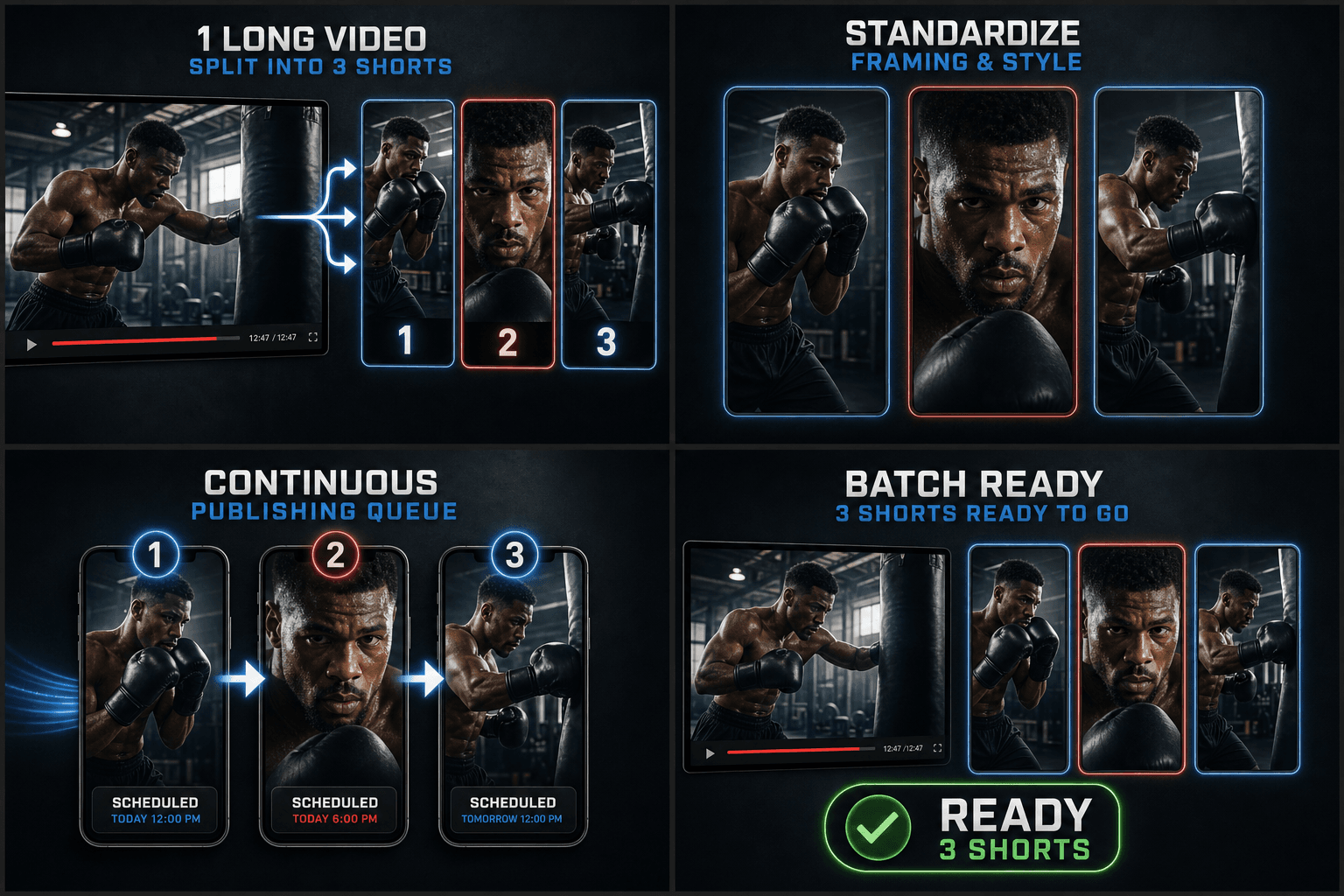
Batch processing that keeps a series consistent
A clip series reads as a brand when every short shares the same look. Set the caption style once — font, position, color — and it applies across the batch; covers follow the same layout so thumbnails line up on your channel page. Individual clips can still be tweaked without breaking the set.
Built for these real workflows
Select one segment from one video
Set target ratio and fit mode
Export one MP4 per task
Frequently asked questions
How many shorts can I get from one video?
There is no fixed number — it depends on the length and how dense the strong moments are. The generator proposes every candidate it scores well, and you decide how many make the cut.
Can I process several long videos at once?
Yes. Use batch import to queue multiple source videos; each one is analyzed and produces its own set of clip candidates in the same review queue.
Do all generated clips share the same caption style?
By default, yes — one style applied across the batch keeps the series consistent. You can still restyle or reposition captions on any individual clip before export.
What kind of source video works best with Shorts Generator?
A longer horizontal video with clear talking or action moments, such as a movie recap, commentary upload, or stream recording. The tool looks across that timeline for segments worth cutting into vertical Shorts.
How long are the clips it produces?
Each cut is trimmed to short-video length so it fits Shorts, Reels, and TikTok runtimes. You can nudge the in and out points afterward to tighten or extend a clip before exporting.
Does it crop my video to vertical automatically?
It frames the selected segments to a 9:16 vertical layout as part of generating each Short, and you can adjust the framing before export. This part of Recapo is still in development, so treat the auto-framing as a starting point to review.
Start using Shorts Generator
Provide the input and essential settings above. Your result stays in the current tool workflow.
Back to tool