AI Vocal Remover & Karaoke Maker
Free AI vocal remover: split vocals from the instrumental and any song or video into clean stems. Make karaoke, acapellas and remixes. Recapo.ai.
Click to upload or drop an audio or video file
Supports MP4, MOV, MKV, WebM, MPEG, MPG, 3GP, 3GPP, MP3, WAV, AAC, M4A, FLAC, OGG
Up to 1 GB per file
Separated audio format
What can you do with separated vocals?
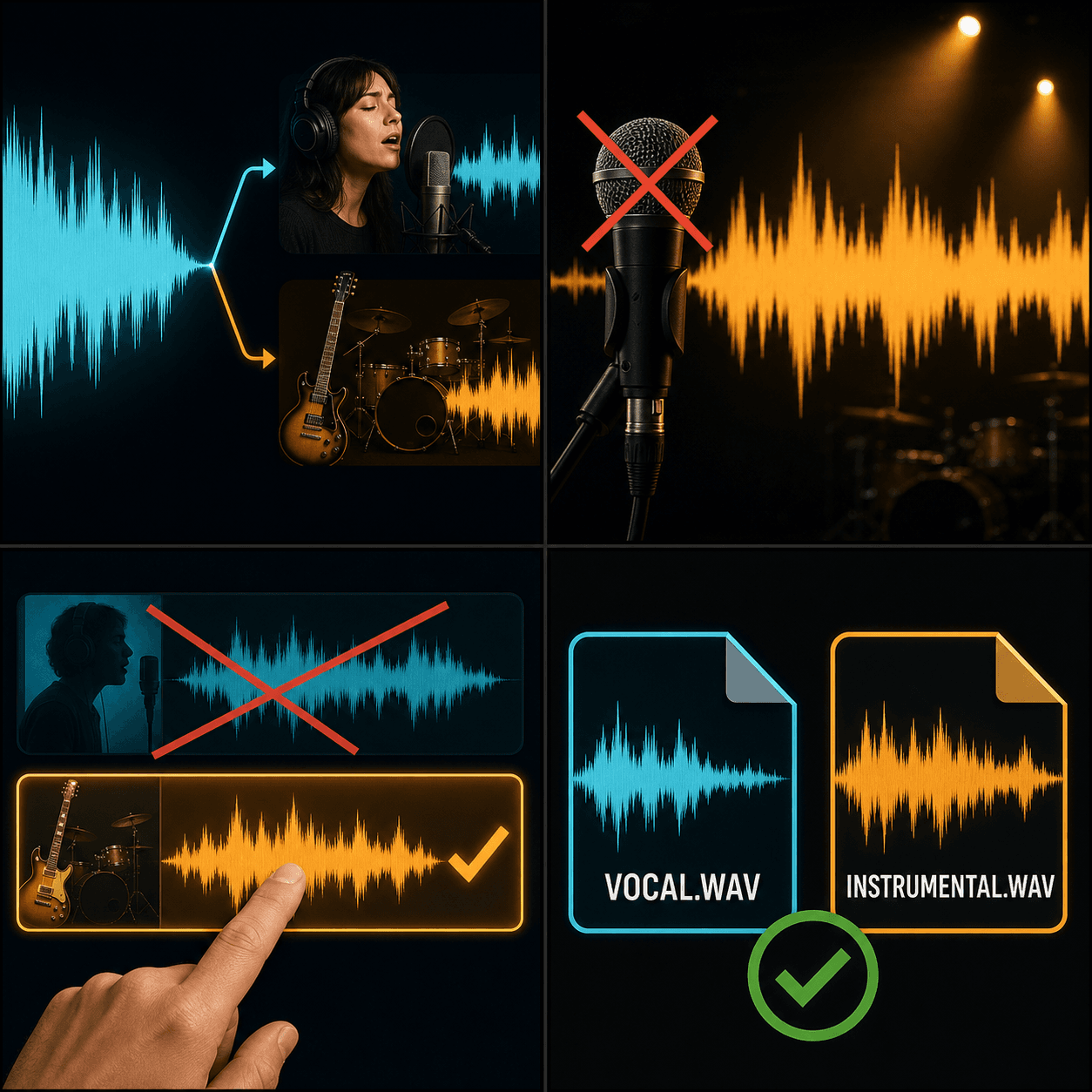
A single mixed track is hard to reuse. Split it into a vocal and an instrumental and each part becomes its own asset you can rebalance, replace or repurpose.
- 01
Upload your audio or video
Bring in an MP3, WAV, M4A — or a video file — from your device, or import it from a link.
- 02
Pick what to keep
Keep the vocal, keep the instrumental, or export both stems separately.
- 03
Download or keep working
Grab the stems, or stay in Recapo: add new BGM, run a voiceover over the instrumental, or drop a stem into a new edit.
Karaoke and covers
remove the lead vocal to sing or record over the instrumental.
Acapellas and sampling
isolate the vocal for remixes, mashups and edits.
Commentary
lift a clean voice track to react to, or a clean bed to talk over.
Remove vocals, then keep creating in one place
Most vocal removers stop at the download button. In Recapo the stems stay in your workspace, so the next step is one click away: generate fresh background music, add an AI voiceover over the instrumental, or import a stem into a new video project. Quality has a physical limit — separation always leaves some residue — so think of it as smart isolation rather than a perfect un-mix.
Built for these real workflows
Separate vocals and backing track
Create karaoke accompaniment
Extract music material for remixing
Continue with the next step
Frequently asked questions
Is the AI vocal remover free to use?
Yes — you can separate tracks online with Recapo, and trying it out is free. Heavier or longer jobs may consume credits, billed by audio length.
What's the difference between a vocal remover and a stem splitter?
A vocal remover gives you two parts — vocals and instrumental. A stem splitter goes further, separating a mix into multiple stems such as vocals, drums, bass and other for finer control.
Can I remove vocals from a video, not just an audio file?
Yes. Upload the video and Recapo separates its audio track, returning a clean vocal and a clean instrumental you can reuse in your edit.
Will the instrumental sound perfectly clean?
Separation has a physical ceiling: reconstructing the original waveform always leaves faint residue or artifacts. Recapo's AI isolation is good enough for karaoke, remixes and commentary beds, but it is not a lossless un-mix.
Start using Vocal Remover
Provide the input and essential settings above. Your result stays in the current tool workflow.
Back to tool