Video Caption Generator
Upload any footage — talking-head clips, livestream VODs, course screencasts — and AI transcribes the speech, burns captions onto the picture, and gives you a captioned MP4 to preview and download.
Click to upload or drop a video file
Supports MP4, MOV, MKV, WebM, MPEG, MPG, 3GP, 3GPP
Up to 2 GB per file
Source video up to 60 minutes
Very long videos may fail when extracted ASR audio exceeds 100MB — trim first if needed
Upload a video first to adjust settings and preview the result
One captioning flow for every kind of footage
You shouldn't need a different tool for each format you record. The generator treats anything with speech the same way — it listens, transcribes, and burns the captions onto the video — so your captioning step stays identical across a varied content calendar, and you always end up with a ready-to-share captioned MP4.
- 01
Upload any recording
Talking-head clip, livestream VOD, webinar, or screen recording — upload the video file and the AI takes it from there.
- 02
AI transcribes and captions
Recognition detects the spoken language automatically, transcribes the dialogue, and burns the timed captions onto the picture — no setup needed.
- 03
Preview and download the captioned video
Watch the finished cut right on the page to check the captions, then download the captioned MP4 — ready to publish or carry into summarizing and clipping.
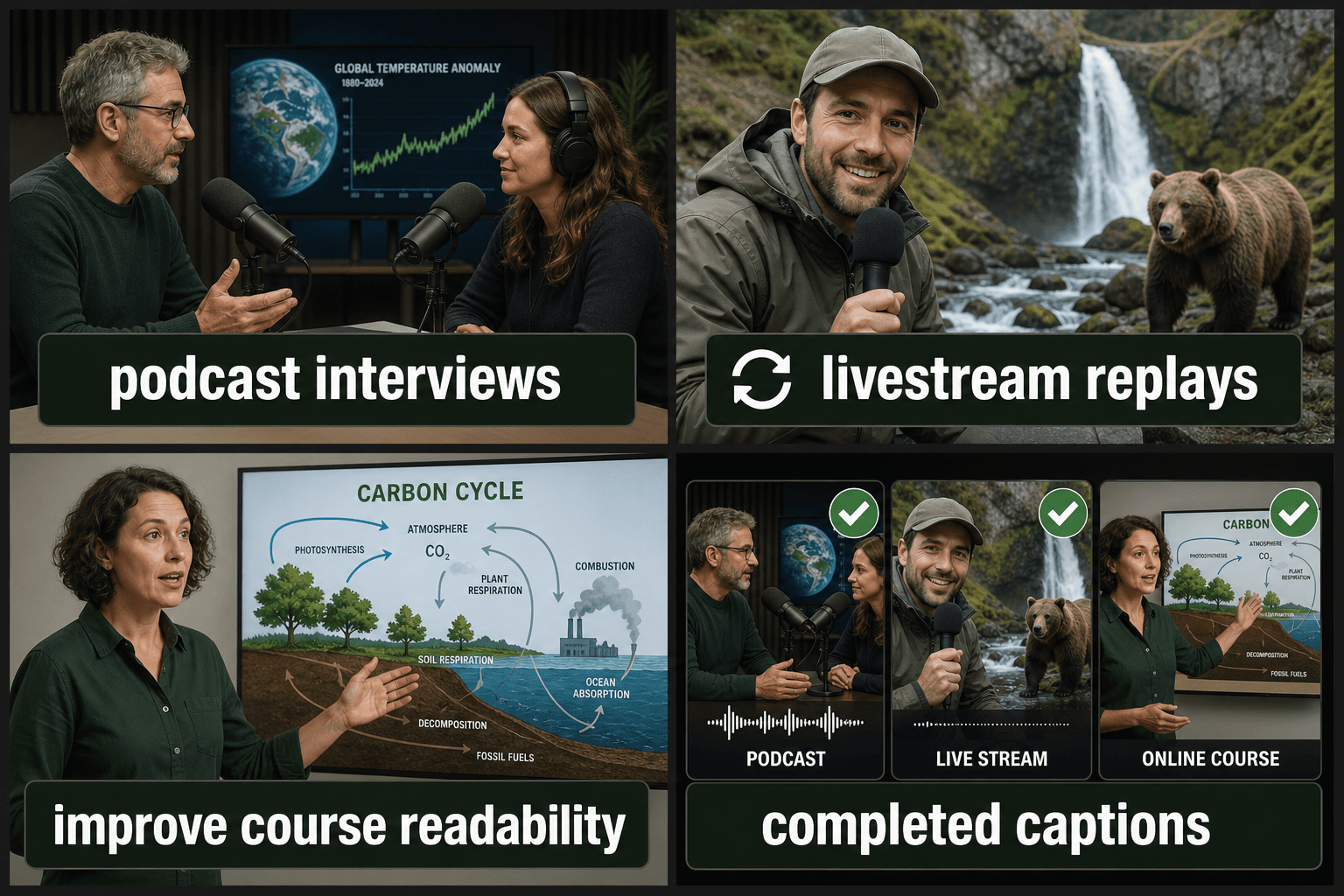
Talking-head videos and interviews, including multi-hour recordings.
Livestream and podcast VODs destined for clips and highlights.
Course screencasts and tutorials where on-screen text needs a spoken counterpart.
Recognition tuned for real-world audio
Real recordings aren't studio-clean. The recognizer applies punctuation and sentence segmentation as it transcribes, and language auto-detection saves you from setting options per file before the captions are burned in. For genuinely noisy sources — street footage, echoey rooms — run audio noise reduction first; cleaner input is the single biggest accuracy lever for the captions that land on screen.
Built for these real workflows
Caption podcast interviews
Add captions to livestream replays
Improve course video readability
Frequently asked questions
Does it caption screen recordings and tutorials?
Yes. Anything with spoken audio works, including screencasts where the voice narrates on-screen actions. The captions follow the narration and get burned onto the video; the visuals don't interfere with recognition.
What if my recording has background noise or music?
Clean speech transcribes best. For noisy sources, run the audio noise reduction tool first, then caption the video — the cleaner the audio, the more accurate the captions that end up on screen.
What do I get back when it's done?
A finished MP4 with the captions burned into the picture. You preview it on the page to confirm the captions look right, then download the captioned video — there's no separate file to manage.
What caption file formats can I export?
You can export your captions as standard SRT or VTT files, which work with YouTube, most editors, and web players. You can also carry the captions forward into the burn-in step if you want them rendered onto the video itself.
Can I fix the wording before exporting?
Yes. The transcribed lines are editable, so you can correct misheard words, names, and spelling, and adjust where each caption starts and ends before you download the file.
Does it caption the actual narration in my video, or do I type the text?
It reads the spoken audio in the video you add and transcribes that narration into timed captions. You don't type the script in by hand, though you can edit the result afterward.
Start using Video Caption Generator
Provide the input and essential settings above. Your result stays in the current tool workflow.
Back to tool