Video Speech to Text
Speech to text, on screen. Upload a video and AI recognizes the spoken words, turns them into captions, and burns them into the picture — giving you a finished captioned video to preview and download. Recapo.ai.
Click to upload or drop a video file
Supports MP4, MOV, MKV, WebM, MPEG, MPG, 3GP, 3GPP
Up to 2 GB per file
Source video up to 60 minutes
Very long videos may fail when extracted ASR audio exceeds 100MB — trim first if needed
Upload a video first to adjust settings and preview the result
Words that stay on the screen, not in a side file
The point of speech to text here isn't a transcript you have to manage — it's a video people can actually watch with the words right there. Recapo recognizes the speech, writes it out as captions, and bakes them into the frame, so the finished clip plays with its text anywhere: muted in a feed, on a phone, in a player that strips out subtitle tracks. One file, captions included, nothing to attach.
- 01
Upload your video
Add a video file from your device, or import from a link. Interviews, talking-head clips, lectures, and podcast videos all work.
- 02
Let AI recognize the speech
AI speech recognition listens to the audio and turns the spoken words into clean, readable caption lines, timed to match what's being said on screen.
- 03
Preview and download the captioned video
The captions are burned right into the picture. Preview the finished video on the page, then download the captioned MP4 — words and footage together in one file.
Interviews and podcasts
turn spoken answers into on-screen captions so quotes are readable as the clip plays.
Lectures and talks
capture every spoken point as a caption baked into the video for silent viewing.
Social and feed videos
ship a captioned cut that reads with the sound off, no subtitle file to manage.
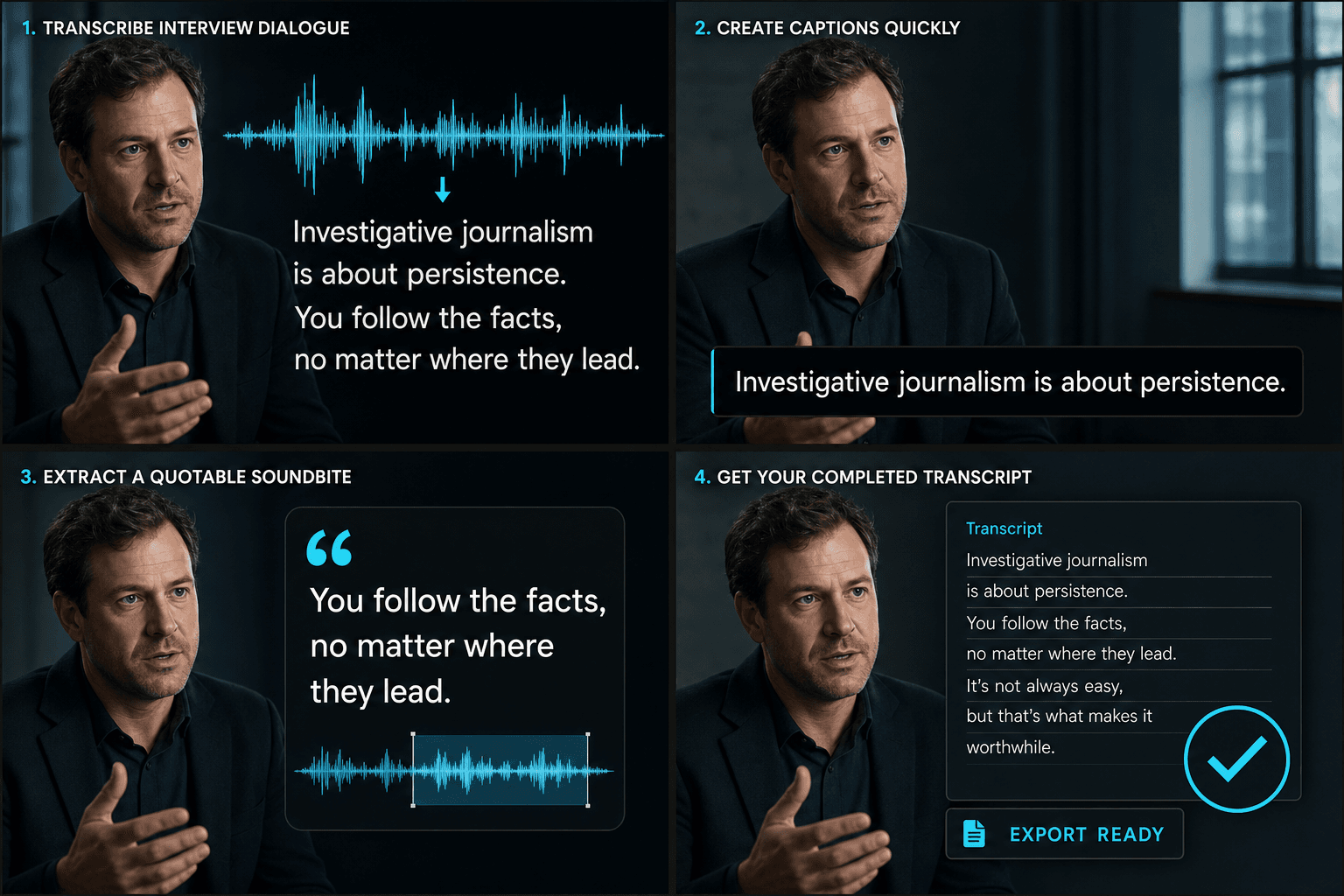
From spoken audio to a finished captioned video
AI does the listening and the writing in one pass: it recognizes the speech, turns it into caption lines that follow the timing of the talk, and renders them into the picture. What comes out is a single captioned video — not a script, not a file to sync later — ready to preview on the page and download as MP4. Speech goes in; a watchable, captioned cut comes out.
Built for these real workflows
Recognize Chinese or English interviews
Style video captions
Download a burned-in caption MP4
Frequently asked questions
Do I get a text file or a video?
A video. Recapo turns the spoken words into captions and burns them into the picture, so you download a finished captioned MP4 — the words live on screen with the footage, not in a separate transcript file.
Do I upload audio or a video?
Upload a video. Recapo listens to the speech in its audio, writes it out as captions, and renders those captions back into the same video — so what you download is the captioned clip.
What if a name or technical term comes out wrong?
AI recognition handles clear speech well, including most names and jargon in context. The captions are timed to the speech and burned into the final video, so the words stay matched to what's being said on screen.
How is this different from the caption generator?
Speech to Text gives you a full editable transcript of the words for use in scripts, notes, or search. The caption generator is aimed at producing time-synced subtitle lines to display on screen. Many creators transcribe first, edit the text, then build captions from it.
Start using Speech to Text
Provide the input and essential settings above. Your result stays in the current tool workflow.
Back to tool