
Convert Video to MP3
Convert video to MP3 online: upload your file, choose audio quality, and download the MP3 quickly in your browser — for files you own, not URL downloads.
Click to upload or drop a video file
Supports MP4, MOV, MKV, WebM, MPEG, MPG, 3GP, 3GPP
Up to 2 GB per file
Source video up to 180 minutes
Processing continues in the background, even if you leave this page or switch languages.
How to convert video to MP3
Upload a video, select MP3 output, and start conversion. The tool extracts and encodes the audio track — no desktop converter required.
- 01
Upload your video
Add MP4, MOV, MKV, WebM, or similar from your device.
- 02
Choose MP3 quality
Pick a bitrate that balances file size and clarity — higher for music, moderate for speech.
- 03
Download the MP3
Save the converted file or continue with transcription in Recapo.
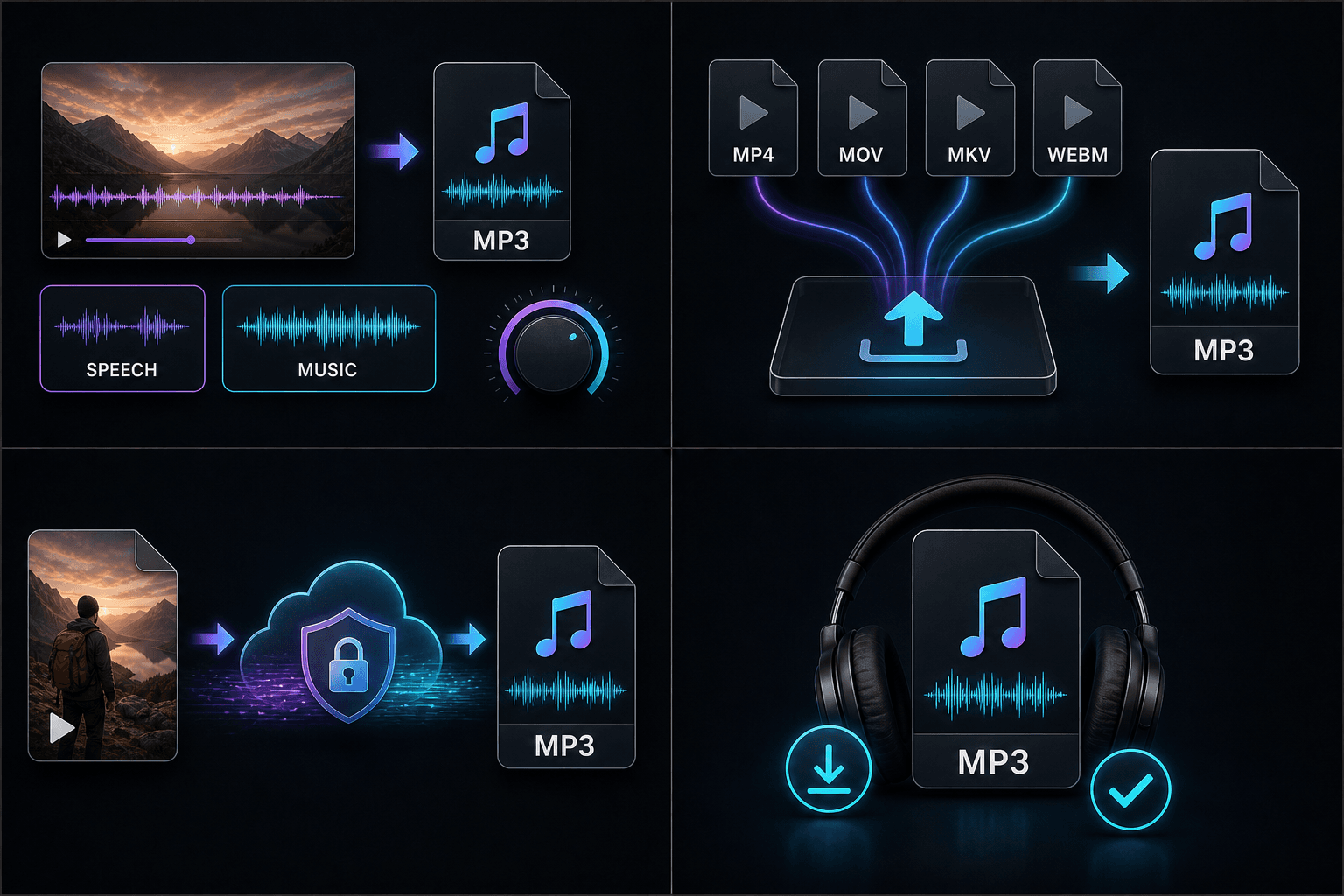
Choose audio quality
Higher bitrates preserve more detail but create larger MP3 files. Speech and podcasts often work well at moderate settings; music beds may need a higher rate.
Supported video formats
MP4, MOV, MKV, WebM, and other common containers work. File size and length limits are shown before you start.
Safe conversion in the browser
Processing runs in Recapo's cloud on files you upload. Only user-uploaded content is supported — not third-party streaming URLs.
Common use cases
Pull dialogue from a clip, save a talk as audio-only, or prepare a lighter file for speech-to-text — without keeping the video container.
- Listen-only versions of recorded talks.
- Smaller files for transcription workflows.
- Audio beds for remix and commentary edits.
Built for these real workflows
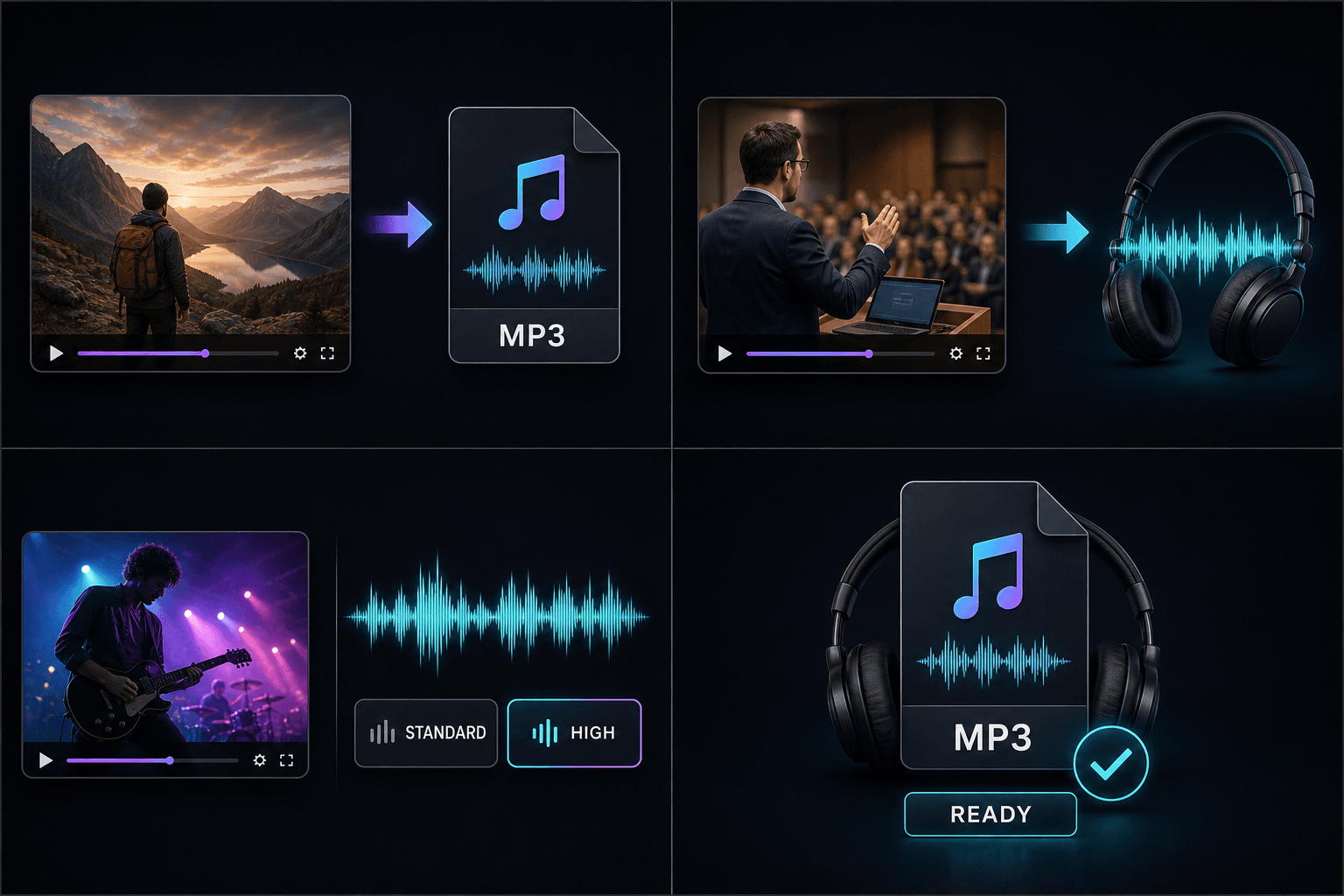
Podcast production
Voiceover and localization
Track cleanup and mixing
Continue with the next step
Frequently asked questions
Is it free?
You can try within the free quota. Longer files may use credits — see pricing for details.
Which videos are supported?
Common formats you upload from your device — MP4, MOV, MKV, WebM, and similar.
Does conversion reduce audio quality?
MP3 is lossy — some data is discarded. Choose a higher bitrate when quality matters; the tool does not promise lossless output.
Start using Video to MP3
Provide the input and essential settings above. Your result stays in the current tool workflow.
Back to tool