Video Link Importer
Paste a video link and import footage directly into Recapo.ai — skip the download-and-reupload dance. For content you own or are licensed to use, ready to edit.


Processing continues in the background, even if you leave this page or switch languages.
When link import beats local upload
Local upload is right when the file sits on your device; link import wins whenever it doesn't:
- 01
Paste the link
Copy the URL of a publicly accessible video you have the rights to use and paste it into the importer.
- 02
Fetch into your workspace
Recapo pulls a working copy of the video into your project in the cloud — nothing is downloaded to your device and the source stays untouched.
- 03
Go straight to editing
Transcribe it, generate a summary or commentary script, cut highlights or crop vertical — the imported file behaves exactly like an upload.
Your own published videos
re-edit them into Shorts without hunting for project files.
Licensed or partner footage shared with you as a link rather than a file.
Working from a tablet or Chromebook where storing large files isn't practical.
Use link import responsibly
Being able to fetch a video is not the same as being allowed to republish it. Commentary and recap formats often involve third-party material, and the legal room for that varies by jurisdiction and by how transformative your edit is — that judgment is yours, not the tool's.
Recapo doesn't grant you rights to anything you import. Stick to content you own, are licensed for, or have permission to use, respect the source platform's terms of service, and credit sources where the platform or license expects it.
Built for these real workflows
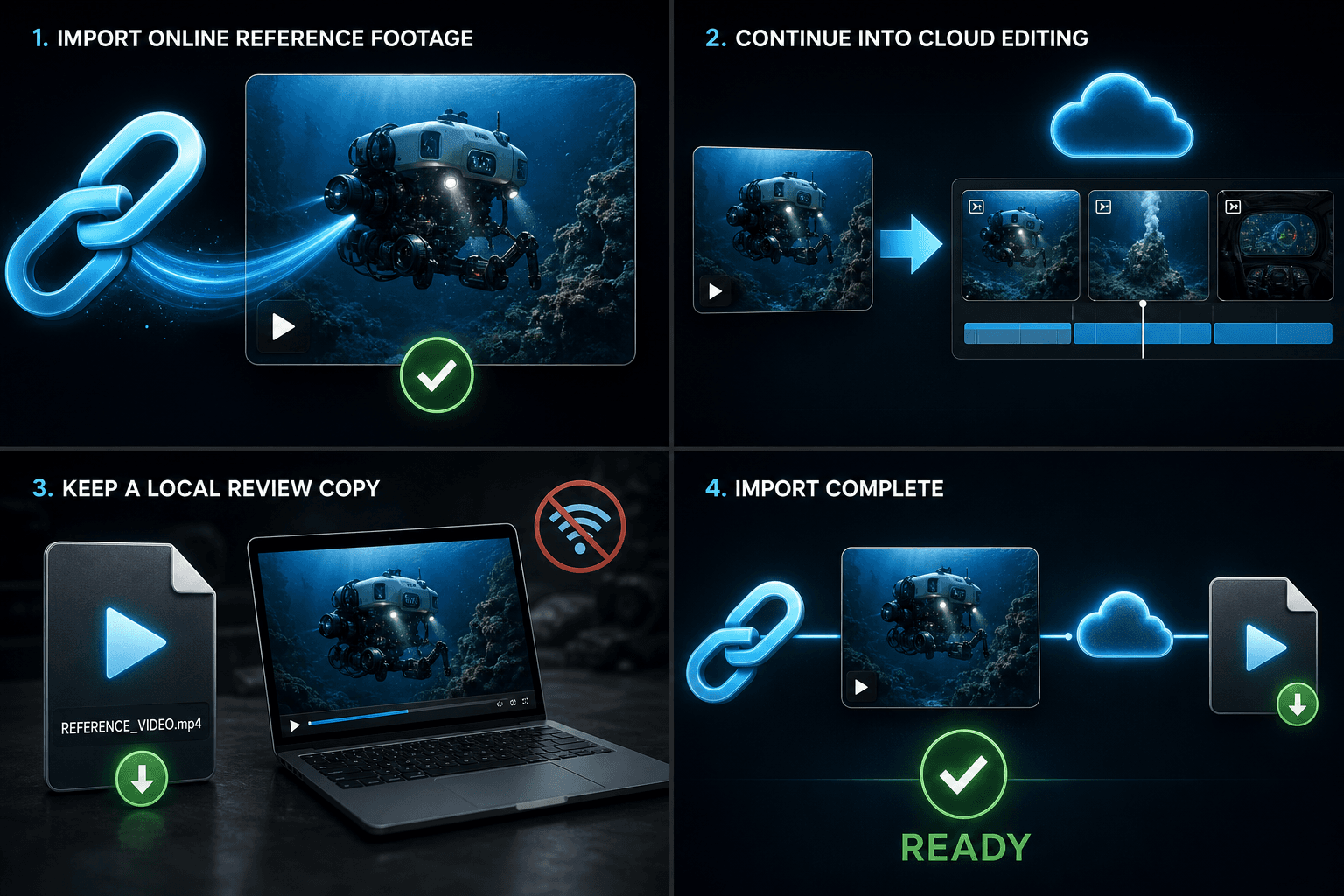
Download online reference footage
Keep a local review copy
Import it manually into another editor
Continue with the next step
Frequently asked questions
Can I import any video I find online?
Technically the importer fetches publicly accessible videos, but you should only import content you have the rights to use — your own uploads, licensed material, or footage you've been given permission to edit. Platform terms of service also apply.
Why did my link fail to import?
The most common causes are private or unlisted-with-login videos, deleted or region-locked content, and pages that require sign-in. Try a public link, or download from your own account and use local upload instead.
Does importing change or affect the original video?
No. The importer makes a working copy inside your Recapo project. The source video, its stats and its page remain completely untouched.
What kind of link can I import from?
You paste a direct video URL and Recapo fetches the video behind it into your workspace. The range of supported sources keeps expanding, and importing a link only works where you have the rights to use the footage.
Does importing a link download the file to my computer?
No. The video is pulled directly into your Recapo workspace as a source, so you can move on to captioning, scripting, or cropping without first saving the file locally and re-uploading it.
What happens after the video is imported?
The imported clip becomes a normal source in your project, so you can hand it to the AI caption generator, recap script generator, voiceover, or the short-video tools just like any uploaded footage.
Start using Video Link Importer
Provide the input and essential settings above. Your result stays in the current tool workflow.
Back to tool