Text to Speech Video Maker
Turn plain text into a finished video with AI speech, synced captions, and your footage — no camera or mic required. Make faceless videos fast on Recapo.ai.
Click to upload or drop a video file
Supports MP4, MOV, MKV, WebM, MPEG, MPG, 3GP, 3GPP
Up to 2 GB per file
Source video up to 3 minutes
Processing continues in the background, even if you leave this page or switch languages.
Faceless videos from a blank page
Faceless channels live or die on production speed: the format works because one person can ship daily without ever appearing on camera. Text to speech video removes the two slowest parts — recording narration and timing captions by hand. You supply the words and the clips; the tool supplies the voice, the caption track, and the assembled draft.
- 01
Start from text
Paste your script or article-style draft. If you only have a source video, generate a summary or recap script from it first.
- 02
Add voice and visuals
Choose a narration voice, then attach footage — local uploads or link imports — while captions are generated in sync with the speech.
- 03
Render and publish
Export the video draft, polish caption styling or the cover, crop to 9:16 for Shorts, and push it out to your platforms.
Recap and commentary channels
script the story, voice it, publish.
Explainers and listicles
turn an outline into narrated video without filming.
Multi-platform posting
one text source, exported for Shorts, Reels, and TikTok.
What the TTS video generator actually produces
The output is not just an MP3 stapled to a slideshow. You get a structured draft: an AI voice track rendered from your text, a caption track that matches the speech word for word and stays editable, and your footage laid against the narration. From there every piece can still be adjusted — reword a line, restyle the captions, swap a clip — before the final export.
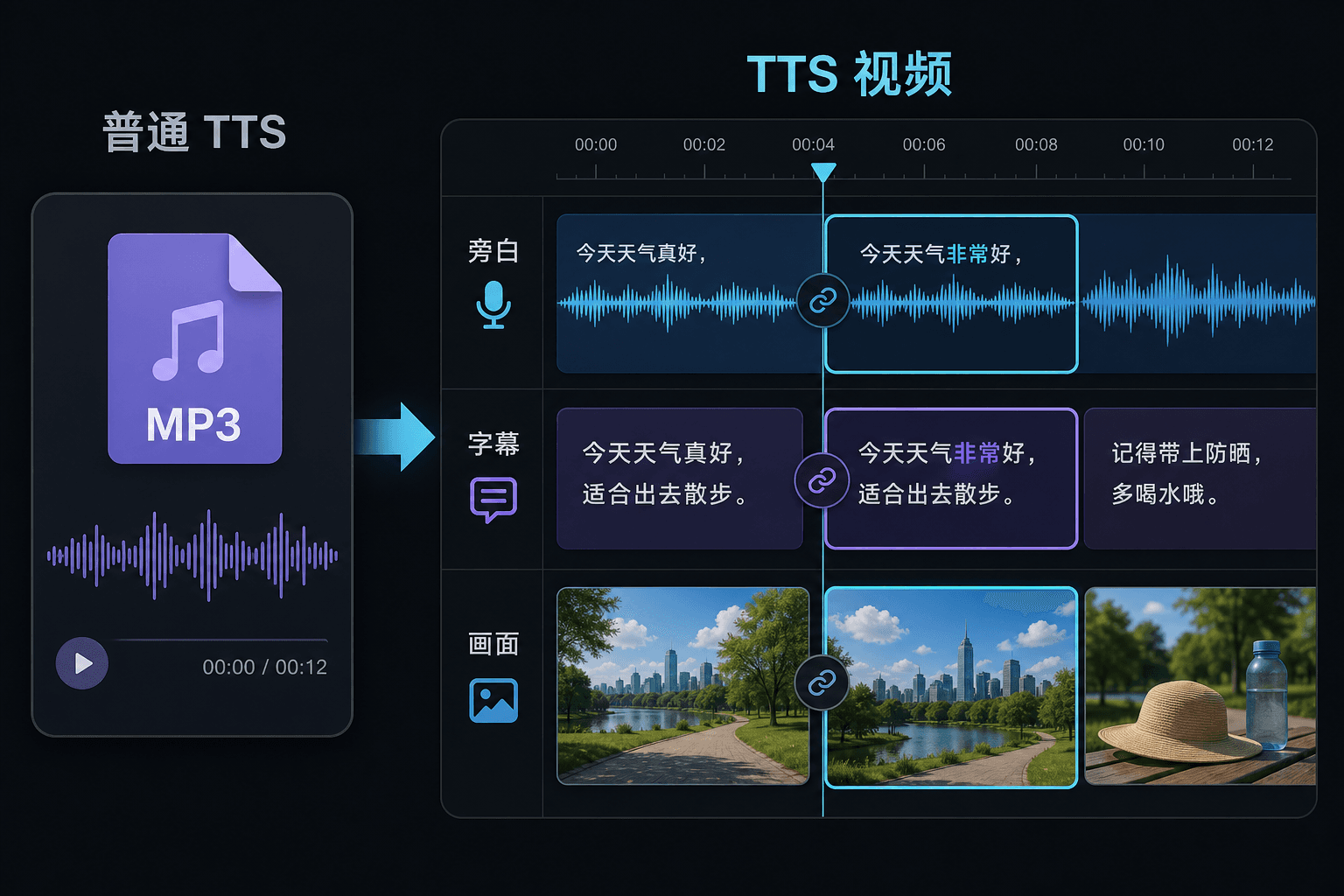
Text to speech video vs. plain text-to-speech
A plain TTS tool hands you an audio file and wishes you luck in your editor. Here the speech is generated inside a video project, so timing, captions, and picture are already connected. That difference matters most at revision time: changing the text updates the narration and the captions together, instead of forcing a manual re-sync.
Built for these real workflows
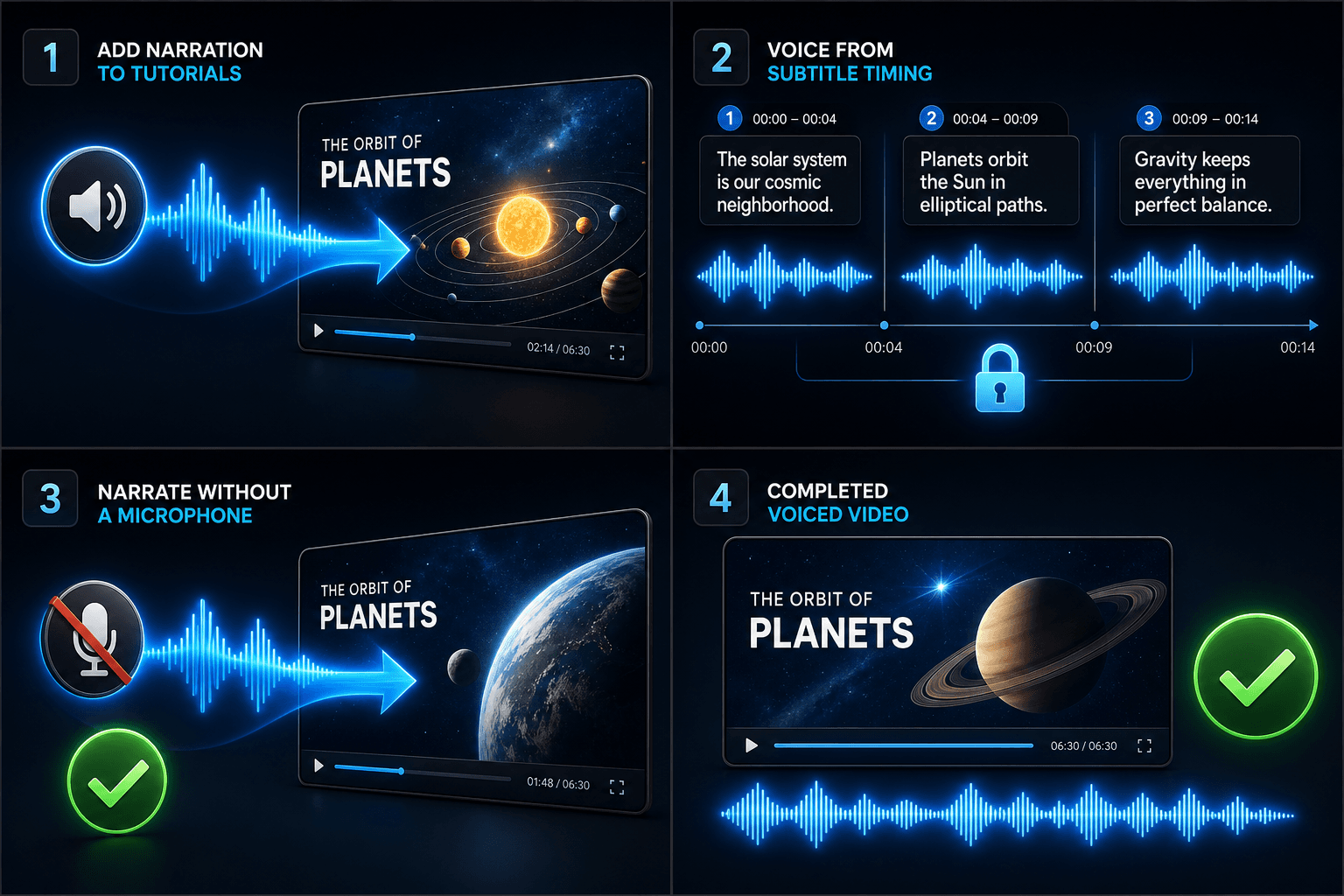
Add narration to tutorials
Voice a video from subtitle timing
Create narration without a microphone
Continue with the next step
Frequently asked questions
Do I need my own footage to make a text to speech video?
You need some visual source — upload local clips or import from a link. Many creators pull highlights from a longer source video and let the narration carry the story over them.
Are the captions baked in or editable?
Editable. Captions are generated in sync with the speech, and you can edit the text, restyle them, export SRT/VTT, or burn them into the final render — your choice.
Can I make vertical videos for Shorts and TikTok this way?
Yes. After the draft is generated you can crop to 9:16, adjust caption placement for vertical viewing, and export per platform.
What do I feed in, text or a video file?
You paste text, not video. Text to Speech Video reads a typed script or pasted words and outputs a spoken narration audio file. It does not process footage, so use it to voice the script you already wrote for your recap.
Can I choose the narration voice and speaking speed?
Yes. You pick a voice and can adjust pace and tone so the read fits your faceless or commentary channel. Recapo is still in development, so the available voices and controls are expanding over time.
What does it hand back when it finishes?
You get a narration audio track you can download and drop onto your video timeline alongside captions and clips, ready to mix with music and export through the rest of the Recapo workflow.
Start using Text to Speech Video
Provide the input and essential settings above. Your result stays in the current tool workflow.
Back to tool