YouTube Video to Shorts Converter
Fully automatic YouTube Shorts: AI picks segments, cuts them to 9:16, writes captions, and drafts titles and descriptions. You review and export on Recapo.ai.
Click to upload or drop a video
Live-preview and trim in your browser; cloud rendering continues after you leave the page
Up to 2 GB per file
Every stage of Shorts production, automated
Most tools automate one step and hand the rest back to you. This generator covers the full distance from long video to upload-ready draft:
- 01
Point it at a video
Paste a YouTube link or upload a file. No marking, no goal-tuning required — the generator works from the full video's content.
- 02
Let the pipeline run
Segment selection, cutting, 9:16 cropping, caption generation, and title and description drafting all happen in one automated pass.
- 03
Review the draft pack
Each short arrives with its video, captions, and metadata text. Approve, edit, or regenerate any piece, then export everything you keep.
Segment selection
AI video understanding finds self-contained, high-interest moments.
Cutting and cropping — clips are trimmed to Shorts length and framed at 9
16.
Captions
speech is transcribed, styled, and timed for sound-off viewing.
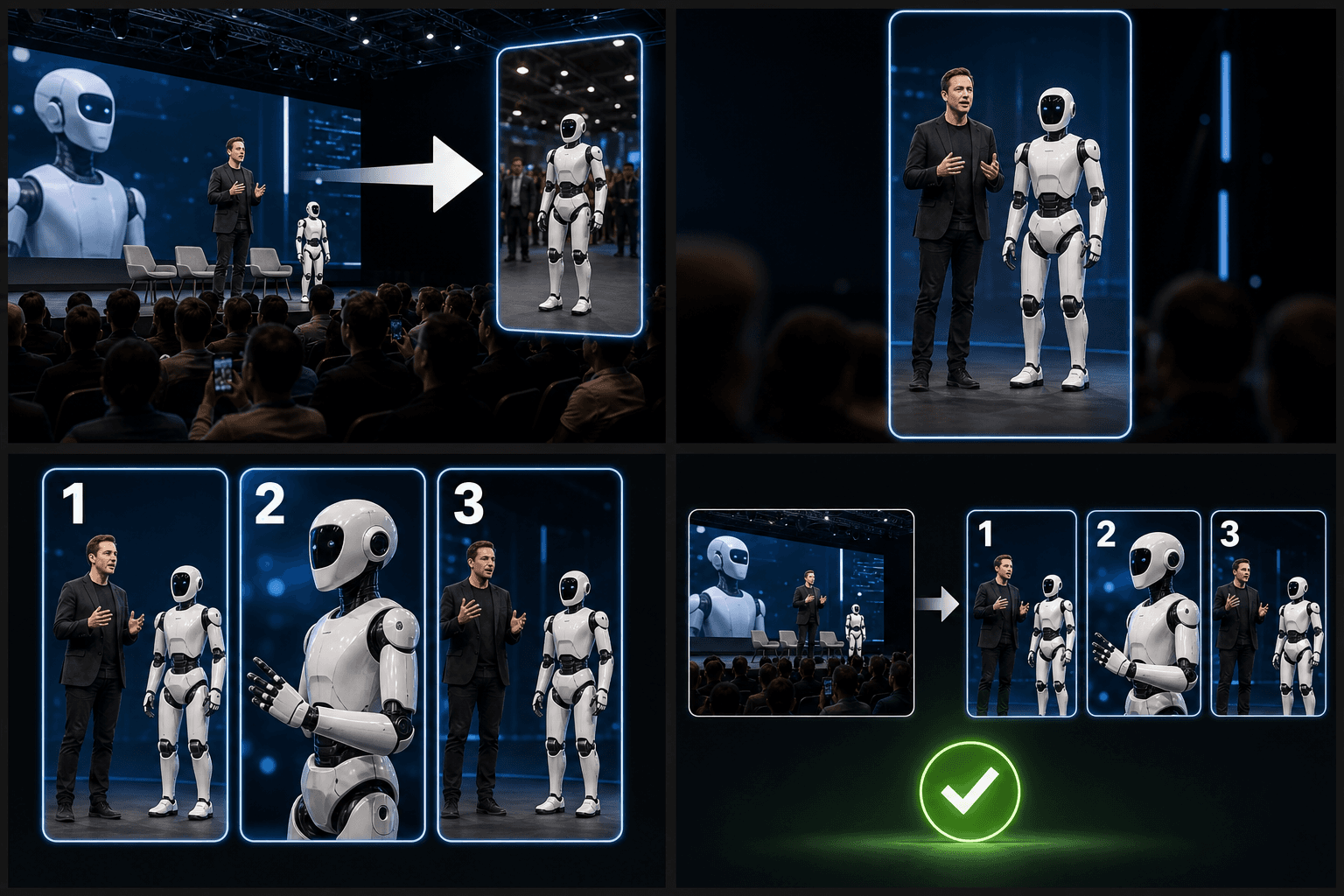
Automation with a review gate
Full automation without a checkpoint is how channels post embarrassing clips. Every generated short stops at a review gate: swap a segment, fix a caption, rewrite or regenerate the title, or discard a draft entirely. The generator never uploads on your behalf — you take the exported package to YouTube Studio and stay the only person with keys to your channel.
Built for these real workflows
Manually select one long-video segment
Fit footage to a target ratio
Export one Shorts MP4 per task
Continue with the next step
Frequently asked questions
How is this different from the YouTube Shorts maker?
The Shorts maker is hands-on: you pick the moment and fit it to spec. This generator automates the whole chain — selection, cutting, captions, even title and description drafts — and hands you finished drafts to review.
Can I edit the AI-written titles and descriptions?
Yes. They are drafts in plain text — rewrite them freely or regenerate for a different angle. Treat them as a strong first version, not a final answer.
Does it upload Shorts to my channel automatically?
No, by design. It exports a ready package — the vertical video, caption file, and metadata text — and you publish from YouTube Studio, so nothing ever goes live without your sign-off.
What kind of video do I feed in to get Shorts out?
A long-form source: your finished recap or commentary upload, or a video link. The generator works from that long timeline and pulls vertical clips out of it, so it expects a longer video as input rather than text or a topic.
Are the clips cropped to vertical for Shorts?
Yes. Each clip it pulls is reframed to 9:16 and trimmed to Shorts length, so the export is sized for the Shorts feed instead of your original landscape footage.
How many Shorts can I get from one upload?
It depends on how many self-contained moments your video has. A longer recap usually yields several candidate clips, and you keep the ones worth posting and drop the rest before exporting.
Start using AI YouTube Shorts Generator
Provide the input and essential settings above. Your result stays in the current tool workflow.
Back to tool