YouTube Subtitle Generator
Auto subtitle generator that turns a video into a captioned MP4. Upload a clip, let speech recognition transcribe and time the dialogue, then preview and download the result with subtitles burned in.
Click to upload or drop a video file
Supports MP4, MOV, MKV, WebM, MPEG, MPG, 3GP, 3GPP
Up to 2 GB per file
Source video up to 60 minutes
Very long videos may fail when extracted ASR audio exceeds 100MB — trim first if needed
Upload a video first to adjust settings and preview the result
Zero manual timing, start to finish
Everything that used to require a timeline scrubber is automated: the generator detects where speech starts and stops, breaks it into readable cue lengths, writes the timecodes, and renders each line onto the video. The output is a captioned video you can publish as-is, not a transcript you still have to sync.
- 01
Upload your video
Drop in a single clip. The auto subtitle generator reads the audio track straight from the video — no separate caption file to prepare.
- 02
Let recognition run
Speech is transcribed, segmented, and timed without any manual spotting, then the subtitles are rendered onto each frame of the video automatically.
- 03
Preview and download
Watch the captioned video right on the page to check the wording and timing, then download the finished MP4 with subtitles burned in.
Speech detection times every cue's appearance automatically.
Sentence segmentation keeps lines short enough to read on screen.
Subtitles are burned into the picture, so they show on any player without a separate file.
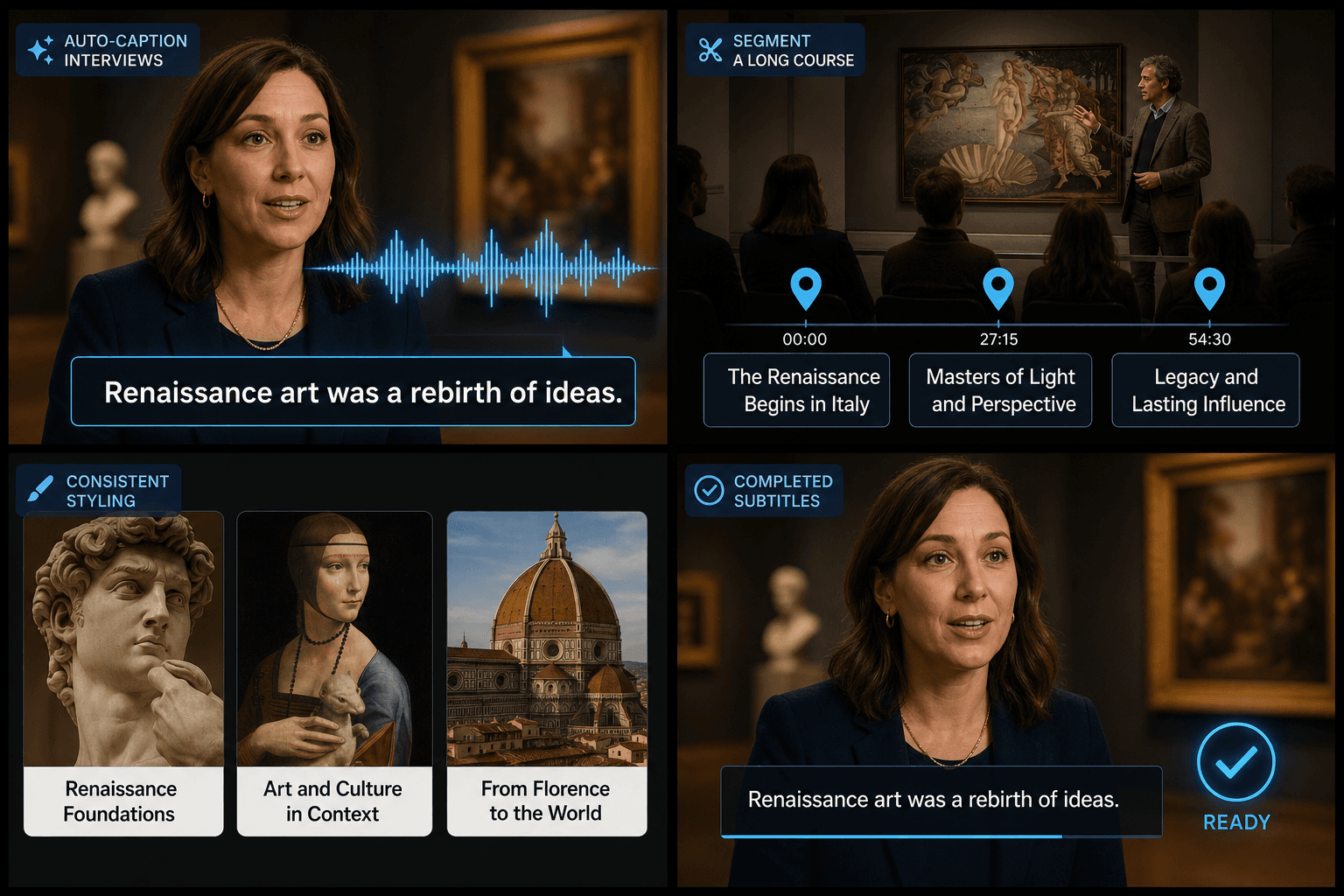
From raw clip to captioned video in one pass
If you publish weekly episodes, clip podcasts, or maintain a course library, hand-subtitling each video is the bottleneck. Upload the clip, let recognition transcribe and time the dialogue, and the subtitles are baked onto the picture for you — your role shrinks from transcriber to a quick reviewer. Processing draws on credits; the pricing page has the details.
Built for these real workflows
Recognize Chinese or English interviews
Set caption splitting and style
Download a burned-in caption MP4
Frequently asked questions
Do I have to set start and end times for each line?
No. Timing is generated automatically from the audio and the subtitles are placed on the video for you. There is no timeline to spot by hand.
What do I get back — a subtitle file or a video?
A video. The captions are burned into the picture, so you download a finished MP4 that already shows the subtitles on any player.
What happens when the transcription gets a word wrong?
Misheard words are the normal cost of noisy audio or niche jargon. Preview the captioned result before you download, and if a clip needs a cleaner take you can re-run it with better audio.
Start using Auto Subtitle Generator
Provide the input and essential settings above. Your result stays in the current tool workflow.
Back to tool