
Transcribe Audio to Text
Transcribe audio to text online with timestamps, speaker labels, and export to TXT, SRT, or VTT — upload a recording and get an editable transcript in your browser.
Click to upload or drop an audio file
Supports MP3, WAV, AAC, M4A, FLAC, OGG
Up to 2 GB per file
Source video up to 60 minutes
Very long videos may fail when extracted ASR audio exceeds 100MB — trim first if needed
Upload a video first to adjust settings and preview the result
How to transcribe audio to text
Upload a recording, select the language, and start transcription. The result appears as timed lines you can scroll, edit, and export — useful when you need searchable text rather than listening through the whole file again.
- 01
Upload audio
Add MP3, WAV, M4A, FLAC, or other common audio formats from your device.
- 02
Choose language
Select the spoken language. Timestamps and speaker labels are generated as the transcript is built.
- 03
Export text or subtitles
Download TXT for notes, or SRT/VTT for caption workflows — edit lines in the browser before export.
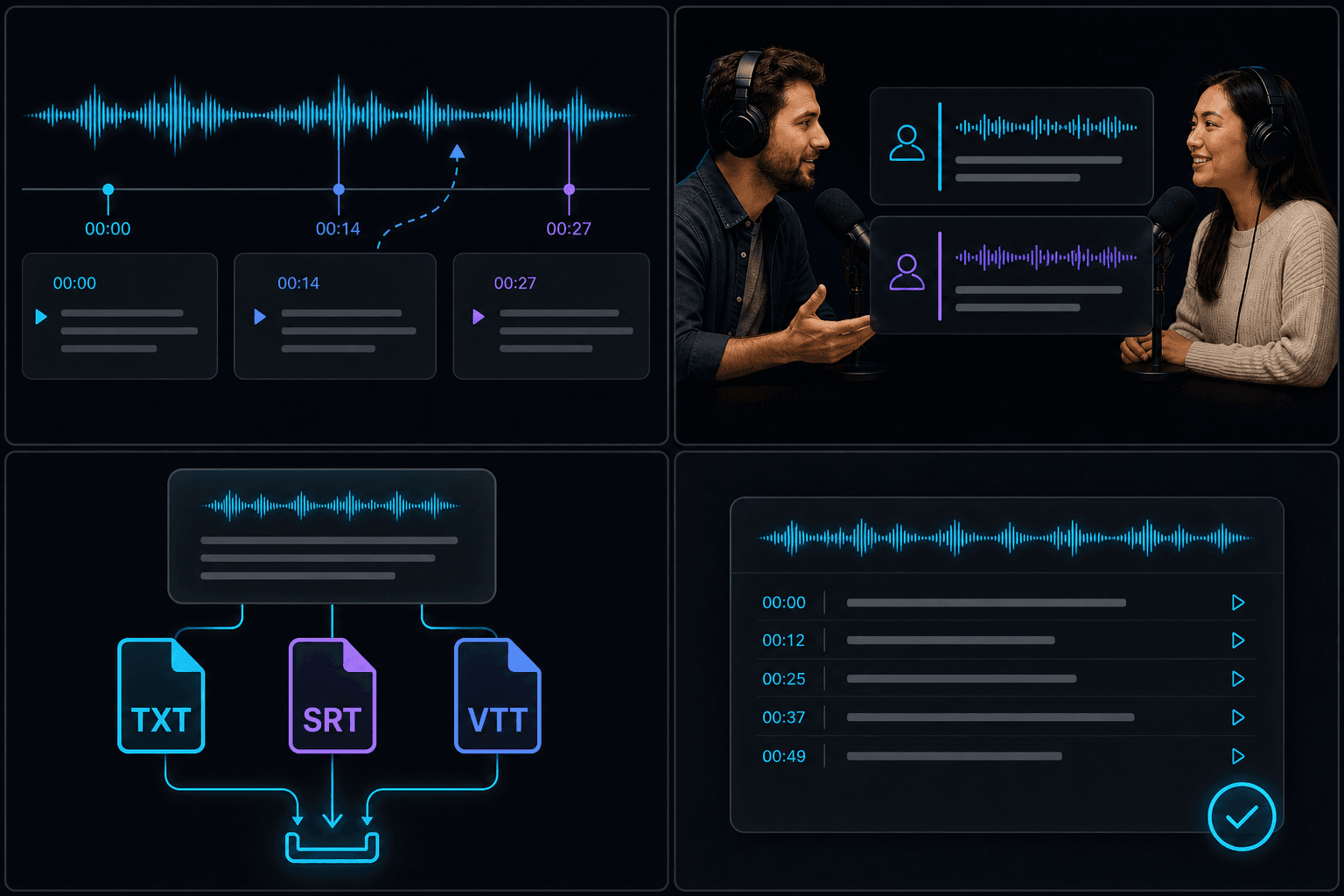
Transcription with timestamps
Each line is tied to a moment in the audio, so you can jump back to verify a quote or trim a clip to match the words. Timestamps carry through to SRT and VTT exports for subtitle workflows.
Speaker separation
When multiple people talk, speaker labels help you tell who said what — handy for interviews, panel discussions, and meeting notes. You can still edit labels in the transcript before export.
Export TXT, SRT, and VTT
TXT works for articles and search. SRT and VTT feed caption generators and video editors. Pick the format that matches your next step instead of retyping from scratch.
- TXT — plain text for notes and scripts.
- SRT — standard subtitle format for most players.
- VTT — web-friendly captions for HTML video.
Supported languages and formats
Multiple languages are supported for recognition. Common audio containers and codecs work on upload; file size and length limits are shown before processing starts.
Built for these real workflows
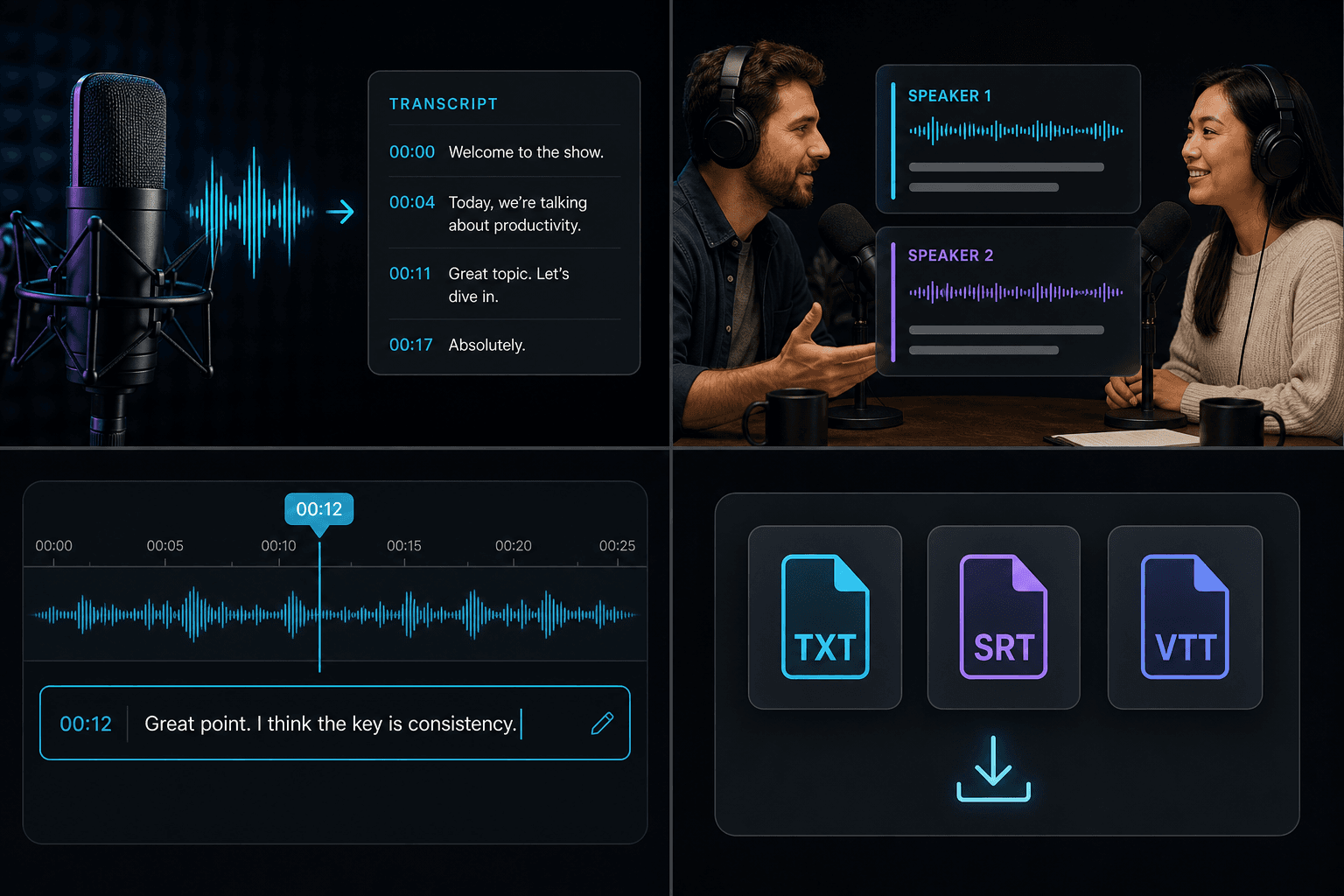
Podcast production
Voiceover and localization
Track cleanup and mixing
Continue with the next step
Frequently asked questions
Is transcription free?
You can try within the free quota. Longer files or batch jobs may use credits — see pricing for current limits.
Which languages are supported?
A wide range of spoken languages is available at upload. Pick the language that matches the recording for best results.
Can I export as subtitles?
Yes. Export SRT or VTT with timestamps, then use them in a caption tool or video editor.
Start using Audio to Text
Provide the input and essential settings above. Your result stays in the current tool workflow.
Back to tool