
Convert YouTube Videos to MP3
Convert an authorized YouTube video to MP3 online. Paste the video URL, confirm your usage rights, and download the extracted audio.


Processing continues in the background, even if you leave this page or switch languages.
How to convert YouTube to MP3
Paste an eligible YouTube video URL in the tool above, confirm that you have the necessary rights, and start processing. The result remains in this workflow for preview and download.
- 01
Paste a YouTube URL
Enter the full page URL of an authorized YouTube video.
- 02
Confirm your rights
Confirm that you own the content or have permission to download and convert it.
- 03
Download the MP3
Wait for the video to resolve and the audio to be extracted, then download the MP3 result.
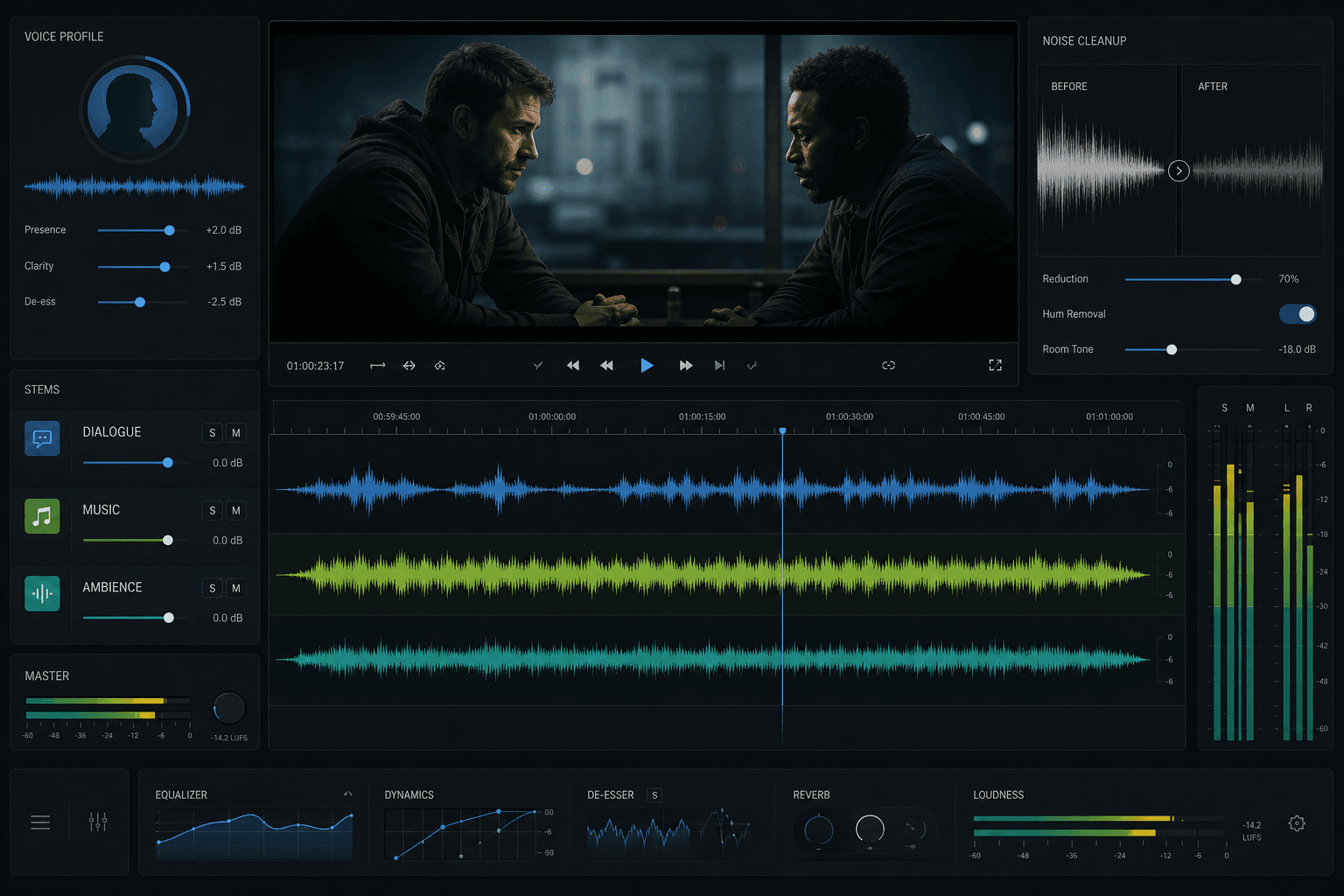
MP3 output from an authorized video
Recapo downloads an available video stream and extracts its audio track into a standard MP3 file. The page is dedicated to MP3 output, so no extra format selection is required.
- Paste a YouTube URL
- Confirm your rights
- Download the MP3
Supported YouTube links and limits
Use a standard youtube.com or youtu.be video URL. Private, removed, age-restricted, region-restricted, live, or otherwise inaccessible videos may not resolve.
- Paste a YouTube URL
- Confirm your rights
- Download the MP3
Copyright and permitted use
Only convert videos you created, licensed, or are otherwise authorized to use. You are responsible for following copyright law and YouTube's terms. Recapo does not remove protection or grant rights to third-party content.
- Paste a YouTube URL
- Confirm your rights
- Download the MP3
When an MP3 extraction is useful
Authorized MP3 extraction can help archive your own spoken content, prepare a licensed recording for transcription, or reuse audio from your own channel in another editing workflow.
Built for these real workflows
Save editable footage
Offline review and backup
Import into editing workflows
Continue with the next step
Frequently asked questions
Can every YouTube video be converted?
No. The video must be accessible to the resolver, and source, region, privacy, or platform restrictions can prevent processing.
May I convert someone else's YouTube video?
Only when you have permission or another valid legal right to do so. The confirmation in the tool does not replace permission from the rights holder.
What file does the tool create?
This page extracts the available audio track and returns an MP3 file for download.
Start using YouTube to MP3
Provide the input and essential settings above. Your result stays in the current tool workflow.
Convert an Authorized Video