Plot Summary Generator
Generate a tight plot summary from any film or episode with AI. Vet recap candidates in minutes and reuse the synopsis in descriptions, pitches and scripts.
Click to upload or drop a video file
Supports MP4, MOV, MKV, WebM, MPEG, MPG, 3GP, 3GPP
Up to 2 GB per file
Source video up to 60 minutes
Processing continues in the background, even if you leave this page or switch languages.
Vet recap topics before you invest the hours
A recap edit can take a full day; a synopsis takes minutes. Running candidates through the generator first turns topic selection into a reading exercise rather than a watching marathon. A few signals in the summary tell you most of what you need:
- 01
Drop in a candidate
Upload the film or episode you are evaluating, or import it from a link — batch import helps when you are screening several at once.
- 02
Get the synopsis
AI condenses the storyline into a short, spoiler-complete summary: who wants what, what goes wrong, how it ends.
- 03
Decide and reuse
Greenlight it and expand the synopsis into a scene breakdown or full recap script — or paste it into a description and move to the next candidate.
Twist density
a synopsis that reads flat usually means a recap that plays flat.
Ending strength
recaps live on payoffs; a weak resolution is a weak final act.
Explainability
if the plot cannot be summarized cleanly, narrating it will be a fight.
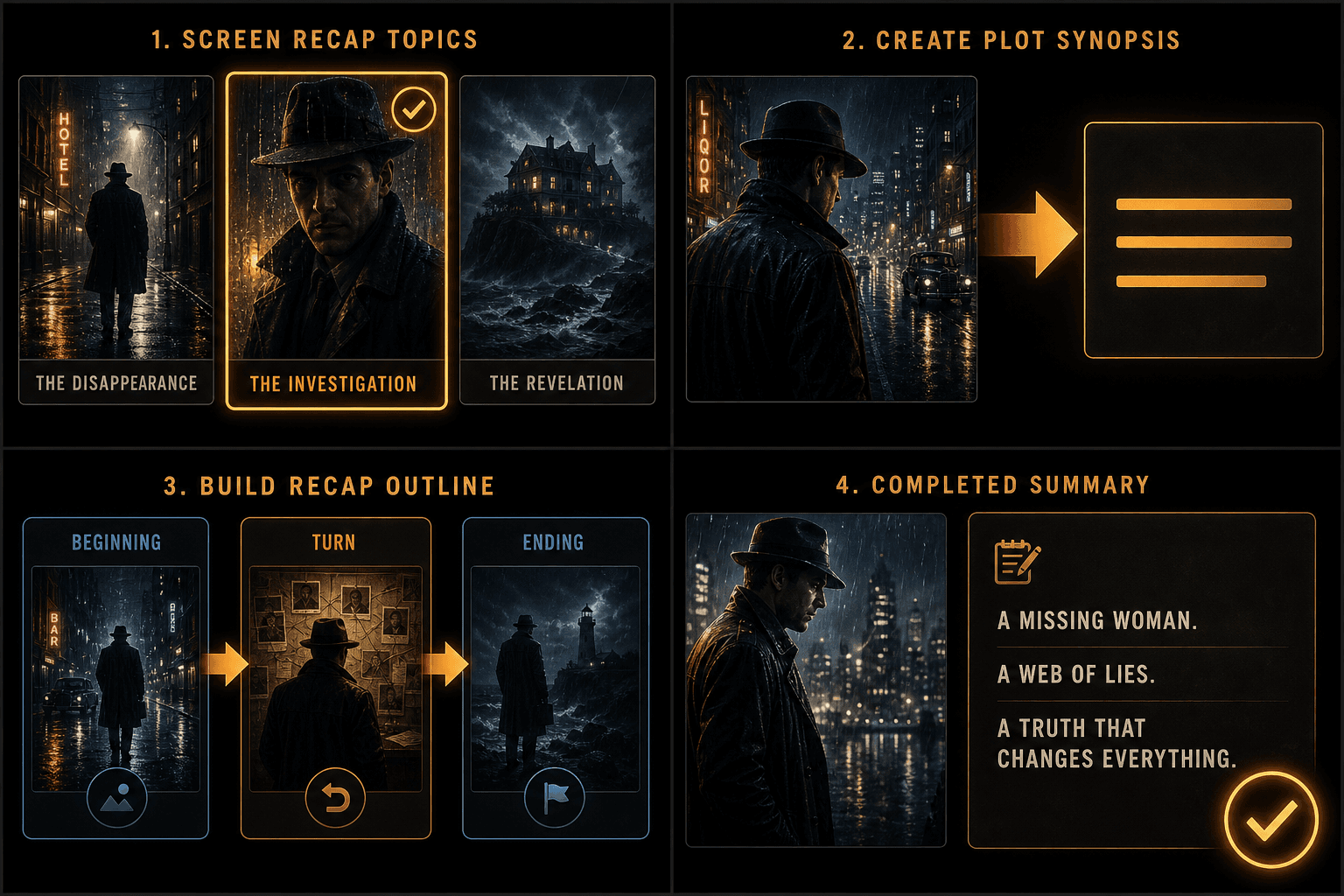
One synopsis, many placements
Because the summary is plain editable text, it slots into every surface around the video itself: the YouTube description, a pinned comment, an episode guide for a series, or the brief you hand a collaborator. For audience-facing blurbs, cut the final paragraph so the ending stays unspoiled — the generated synopsis covers the full plot by default.
- Drop in a candidate
- Get the synopsis
- Decide and reuse
When a synopsis is not enough
The plot summary is the shortest output in Recapo's script toolkit. When a candidate passes the test, step up: the scene breakdown generator maps the film scene by scene with timestamps, and the movie recap script generator turns the story into a hook-driven narration ready for voiceover.
Built for these real workflows
Draft a Chinese recap script
Add an optional recap style
Download and review the Markdown
Continue with the next step
Frequently asked questions
How is this different from the video summarizer?
The plot summary generator produces one thing: a short synopsis of the story. The video summarizer is the broader research tool, adding chapter outlines, key quotes, and timestamps. Use the synopsis to decide, the summarizer to prepare.
Does the summary give away the ending?
Yes — by design. A recap creator needs the whole arc to judge the story. If you are reusing the text as a public description, delete the closing lines to keep it teaser-safe.
Can I summarize a whole season?
Run episodes through individually — batch import makes queuing them painless — and you get one synopsis per episode, which doubles as a ready-made episode guide.
What do I need to give it, the movie file or just text?
Just text. The Plot Summary Generator works from what you type or paste, such as a title, a synopsis, a transcript, or your own notes. It does not process video files or footage, only the text you provide.
How long is the generated plot summary?
You set the length. The tool can produce anything from a tight one-paragraph overview to a longer beat-by-beat rundown, so you can match it to a Shorts hook or a full-length recap script. As Recapo is still in development, output length and phrasing may vary.
Start using Plot Summary Generator
Provide the input and essential settings above. Your result stays in the current tool workflow.
Back to tool