Subtitle to SRT Converter
Convert VTT and other subtitle files to SRT online. Cues are renumbered and timestamps normalized so any editor, player, or upload form can read your captions.
Click to upload or drop a subtitle file
SRT / VTT / ASS·SSA — processed locally in your browser, never uploaded
Why SRT is the safe default
When you don't know what tool will touch your subtitles next, SRT is the format least likely to cause trouble:
- 01
Add your subtitle file
Upload the VTT or other common subtitle file you need in SRT form.
- 02
Normalize to SRT
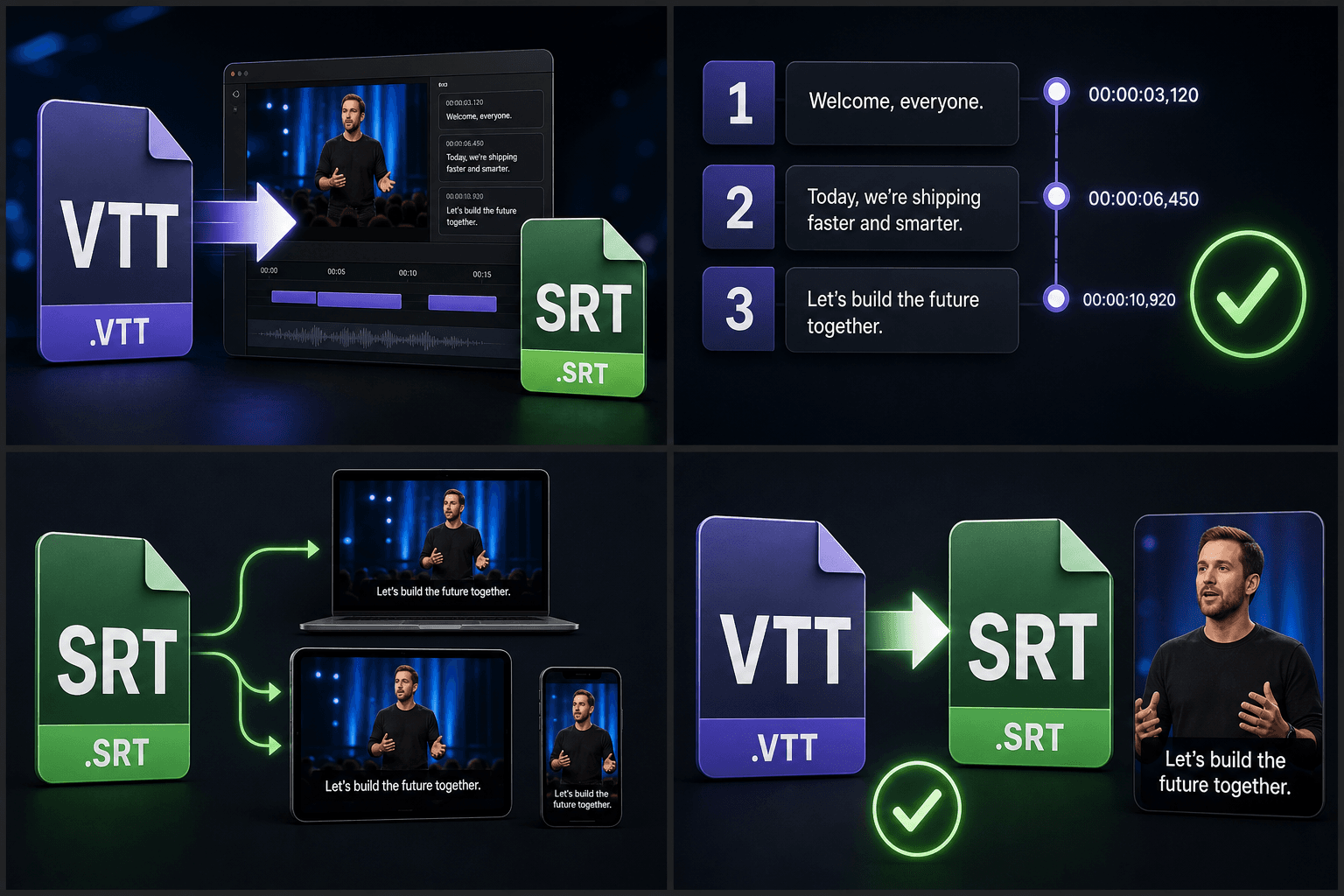
Cues are renumbered sequentially, timestamps reformatted with comma decimals, and styling tags SRT can't carry are removed.
- 03
Use it anywhere
Download the .srt for your editor, player, or platform upload — or send the track on to translation or burn-in.
Editing software imports it directly onto the timeline.
Desktop and TV players load it as an external track without fuss.
Platform caption upload forms list it first for a reason.
What changes during conversion
Three things are adjusted to satisfy the SRT spec: cues receive clean sequential numbers even if the source had none, timestamps switch to the comma-decimal form, and styling or positioning cues that only web formats support are stripped, because SRT has no way to express them. If that styling mattered — a specific look, a placement — recreate it with the subtitle style editor and burn the result into the video instead.
Built for these real workflows
Import VTT captions into editors
Normalize numbering and timestamps
Support common video players
Continue with the next step
Frequently asked questions
Will VTT styling and positioning survive in the SRT?
No. SRT is plain text by design, so web-only styling and position cues are dropped during conversion. To keep a styled look, restyle the track in the subtitle style editor and burn it into the video.
My subtitle file has no cue numbers — can it still convert?
Yes. Sequence numbers are generated during normalization, so sources that omit them (as VTT is allowed to) still produce a fully valid SRT.
Which format should I keep as my master copy?
Keep SRT as the master — it's the most portable — and generate VTT from it with the SRT to VTT converter whenever a web player needs one.
Which subtitle formats can I convert to SRT?
The converter is built to read common caption formats such as VTT, ASS, SSA, SBV, and timed text, then output a standard SRT file. Recapo is still in development, so the exact list of supported inputs is expanding, but the goal is to take whatever subtitle file you have and give you back clean SRT.
Does converting to SRT change my timing or wording?
No. The converter preserves your existing cue timings and text and only reformats them into the SRT structure, renumbering blocks and standardizing the timestamp format. It does not re-transcribe audio or shift your timing, so the captions stay in sync with the recap they were made for.
Do I need to upload my video to convert subtitles?
No. This tool works on the subtitle file alone, so you only add the caption file you already have. If you don't have a subtitle file yet, start with the Auto Subtitle Generator or AI Subtitle Generator to create one, then bring it here to standardize it as SRT.
Start using Subtitle to SRT Converter
Provide the input and essential settings above. Your result stays in the current tool workflow.
Back to tool