Instagram Reels Resizer
Resize video to 9:16 for Instagram Reels and plan a cover that survives the profile-grid crop. Reframe the subject, add captions, and export ready to publish.
Click to upload or drop a video file
Supports MP4, MOV, MKV, WebM, MPEG, MPG, 3GP, 3GPP
Up to 2 GB per file
Processing continues in the background, even if you leave this page or switch languages.
Reels are 9:16 — but the cover gets cropped in the grid
In the player a Reel uses the full 9:16 canvas. On your profile and in feed previews, Instagram shows only a cropped tile cut from the middle of that cover — the top and bottom of the frame are gone. Any title text near the edges is exactly what disappears.
- 01
Bring in the source video
Upload from your device or import via link — a 16:9 YouTube master, a square cut, or raw footage all work as starting points.
- 02
Reframe for 9:16
Drag the vertical crop window to keep the subject inside it, checking that nothing essential lives in the strips being trimmed away.
- 03
Finish and publish
Add captions sized for the vertical frame, pick a cover with grid-safe framing, and export the Reel for upload.
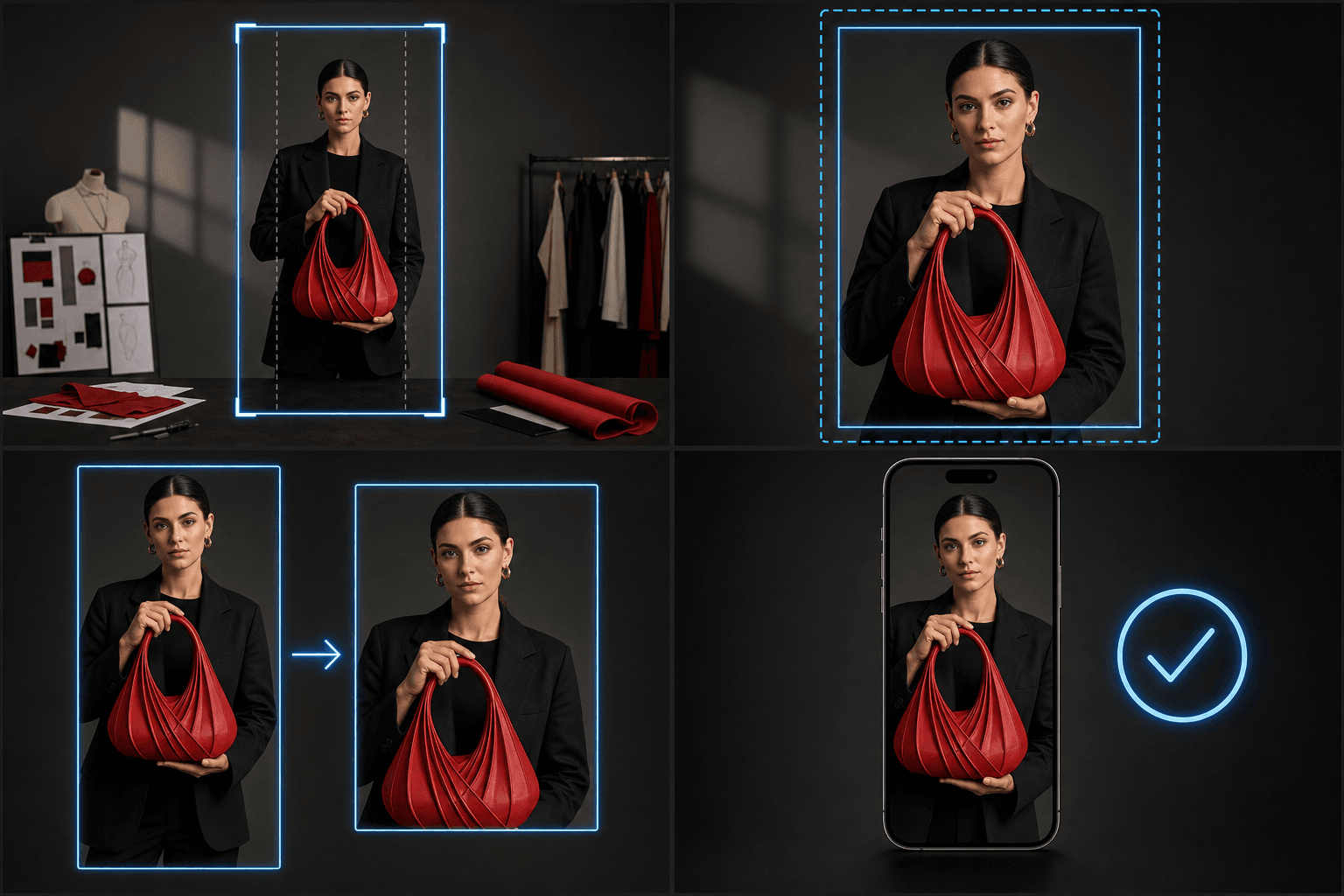
Resizing landscape video for Reels without center-crop accidents
Cropping 16:9 to 9:16 discards roughly two thirds of the width, so the default center crop only works when your subject happens to sit dead center. Talking heads framed to a side, split-screen comparisons and wide gameplay shots all need the window placed by hand. Once the crop is set, the same workspace generates subtitles, burns them in if you want them fixed, and produces the cover — so the Reel leaves as one coherent package.
- Position the crop per clip; don't trust a global center crop across scene changes.
- Keep captions inside the vertical safe area, away from the bottom UI band.
- Export the cover separately so the grid tile is a choice, not an accident.
Built for these real workflows
Resize landscape video to 9:16
Choose crop, padding, or blurred background
Download a vertical MP4
Continue with the next step
Frequently asked questions
What size should an Instagram Reel be?
9:16 vertical — 1080×1920 is the standard target. Landscape uploads play with large empty margins, which reads as cross-posted content and wastes the full-screen canvas Reels is built around.
Why does my Reel cover look cut off on my profile?
Profile and feed tiles display a cropped center cut of your 9:16 cover, so anything near the top or bottom edge is trimmed. Re-export the cover with the title and subject in the central grid-safe area and the tile will read correctly.
Should I make separate versions for Reels and TikTok?
The 9:16 video itself usually transfers as-is. What differs is the overlay layout and the cover behavior — TikTok has no grid crop but a heavier icon rail. Run the same master through the TikTok resizer to check its safe zones before reusing a cut.
What happens to a landscape video when I resize it to 9:16?
A wide 16:9 clip has to be cropped to fit a tall frame, so you choose how to position the crop to keep the important part of the shot in view. It is part of the Recapo recap workflow and is still in active development, so available crop controls may expand over time.
Does resizing change my audio or add captions?
No. The Reels Resizer only changes the video dimensions and framing. For captions, voiceover, or burned-in subtitles, use the dedicated Recapo tools later in the workflow.
Start using Instagram Reels Resizer
Provide the input and essential settings above. Your result stays in the current tool workflow.
Back to tool