Keyframe Screenshot

Pausing a player and hitting print-screen gives you a compressed image with a progress bar in it, capped at your monitor's resolution. Keyframe screenshot works on the file itself: it decodes the exact frame you ask for and exports it clean, at the source video's full resolution, with nothing overlaid.

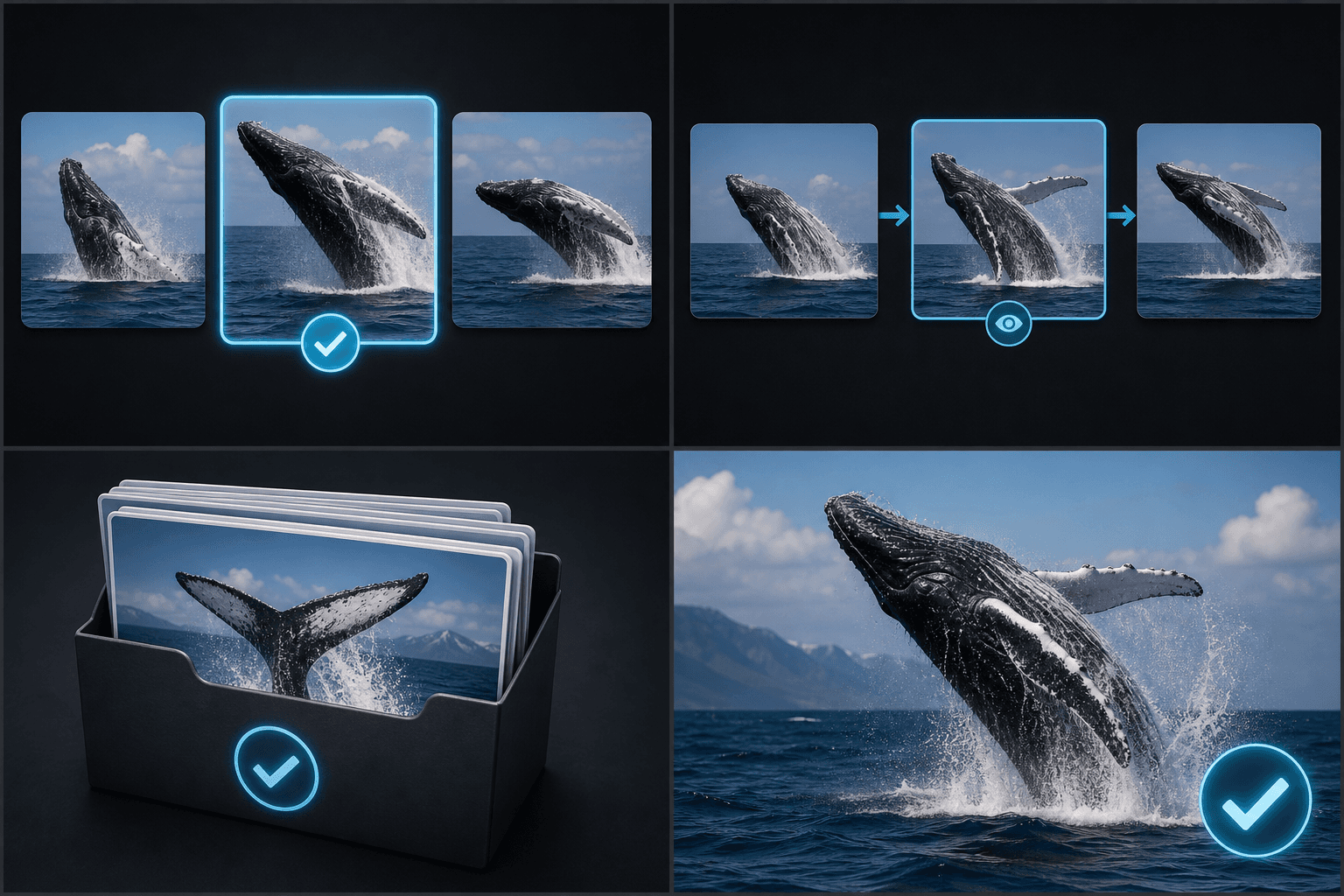
You can capture frames two ways — jump to a precise timestamp, or let scene detection sweep the video and line up one candidate frame per scene change. Either way the stills land in your workspace, one click away from the cover maker.

What extracted video frames are good for

A clean full-resolution still is the raw material for almost every visual asset around a video. The most common uses:

Covers and thumbnailspick the frame, then add a title in the cover maker.
Platform-specific covers, like 3:4 Xiaohongshu cards built from a scene still.
Storyboard references while drafting a recap or commentary script.
Article and social-post images pulled from your own footage instead of stock.
Timeline01:32:08
Timestamp 12:47Scene detection · 24 cuts

Timestamp capture vs. scene detection

Timestamp capture is for when you already know the moment — the reaction shot at 12:47, the product reveal, the title card. Scene detection is for when you don't: it walks the whole video, flags each cut, and surfaces a frame per scene so you can skim an hour of footage as a contact sheet instead of scrubbing it in real time. For recap and commentary creators, that contact sheet doubles as a quick map of the source film.

How it works

How to use the Recapo keyframe screenshot

Three steps, fully in the cloud — nothing to install.

Click to upload or drop a video
movie.mp4 · 01:32:08Decoded on demand — no full export

Step 1: Import the footage

Upload a video or import it from a link. Long source files work too — frames are decoded on demand, not after a full export.

Timeline01:32:08
12:47Scene candidates ×6

Step 2: Capture the frames you need

Type a timestamp for an exact moment, or browse the scene-detected candidates and keep the sharp, well-lit ones.

PNG · 4K
PNG exported
Download imageTo cover maker

Step 3: Put the stills to work

Download the images, or send a frame straight into the cover maker to add a title layout and platform-size crop.

Use it free
FAQ

Frequently asked questions about the keyframe screenshot

How is this better than pausing the video and screenshotting?

A screen capture grabs whatever your display shows: player controls, subtitles burned by the player, and your screen's resolution at best. Keyframe screenshot decodes the frame from the file itself, so you get the image at source resolution with no UI in it.

Can it find good frames for me automatically?

Scene detection lists one candidate frame per detected cut, which removes most of the scrubbing. You still make the final pick — sharpness and composition are judged faster by eye than by any heuristic.

Can I grab multiple frames from one video?

Yes. Capture as many timestamps as you need and mix them with scene-detected picks; all stills from a video are collected together so you can compare before downloading.

What image format and resolution do the screenshots export as?

Frames are saved as standard image files such as PNG or JPG at the video's native resolution, so a 1080p clip gives you a 1920 by 1080 still you can use for a cover or thumbnail without upscaling.

Does this tool edit the video or just pull stills from it?

It only extracts still images. Your source video is left untouched, and the screenshot is the only output, ready to hand off to a cover or thumbnail tool in the Recapo workflow.

Ready to try Keyframe Screenshot?

Extract clean still frames from video by timestamp or scene detection. Source resolution, no player UI — ready-made covers, thumbnails and storyboard stills.

Use it free