MP4 to MOV Converter
Convert MP4 to MOV online for Final Cut Pro, iMovie and Mac-first workflows. Hand off clean QuickTime files clients can open — free to try on Recapo.ai.
Click to upload or drop a video file
Supports MP4, MOV, MKV, WebM, MPEG, MPG, 3GP, 3GPP
Up to 2 GB per file
Each video must be 180 minutes or shorter
When do you actually need MOV instead of MP4?
MOV is QuickTime's native container, and some workflows still treat it as the house format. Reaching for this converter makes sense when:
- 01
Upload the MP4
Add MP4 files from your computer or import from a link — exports from any editor or platform work as sources.
- 02
Rewrap as MOV
Compatible streams are rewrapped into a QuickTime container as-is; re-encoding only happens when the source codec requires it.
- 03
Hand off to the Mac workflow
Download the .mov for Final Cut or iMovie — or polish the cut in Recapo first with captions, voiceover and a cover.
A Final Cut Pro or iMovie project is the destination and you want imports to behave like every other asset.
A client or studio delivery spec explicitly names QuickTime/.mov files.
You're mixing converted clips with existing .mov assets and want one consistent wrapper across the bin.
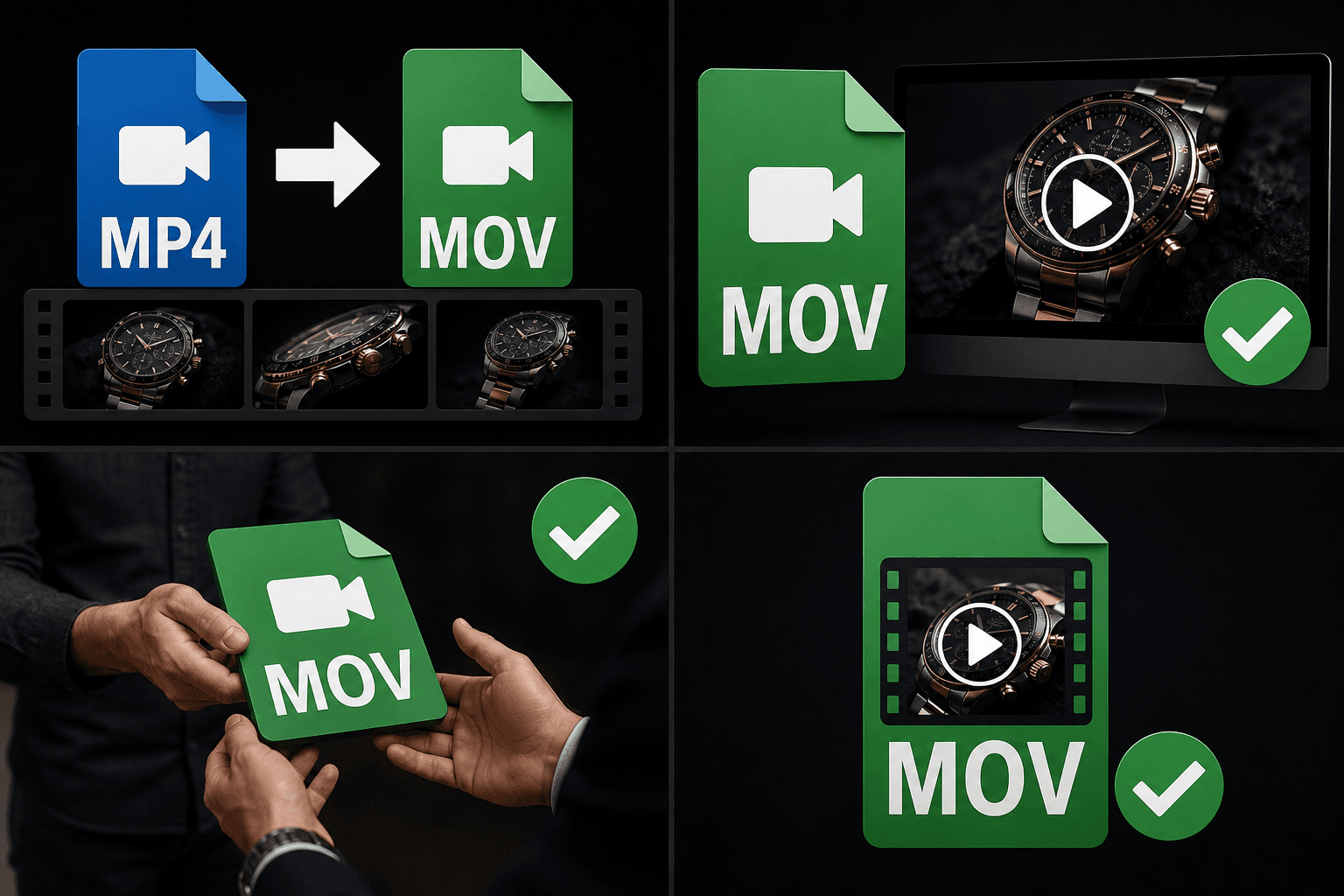
MP4 vs. MOV: a small difference that matters at handoff
Structurally the two containers share the same QuickTime lineage, and the video inside can be byte-identical. What differs is ecosystem expectation: Apple-centric tools, templates and review chains were built around .mov, and a spec that says QuickTime means QuickTime. Converting MP4 to MOV is therefore about meeting the spec cleanly, not about gaining quality — which is exactly why a lossless rewrap is the right way to do it.
Built for these real workflows
Import into Final Cut and iMovie
Review in QuickTime
Meet a client MOV delivery spec
Continue with the next step
Frequently asked questions
Will converting MP4 to MOV re-encode my video?
Usually not. When the MP4 carries codecs that QuickTime containers support — H.264 being the common case — the streams are copied over unchanged. Re-encoding is a fallback, not the default.
Will Final Cut Pro accept the converted MOV directly?
The output is a standard QuickTime container with widely supported codecs, which QuickTime-native editors like Final Cut Pro and iMovie import directly. If your delivery spec names an exact codec profile, confirm that detail against the spec before sending.
Does MOV give me better quality than MP4?
No — the container doesn't change the pixels. Convert for workflow compatibility; if your goal is smaller files rather than a different wrapper, use the video compressor instead.
Will the converted MOV keep the original audio track?
Yes. The audio stream is carried into the MOV container alongside the video, so your narration or source sound stays in sync after conversion.
Start using MP4 to MOV Converter
Provide the input and essential settings above. Your result stays in the current tool workflow.
Back to tool