Movie Recap Script Generator
Generate movie recap scripts with AI that watches the film: hook opening, plot breakdown, twist ending. Send the script straight into voiceover on Recapo.ai.
Click to upload or drop a video file
Supports MP4, MOV, MKV, WebM, MPEG, MPG, 3GP, 3GPP
Up to 2 GB per file
Source video up to 60 minutes
Processing runs on this page — don't leave while it's running, or the task is cancelled.
What makes a recap script keep viewers watching
Recap channels follow a structure for a reason: viewers decide in seconds whether the story is worth their time. The generator builds every script around that retention logic instead of summarizing chronologically.
- 01
Upload the film
Add a movie or episode from your device, or import it from a link. The AI works from the actual footage and dialogue, not just the title.
- 02
Generate the recap script
Recapo maps the plot and writes a structured script — suspense hook, story breakdown, twist ending. Rewrite or regenerate any section until it sounds like you.
- 03
Continue to voiceover
Send the final script into AI voiceover, add subtitles, and crop to 9:16 vertical — the full recap pipeline without switching tools.
A hook in the first lines
the strangest moment or highest stakes, moved to the top.
Plot beats compressed into a clear cause-and-effect chain, with side plots trimmed.
The twist or resolution withheld until the end, so there is a reason to finish the video.
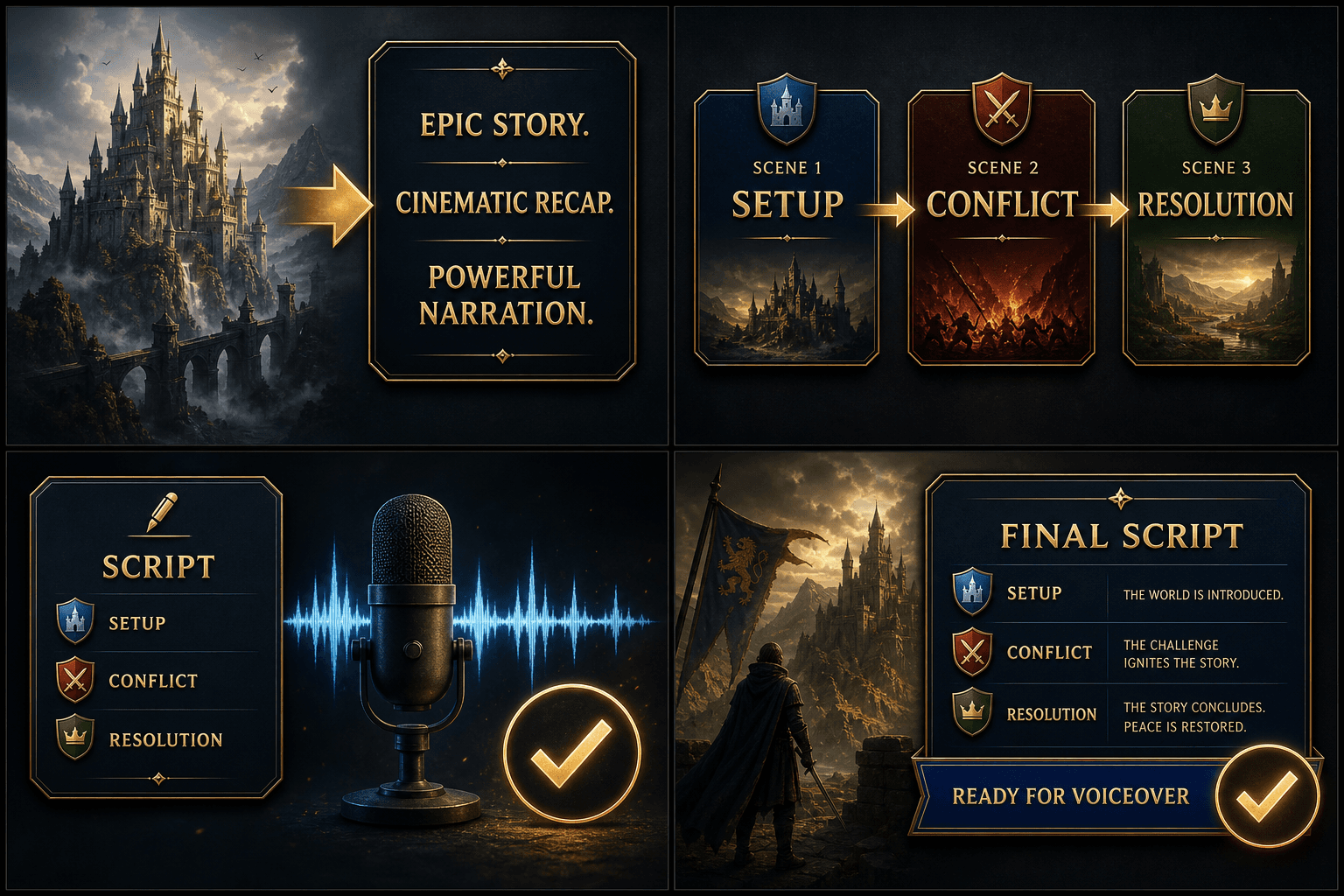
AI that watches the movie, not just the synopsis
Generic text tools write recaps from whatever they remember about a title — which fails for obscure films, foreign releases, or new episodes. Recapo analyzes the video you upload: scenes, dialogue, and pacing. That means accurate character references, quotable lines pulled from the actual audio, and no invented plot points.
- Upload footage
- Describe recap style
- Download the recap script
From script to published recap video
The script is the midpoint, not the finish line. From the same workspace you can convert it to an AI voiceover, generate editable subtitles and burn them in, crop the cut to 9:16 for Shorts and Reels, and lay out a cover before export. If you only need research material first, run the video summarizer and expand its outline into a full script later.
Built for these real workflows
Generate a recap script from a film
Structure the plot narration
Finalize a script before voiceover
Continue with the next step
Frequently asked questions
Does the AI really watch the film, or does it work from the title?
It analyzes the uploaded video itself — visuals, dialogue, and scene flow. That is why it handles lesser-known films and new releases that a text-only generator would get wrong.
Can I control the structure and tone of the script?
Yes. The default structure is hook, plot breakdown, twist ending, but every section is editable text — rewrite it, regenerate it, or keep just the outline as raw material for your own draft.
Is there a limit on how long the movie can be?
Upload limits are shown before processing starts, and longer films consume more credits to analyze. See the pricing page for how credits work.
Can I control spoilers and tone?
Yes. You set the tone you are going for and can ask for a spoiler-light version that holds back the ending, or a full recap that walks through the entire plot. Since the output is editable text, you can also delete or soften any reveal before narrating.
Start using Movie Recap Script Generator
Provide the input and essential settings above. Your result stays in the current tool workflow.
Back to tool