AI Stem Splitter
Upload audio or video, extract its audio, and split the mix into independent voice and background tracks.
Click to upload or drop an audio or video file
Supports MP4, MOV, MKV, WebM, MPEG, MPG, 3GP, 3GPP, MP3, WAV, AAC, M4A, FLAC, OGG
Up to 1 GB per file
Separated audio format
Two tracks, edited independently
Once voice and background audio are separated, adjust their levels, replace either track, or reuse them in another edit.
- 01
Upload media
Upload a local audio or video file.
- 02
Extract and separate
The service extracts audio first, then separates voice and background audio.
- 03
Download both tracks
Preview and download either track, or download both as a ZIP file.
Use voice for transcription, dubbing, or denoising.
Use background audio for remixing, replacement, or sound design.
Process each track separately before combining them again.
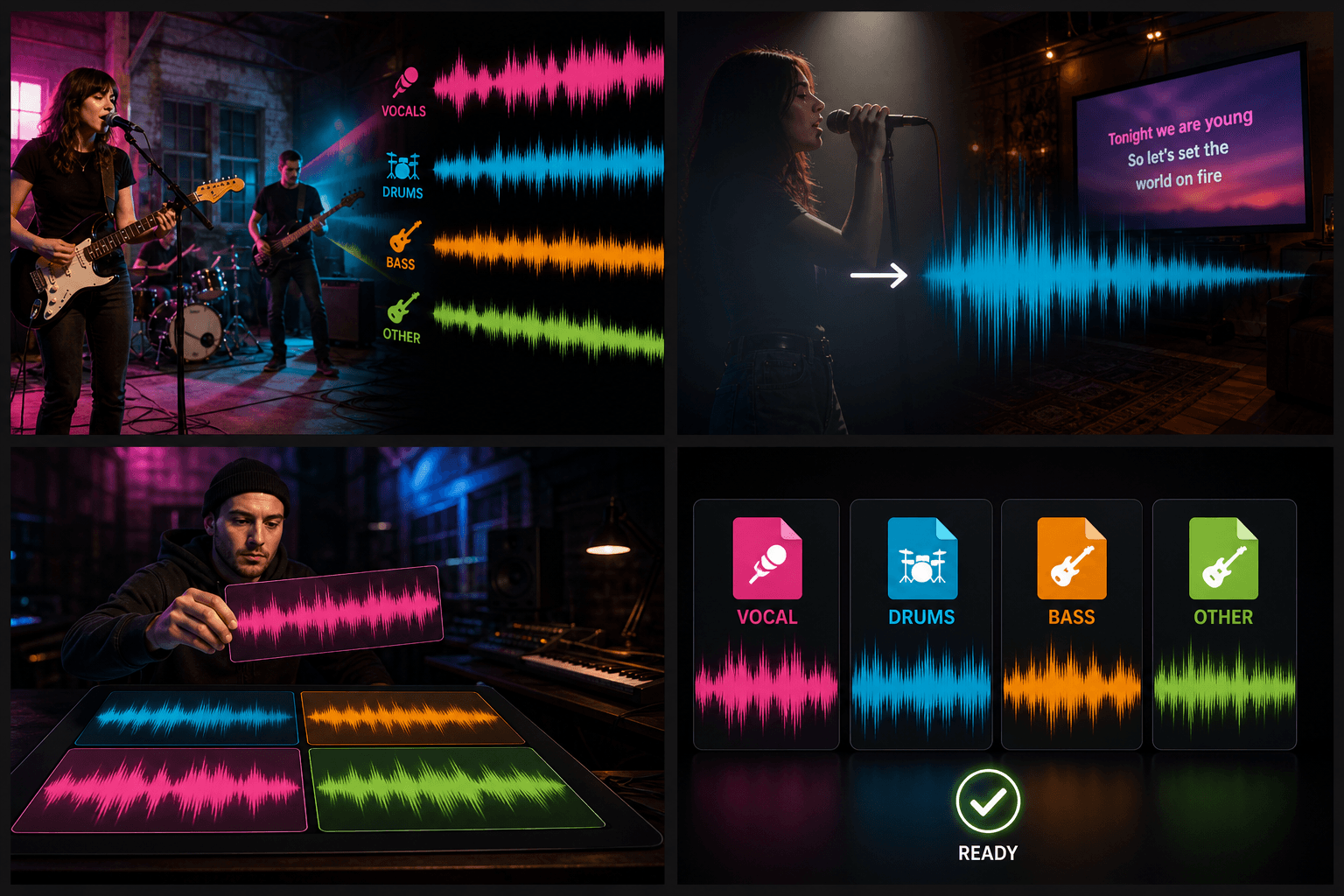
Video audio is extracted first
For video uploads, the service creates a standalone audio file before calling voice and background separation.
Built for these real workflows
Separate voice and background audio
Extract voice without the background
Download two independent tracks
Continue with the next step
Frequently asked questions
How many tracks will I receive?
The tool always creates two tracks: voice and background audio.
Can it process video?
Yes. The service extracts the video's audio first.
Can I download each track separately?
Yes. Both tracks can be previewed and downloaded independently.
Start using Stem Splitter
Provide the input and essential settings above. Your result stays in the current tool workflow.
Back to tool