
AI YouTube Thumbnail Maker
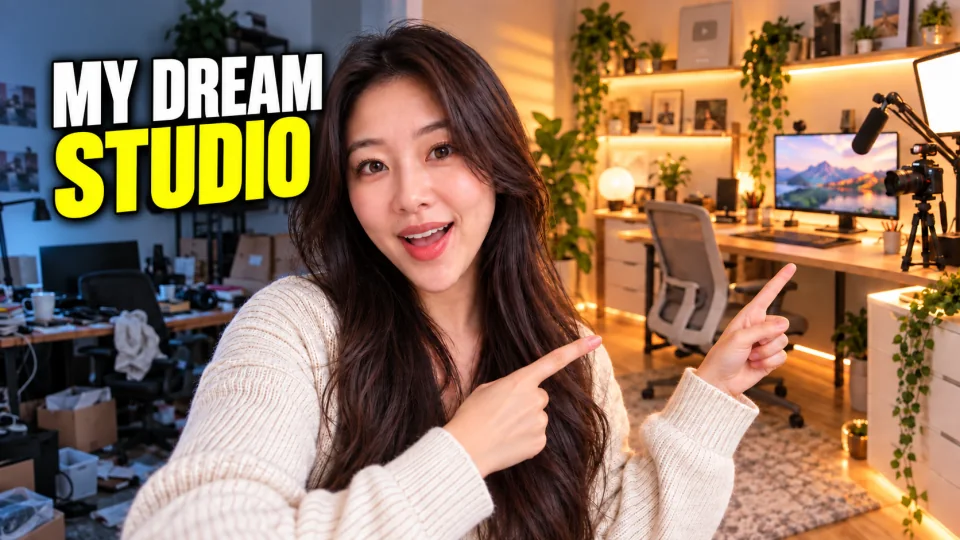
Paste a YouTube URL or upload a video. AI understands the full video, selects key moments, and creates 1–4 independent 16:9 thumbnails with an optional photo of you.

Click or drag to upload a video
MP4, MOV, MPEG, MPG, 3GPP or MKV
Include your photo
Optional
Number of images
Independent directions, not repeated color filters
Talking head and interviews · Tutorials, reviews and products · Travel, food and faceless video
Understand the video before choosing a frame
Evenly spaced screenshots often land on transitions, closed eyes, unrelated B-roll or images without context. This workflow puts video understanding first: it identifies whether the content is a tutorial, interview, review, travel story, game, explainer or something else, then uses visuals, action, speech and dialogue to locate the real hook.
- 01
Paste a link or upload a video
A YouTube URL uses Recapo's existing link-to-video service, or you can choose a local video file.
- 02
Understand and select key moments
The video-recap workflow analyzes the complete video for type, topic, subjects, events and emotional peaks, then returns diverse high-value moments.
- 03
Choose 1–4 independent concepts
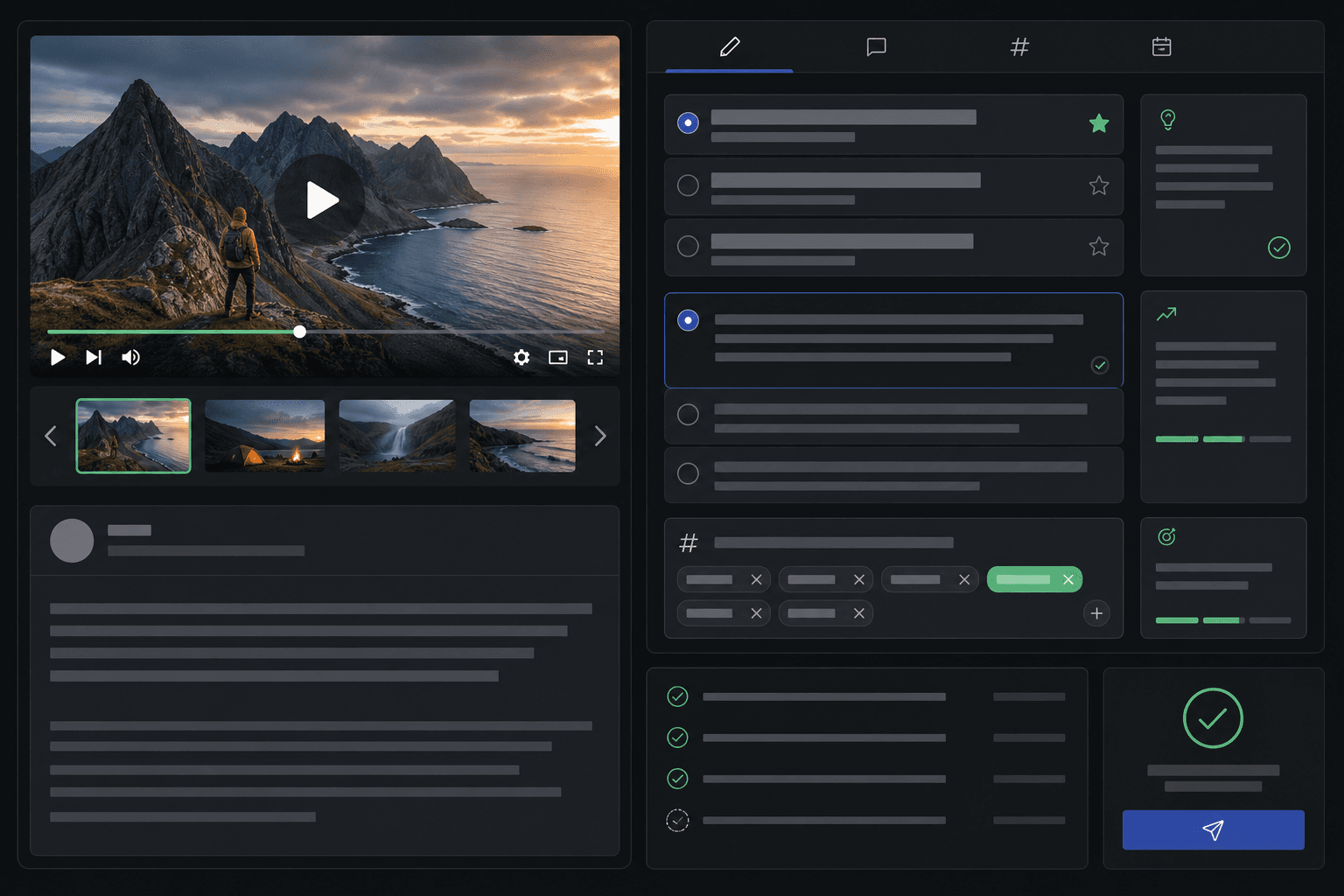
One image is selected by default. Each requested result runs as an independent edit using one real selected frame, removes source subtitles, preserves the original people and cinematography, and adds a clear English headline.
Content relevance comes before a visually attractive but unrelated frame.
People-led videos prioritize visible faces, expression, gesture and interaction; faceless videos use visual saliency instead.
Candidates come from different scenes and time ranges rather than one repeated instant.
Include yourself as the same recognizable person
Your uploaded photo is treated as an identity reference, not a generic style image. The generation prompt explicitly preserves recognizable facial structure, features, skin tone, hair and age while matching pose and lighting to the thumbnail scene. PNG, JPG, JPEG and WEBP files up to 4 MB are supported.
- Paste a link or upload a video
- Understand and select key moments
- Choose 1–4 independent concepts
Independent directions, not repeated color filters
Choose between one and four results. Every requested image uses a different real key frame in its own single-frame edit. Each candidate can use a distinct layout and headline while preserving the people, clothing, camera angle and original visual style of its own anchor frame.
Built for these real workflows
Talking head and interviews
Select moments with clear expression, gesture and interaction, then optionally reinforce the presenter with a personal photo.
Tutorials, reviews and products
Make the key object, operation, outcome or before-and-after contrast the visual focus instead of defaulting to the speaker.
Travel, food and faceless video
Use scene and object saliency to find moments with clear action, color contrast and spatial depth.
Continue with the next step
Frequently asked questions
How does the tool choose reference frames?
Recapo reuses its video-recap workflow to understand the full video's visuals, action, speech and dialogue, then returns timestamps tied to the topic and core hook. It extracts the original frames at those moments instead of grabbing fixed 25%, 50% and 75% positions.
How is my uploaded photo used?
It is used as a separate identity reference with instructions to preserve recognizable facial structure, features, skin tone, hair and age while matching the target scene's lighting.
What video inputs are supported?
Paste a valid YouTube URL or upload a local video your browser can read. URL input reuses Recapo's existing link-to-video service.
How many thumbnails are generated?
Choose 1–4 results; one is selected by default. Every requested image runs as its own task and uses one real key frame rather than mixing several frames in one generation.
Are selected frames used as the final thumbnails?
Yes, one original frame anchors each result. The edit preserves the real people, clothing, camera angle and cinematography, removes source subtitles in the same generation, and adds a new English headline.
Start using YouTube Thumbnail Maker
Provide the input and essential settings above. Your result stays in the current tool workflow.
Generate YouTube thumbnails