No-Download Video Editor
Edit video entirely in your browser with an online AI video editor. Cloud rendering handles captions, voiceover and export — no installs, no powerful PC needed.
Click to upload or drop a video
Live-preview and trim in your browser; cloud rendering continues after you leave the page
Up to 2 GB per file
Why edit in the browser instead of installing software
Desktop editors trade convenience for control; a browser editor with AI doing the heavy lifting gives up surprisingly little of either:
- 01
Open a tab and import
Go to Recapo.ai in any modern browser, then upload a local file or paste a video link. There is nothing to download or install.
- 02
Edit with cloud horsepower
Request captions, a recap script, AI voiceover or a vertical crop — each job runs server-side, so your own hardware never becomes the bottleneck.
- 03
Export from any device
Download the finished video, or sign in on another machine and continue. Long jobs keep running in the cloud even if you step away.
No installers, updates or codec packs
the latest version is just the URL.
Runs fine on modest hardware, including office laptops and Chromebooks.
Projects are stored with your account, not stranded on a single machine.
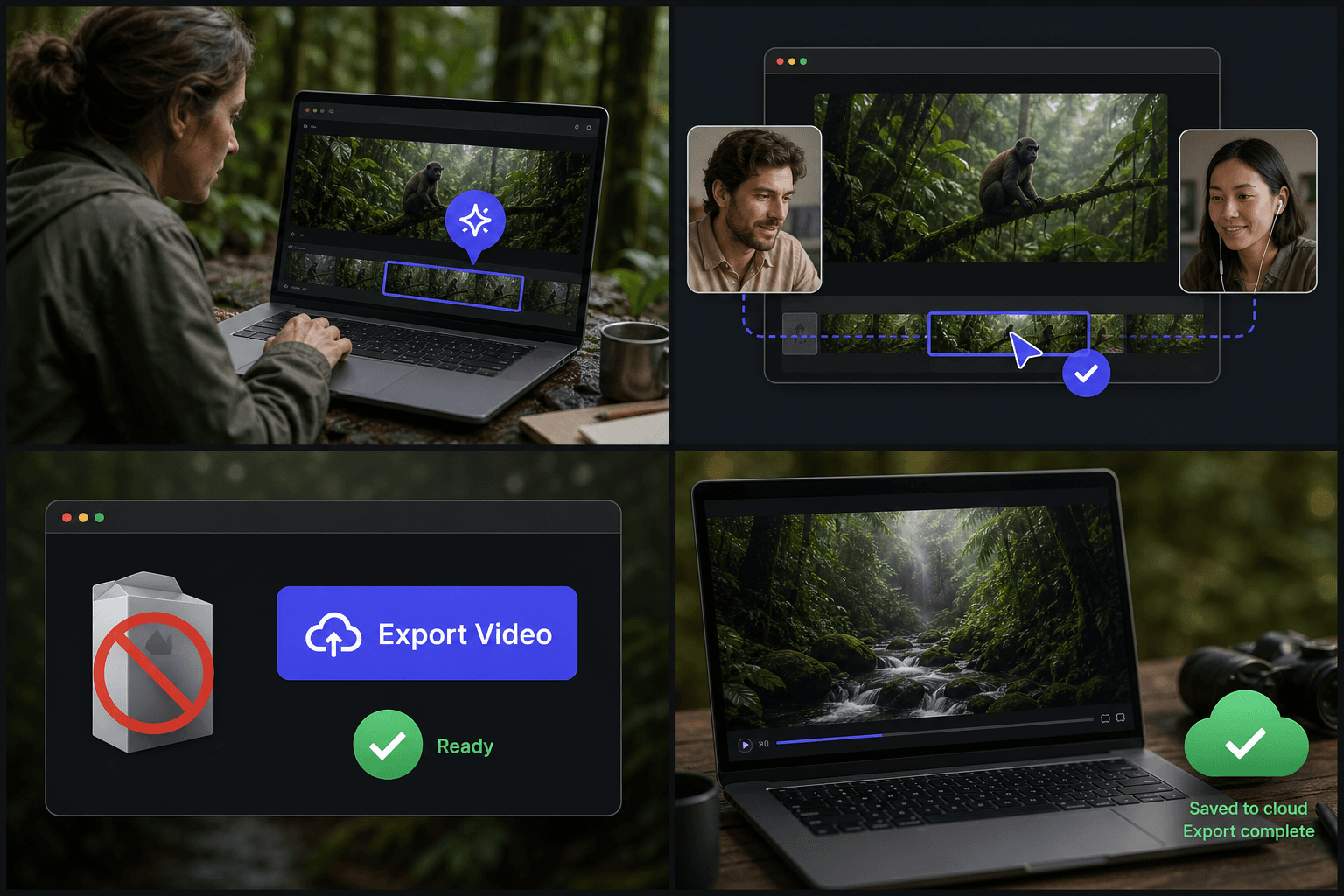
Cloud rendering keeps your machine usable
Transcoding and AI processing are the tasks that make local editors freeze fans at full speed. In Recapo those run in the cloud: submit the job, and your browser only tracks progress. You can keep writing your script, open other tabs, or close the laptop — the render doesn't depend on your session staying open.
The practical limit shifts from "how fast is my CPU" to "how fast is my upload," which is why compressing very large source files before importing is the single best speed-up for online editing.
Built for these real workflows
Edit on a lightweight computer
Work remotely in the browser
Export without installing software
Continue with the next step
Frequently asked questions
Do I need to install anything at all?
No. The editor runs fully in a modern browser — no desktop app, no plugin, no codec installs. If you can open a web page, you can edit.
Will a slow computer make my edits render slowly?
No. Captioning, AI analysis and rendering run on cloud servers, so machine speed barely matters. The one thing your side controls is upload time, which you can cut by compressing large files first.
Can I start editing on one device and finish on another?
Yes. Projects are tied to your account, so you can import footage at a desktop, refine captions on a laptop, and export from whichever device you sign in on.
What kind of edits can I make in the browser?
You can trim and arrange clips on a timeline, add AI captions, layer in AI voiceover, and reframe the video for different aspect ratios. Recapo is still in development, so the toolset is growing over time.
Can I keep working on a cut I started in another Recapo tool?
Yes. Clips generated by tools like the AI Clip Generator can be opened in the online editor, so you can refine the timeline before exporting.
Start using Online AI Video Editor
Provide the input and essential settings above. Your result stays in the current tool workflow.
Back to tool