SRT to VTT Converter
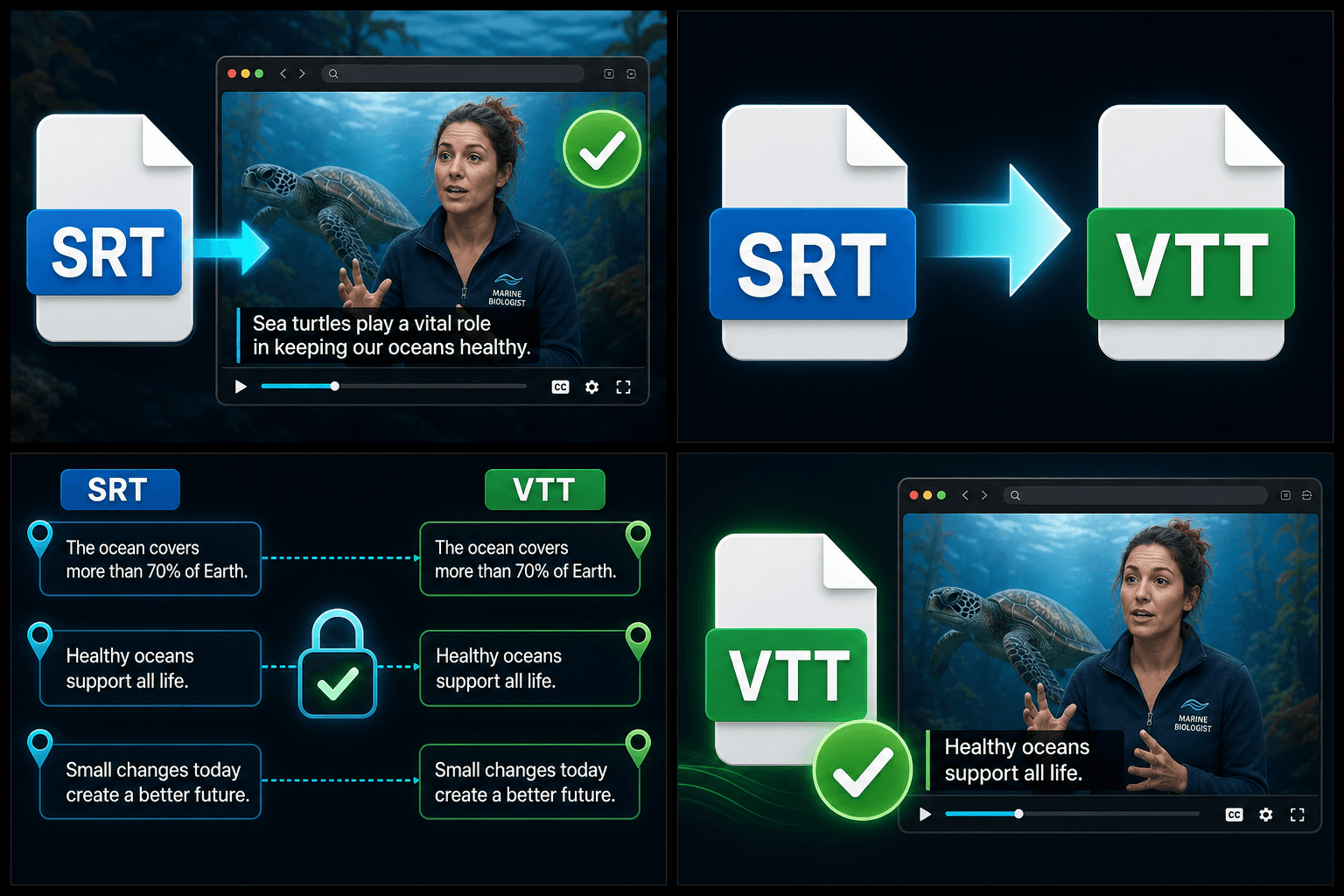
Convert SRT to VTT online for HTML5 video and web players. Headers and timestamps are reformatted correctly while your subtitle text and timing stay untouched.
Click to upload or drop a subtitle file
SRT / VTT / ASS·SSA — processed locally in your browser, never uploaded
SRT vs. VTT: the actual differences
Both formats store numbered cues with timecodes and text, which is why they look like siblings. The differences are small but strict enough that players reject the wrong one:
- 01
Upload the SRT file
Drop in the .srt you exported from Recapo, your editor, or any transcription tool.
- 02
Convert to WebVTT
The WEBVTT header is added and timestamps are reformatted from comma to dot decimals — text and timing stay exactly as written.
- 03
Download and embed
Save the .vtt for your web player or HTML5 track tag — or keep working on the captions in Recapo's subtitle tools.
Header
VTT files must begin with a WEBVTT line; SRT has no header.
Timestamps
SRT writes 00:01:02,500 with a comma; VTT requires 00:01:02.500 with a dot.
Capabilities
VTT can carry positioning and styling cues for web rendering; SRT is plain text only.
When you actually need VTT
Reach for VTT when captions will be rendered by a browser: a video embedded on your own site with a track tag, a web player in a course platform, or any context that documents WebVTT support. Everywhere else — desktop editing software, media players, most upload forms — SRT remains the safer default, so keep your master copy in SRT and generate VTT per web destination.
Built for these real workflows
Prepare captions for web players
Convert SRT to WebVTT
Preserve existing timing and text
Frequently asked questions
Why won't my web player accept an SRT file?
Browsers implement the HTML5 track element against the WebVTT spec, not SRT. The player isn't broken — it just expects a WEBVTT header and dot-decimal timestamps. Converting fixes both.
Does converting change my subtitle timing or text?
No. Only format-level details change: the header line and the timestamp separator. Cue text, order, and timing are preserved exactly.
Can I convert in the other direction, VTT back to SRT?
Yes — use the Subtitle to SRT converter. Note that web-only styling cues in the VTT will be dropped, since SRT can't represent them.
Do I upload a video to use this?
No. This is a subtitle-file converter, not a video tool. You provide an existing .srt subtitle file and it returns a .vtt file, so there's no footage to upload or render.
Start using SRT to VTT Converter
Provide the input and essential settings above. Your result stays in the current tool workflow.
Back to tool