Link to Video Downloader

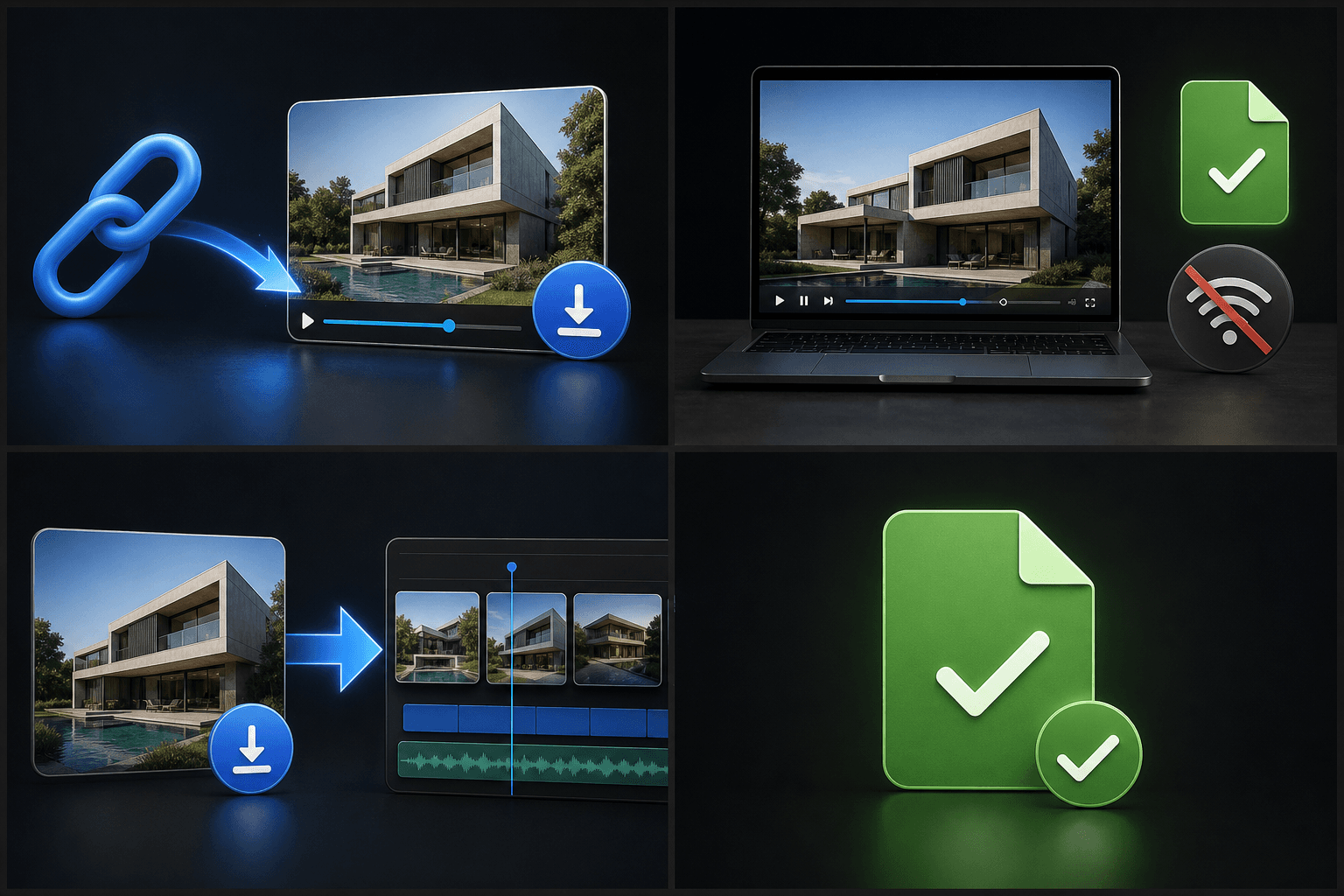
Sometimes you don't want a cloud project — you just want the file. Link to Video takes a video URL from a social platform, resolves it to the actual video file, and hands it back to you: preview it in the browser, then click once to save it to your device.

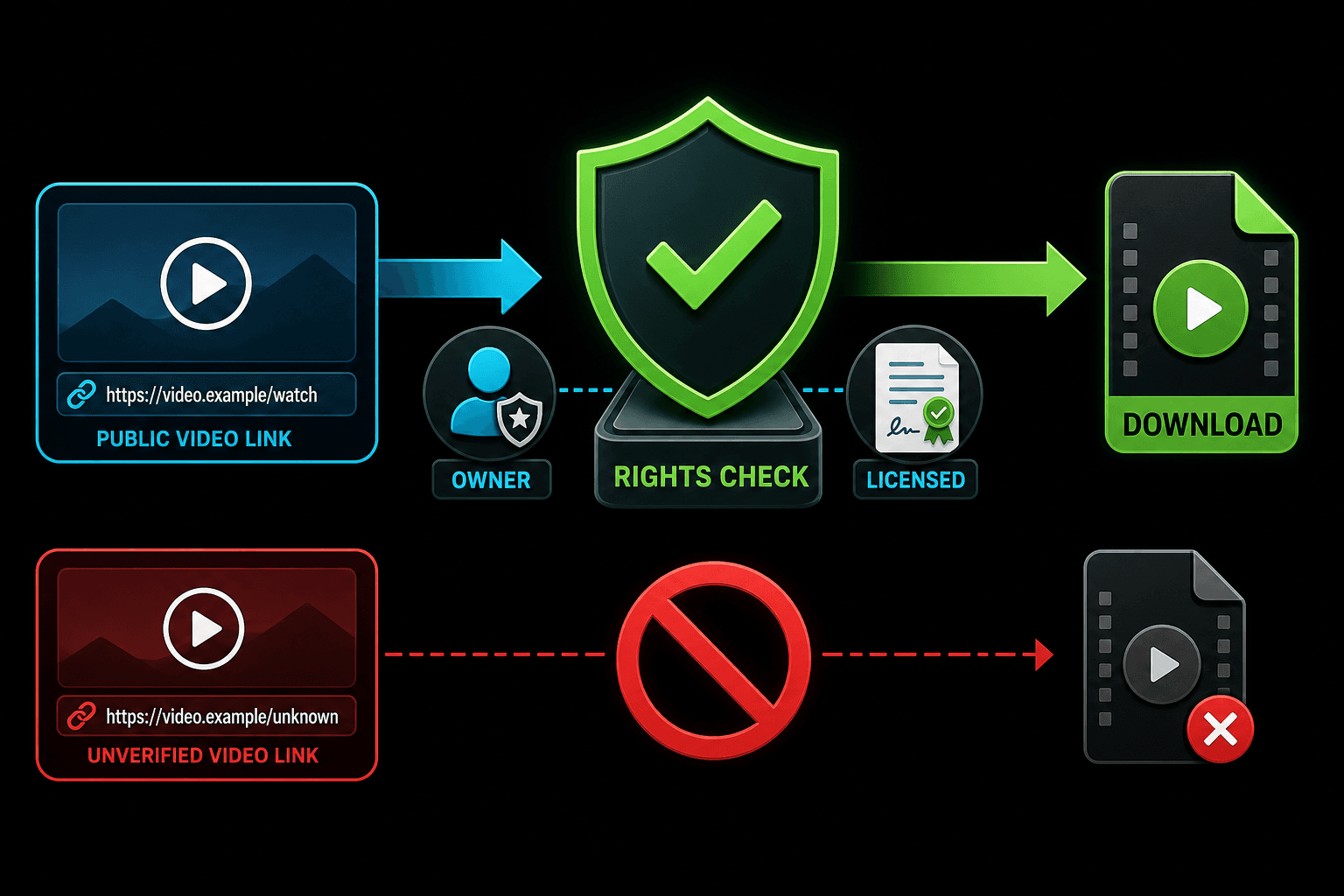
It's built for creators working with their own published content or footage they're licensed to use — pulling a clean copy of your upload back from a platform, grabbing partner material shared as a link, or collecting source files before an edit. What you do with the file stays within your rights and the source platform's terms.

Video page URL

Processing runs on this page — don't leave while it's running, or the task is cancelled.

When a downloadable file beats a cloud import

Recapo also offers a video link importer that pulls footage straight into a cloud project without touching your device. Link to Video is the opposite: it exists to give you the file itself.

Recovering your own uploads when the original project files are gone.
Archiving published videos locally before a platform account cleanup.
Editing in desktop software that needs a local file rather than a cloud copy.
Collecting licensed or partner footage that was shared with you as a link.
https://youtube.com/watch?v=recap01Resolve
video.mp4
1080p · MP4 · 24.3 MB
MP4
Owned or licensed content only

Download responsibly

Being able to fetch a file is not the same as being allowed to keep or republish it. Only download content you own, are licensed for, or have explicit permission to use — and respect the terms of service of the platform the video lives on.

Recapo doesn't grant you any rights to downloaded material. For commentary and recap formats that involve third-party footage, the legal room varies by jurisdiction and by how transformative your edit is — that judgment is yours, not the tool's.

video.mp4 · downloadedMP4
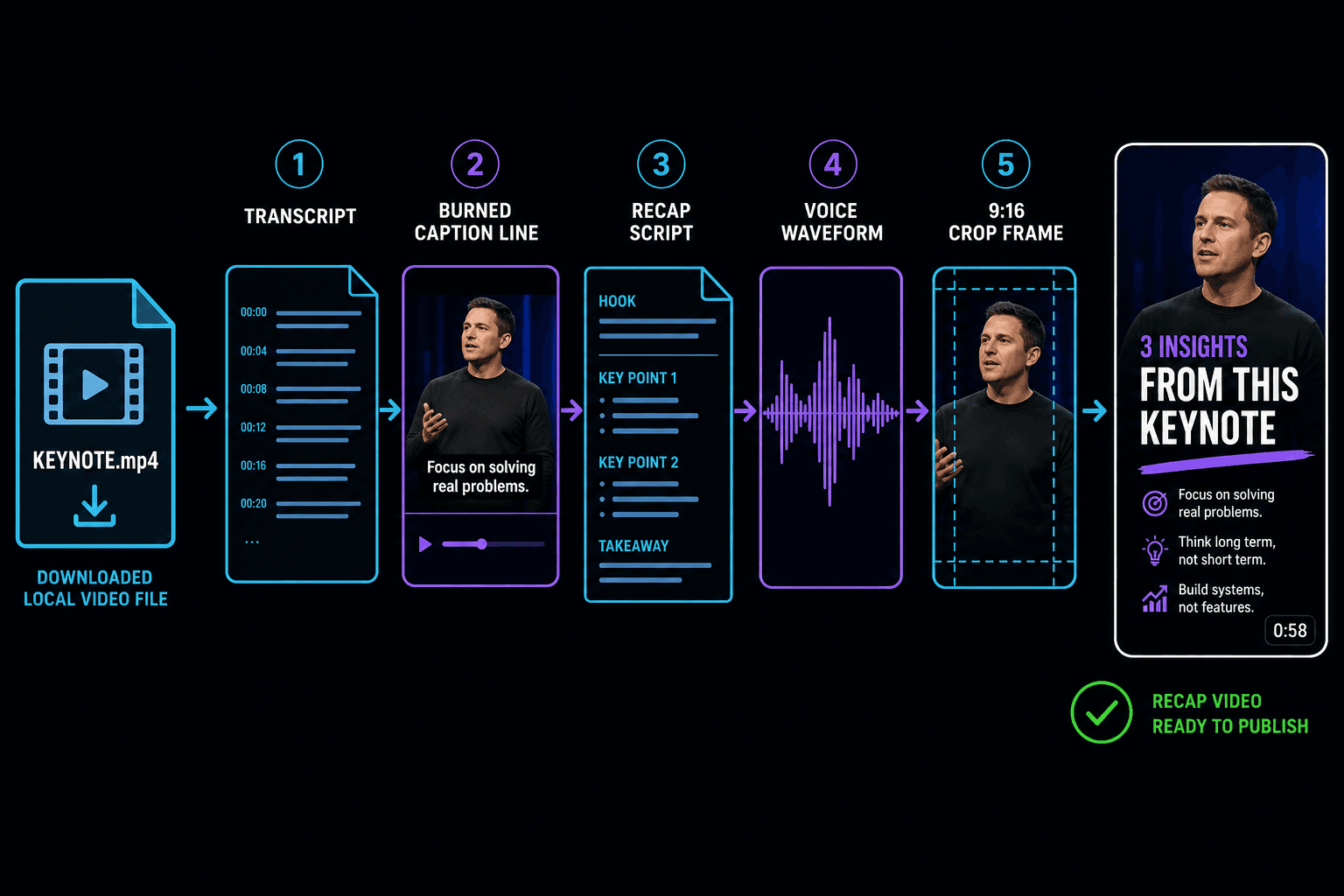
video.mp4CaptionsRecap scriptAI voiceover9:16

From downloaded file to published recap

A downloaded file doesn't have to leave the workflow. Hand it back to Recapo and the same source can flow through transcription, auto-captions, a recap script, AI voiceover and 9:16 cropping — ending up as a publishable short instead of a file sitting in a folder.

How it works

How to use the Recapo link to video

Three steps, fully in the cloud — nothing to install.

https://youtube.com/watch?v=recap01Paste link
YouTubeTikTokInstagram

Step 1: Paste the video link

Copy the URL of a publicly accessible video you have the rights to use — from YouTube, TikTok, Instagram and other major platforms — and paste it into the input box.

Resolving link…
Video preview
1080pMP4

Step 2: Get the video file

Recapo resolves the link and fetches the video as a file, showing you a preview along with the available resolution and format.

video.mp4
1080p · MP4 · 24.3 MB
Download to deviceor continue: captions · recap script · AI voiceover

Step 3: Click to download

Save the file straight to your device with one click — or continue in Recapo with captions, a recap script, AI voiceover or vertical cropping.

Use it free
FAQ

Frequently asked questions about the link to video

Which platforms are supported?

Mainstream platforms with publicly accessible video pages — YouTube, TikTok, Instagram and similar. Private videos, login-gated pages and region-locked content can't be resolved; for those, download from your own account dashboard and use local upload instead.

Can I download any video I find online?

Technically the tool resolves publicly accessible links, but you should only download content you own, are licensed for, or have permission to use. Platform terms of service also apply — some platforms restrict downloading regardless of copyright.

What format do I get, and is quality reduced?

You get the video file at the best resolution the source makes available, typically MP4. Nothing is re-encoded on the way through, so quality matches the source. If you need a different format or smaller size afterwards, chain the format converter or video compressor.

What's the difference between this and the video link importer?

The importer pulls a working copy into your Recapo cloud project and nothing lands on your device. Link to Video resolves the link to an actual file you can save locally — use it when the file itself is the point.

Ready to try Link to Video?

Paste a video link and get the file back — preview and download in one click, or send it straight into captions and recap editing. Free on Recapo.ai.

Use it free